Luxury Birthday Photo Editing Prompt – Black Suit & Silver Age Poster
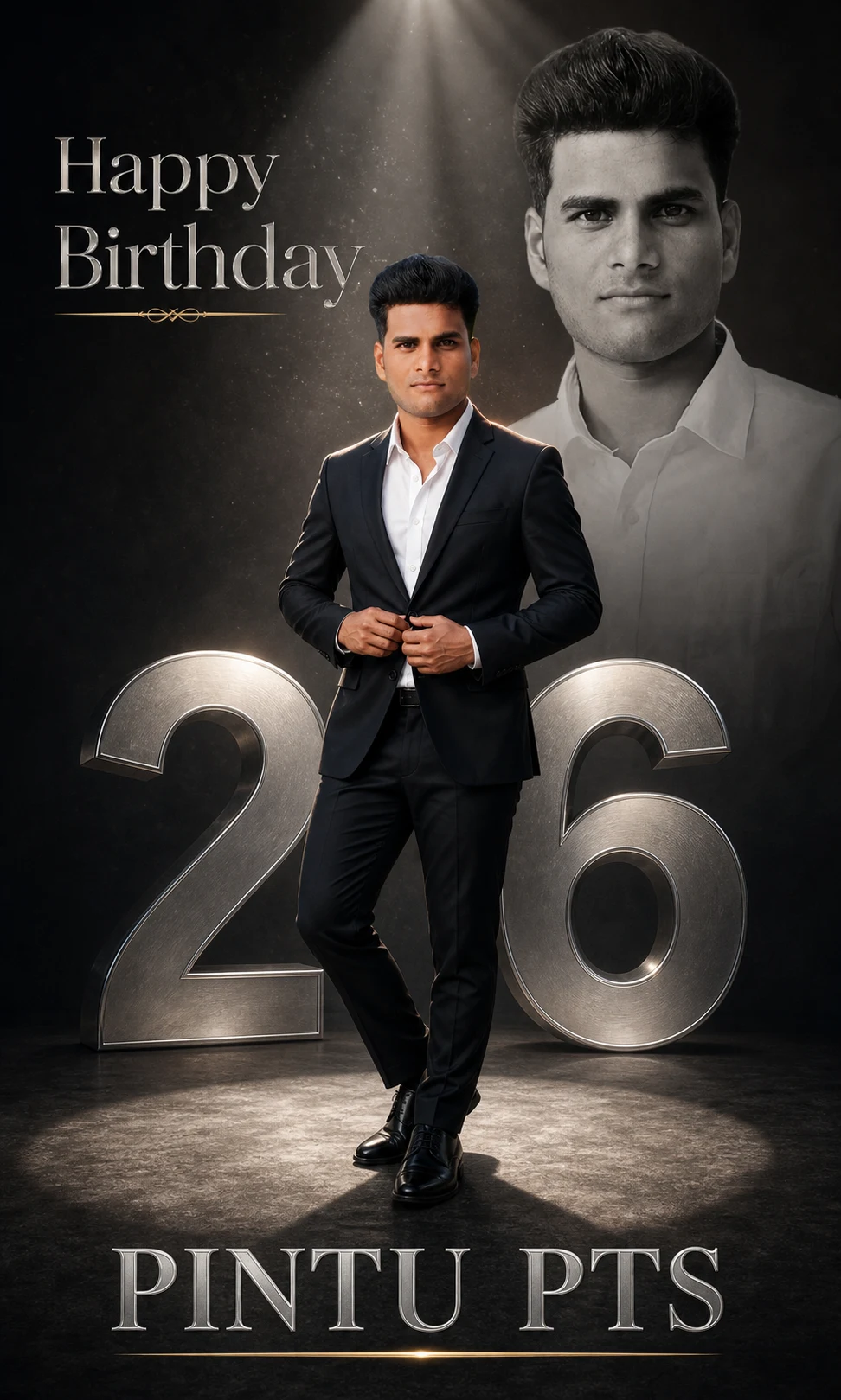
अपनी फोटो से बनाएं luxury cinematic birthday poster—black suit में full-body portrait, पीछे बड़ा grayscale portrait, metallic silver में उम्र और अपना नाम। नाम व उम्र बदलकर design को personalize करें।
NAME: PINTU PTS
AGE: 26
Create an ultra-realistic cinematic birthday poster in vertical 4:5 format using my uploaded photo. Preserve my recognizable facial features, skin tone, hairstyle, and natural appearance in both portraits.
Show exactly TWO portraits of me: a sharp full-body color portrait in the foreground and a large, softly faded grayscale portrait in the upper-right background.
In the foreground, show me standing confidently in a tailored black suit, white open-collar shirt, and polished black shoes. One leg is slightly forward, and both hands naturally adjust the blazer button. Keep my entire body visible from hair to shoes, with space above my head and floor below my feet.
Behind me, place massive metallic silver numerals matching the AGE value above. Use a deep charcoal-to-black studio background, dramatic circular spotlight, subtle volumetric beams, fine dust particles, strong rim light, and soft front fill.
Write “Happy Birthday” in elegant serif lettering at the upper-left. Below my shoes, write the exact NAME value above in large metallic silver lettering with a thin gold underline. Keep all text readable and away from both faces.
IMPORTANT: Use ONLY the name and age from PERSONALIZATION. Ignore names and ages in reference images or earlier messages. Do not print field labels.
Premium magazine-cover aesthetic, realistic skin and hands, detailed fabric, balanced composition, cinematic photographic quality. No cropped heads or shoes, extra people, additional text, logos, or watermarks. Deliver ONE finished poster.
If Gemini doesn't auto-fill, just press Ctrl + V to paste the prompt.
How to Customize this Prompt?
• Upload Your Photo: अपनी साफ, अच्छी रोशनी वाली photo upload करें। चेहरा स्पष्ट हो और heavy beauty filter न लगा हो। Full-body reference उपलब्ध हो तो उसे इस्तेमाल करें।
• Change Name: Prompt में जहाँ “PINTU PTS” लिखा है, सभी जगह अपना नाम डालें। उदाहरण: “PINTU”।
• Change Age: “BIRTHDAY AGE: 26” और background numerals में लिखे “26” को अपनी उम्र से बदलें। उदाहरण: “25”।
• Outfit: Black suit और white shirt की जगह अपनी पसंद का suit और shirt color लिख सकते हैं।
• Text Language: Hindi poster के लिए “Happy Birthday” को “जन्मदिन की हार्दिक शुभकामनाएं” से बदलें और नाम भी हिंदी में लिखें। लंबी headline के लिए दो या तीन lines रखें।
• Poster Size: Instagram portrait post के लिए 4:5 ratio रखें। 1080 × 1350 px इसी ratio का size है; exact export size आपके इस्तेमाल किए गए tool पर निर्भर करेगा।
• Full Body: पूरे शरीर और दोनों जूतों को दिखाने वाली instructions न हटाएं। Crop होने पर लिखें: “Zoom out and show the complete standing figure, including both shoes and floor beneath them.”
• Two Portraits: एक ही poster में आपकी एक full-body color photo और पीछे उसी चेहरे का बड़ा faded grayscale portrait बनेगा।
• Check Before Saving: नाम की spelling, उम्र, चेहरे और हाथों को जाँच लें।
Birthday Photo Collage AI Prompt with Name
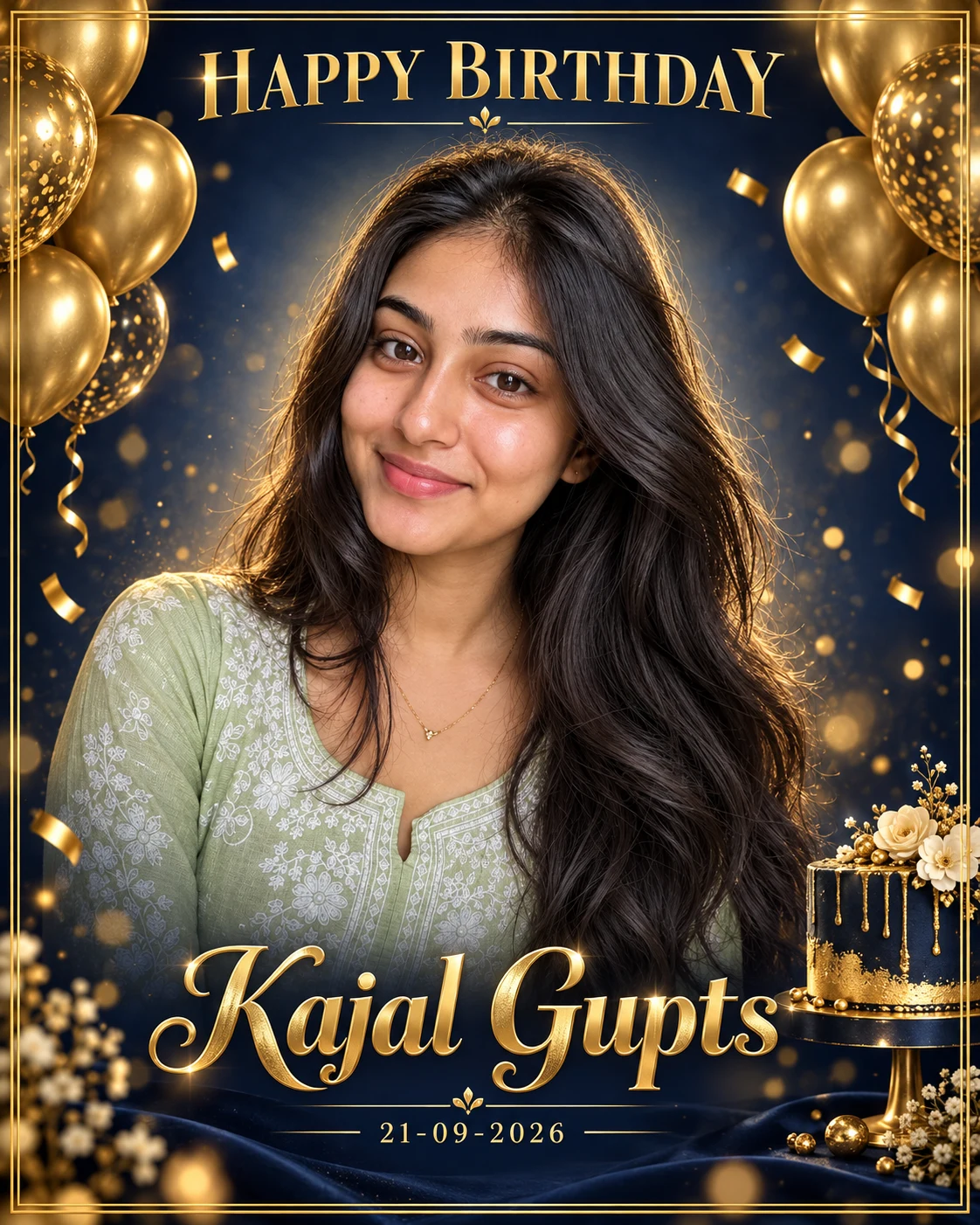
Birthday Poster AI Prompt with Your Photo and Name
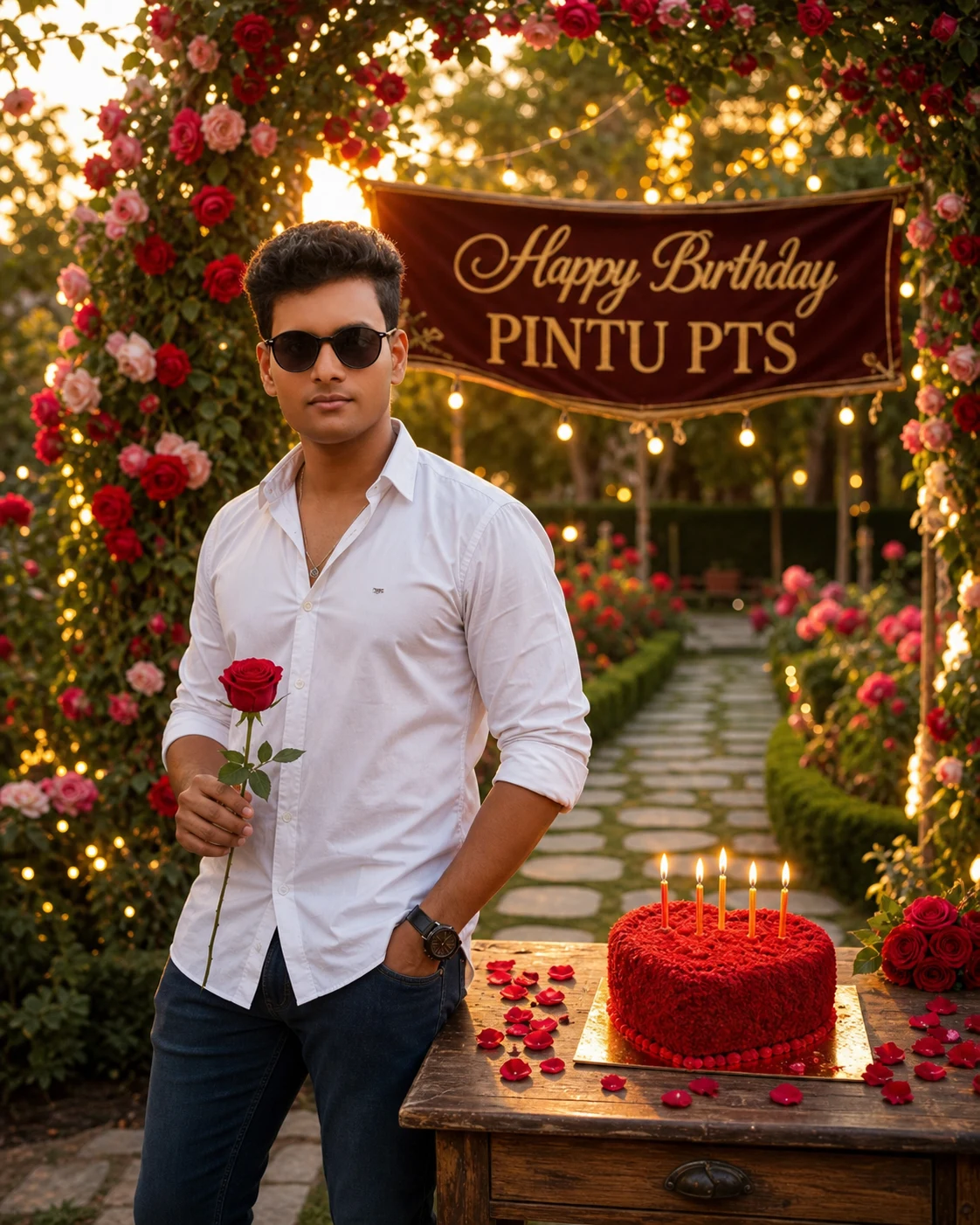
AI Romantic Birthday Photo Prompt – Rose Garden Theme Free
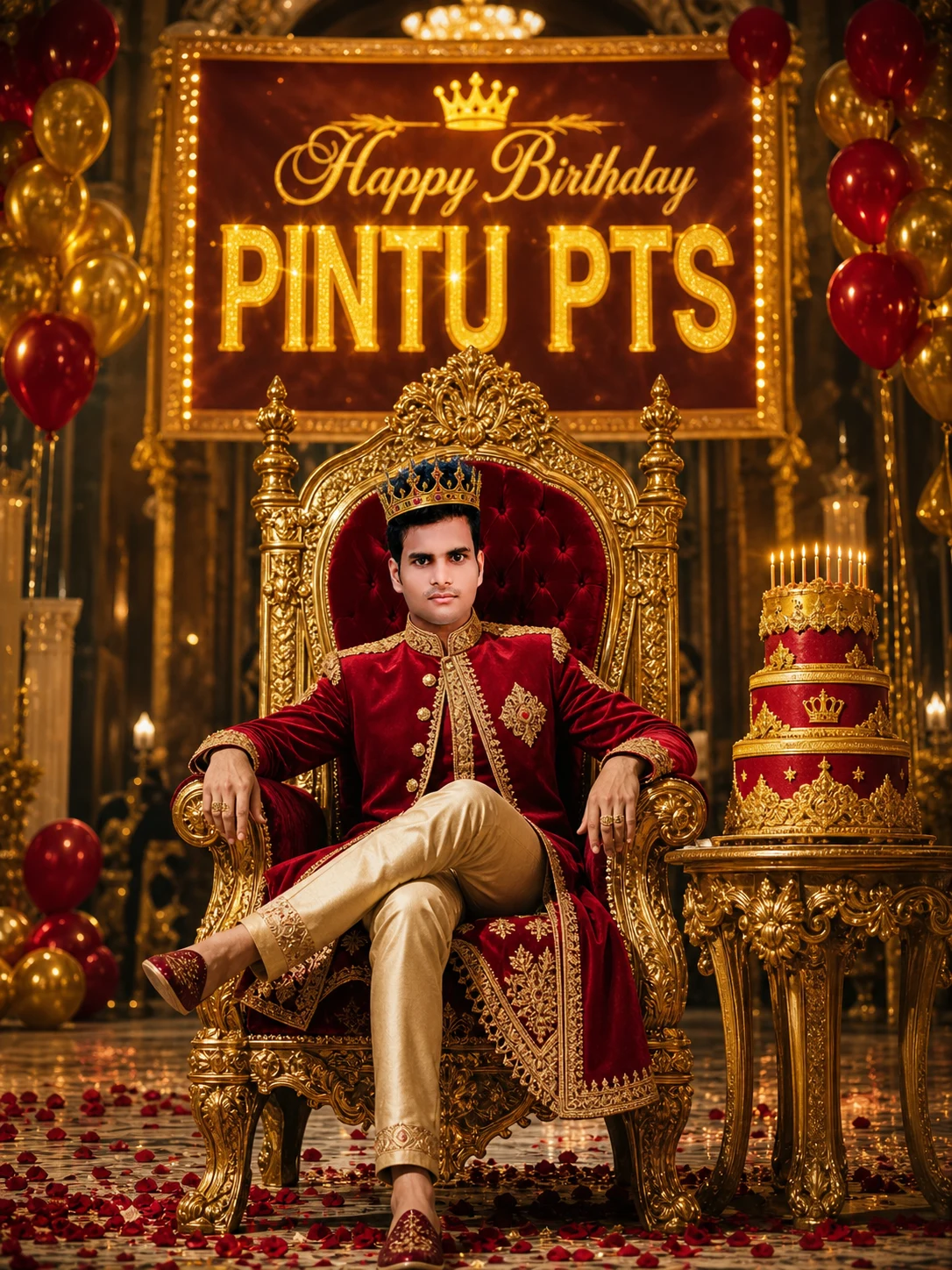
AI Royal Birthday King Photo Editing Prompt – Free Copy Paste
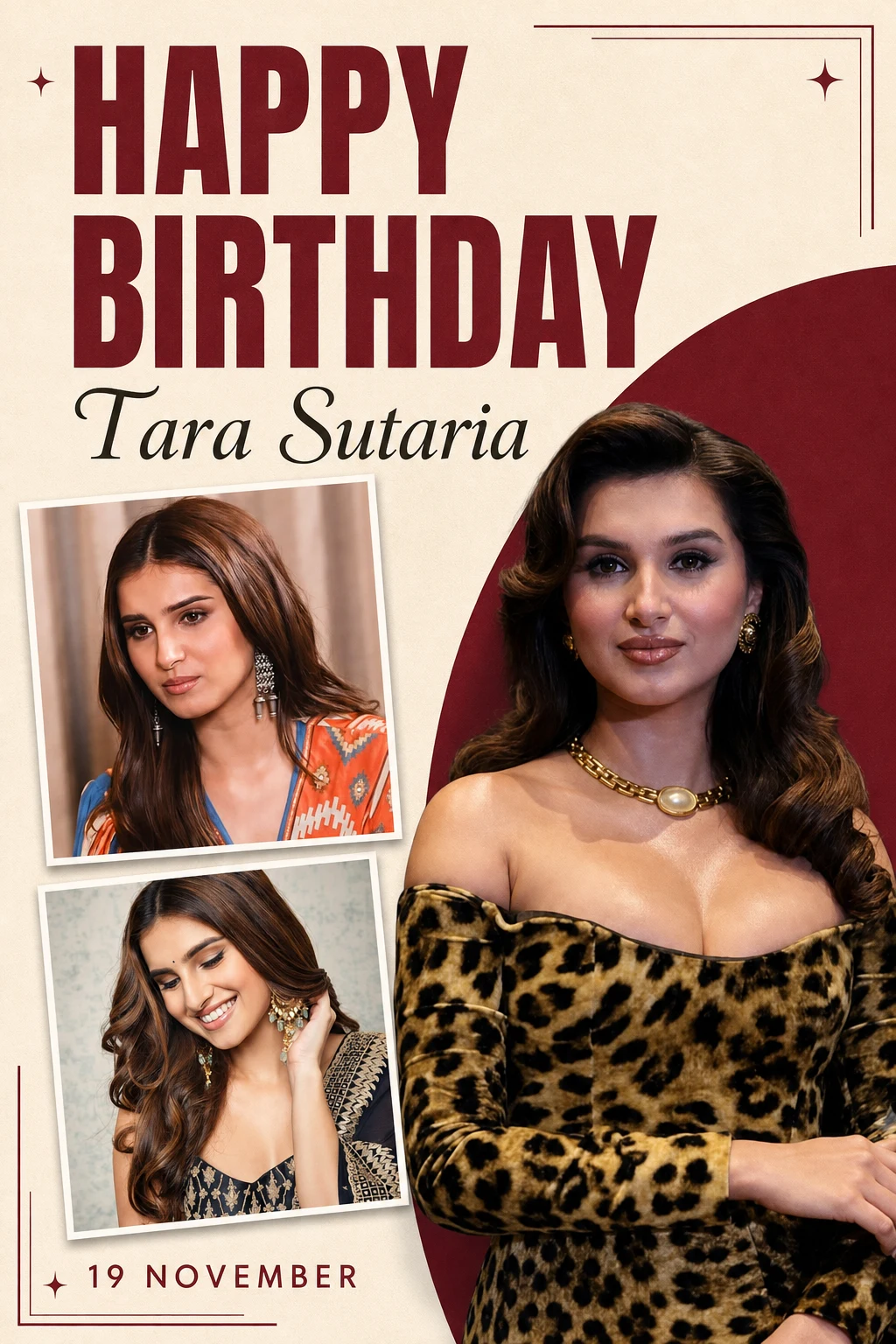
3 Photo Birthday Collage AI Prompt with Name and Date
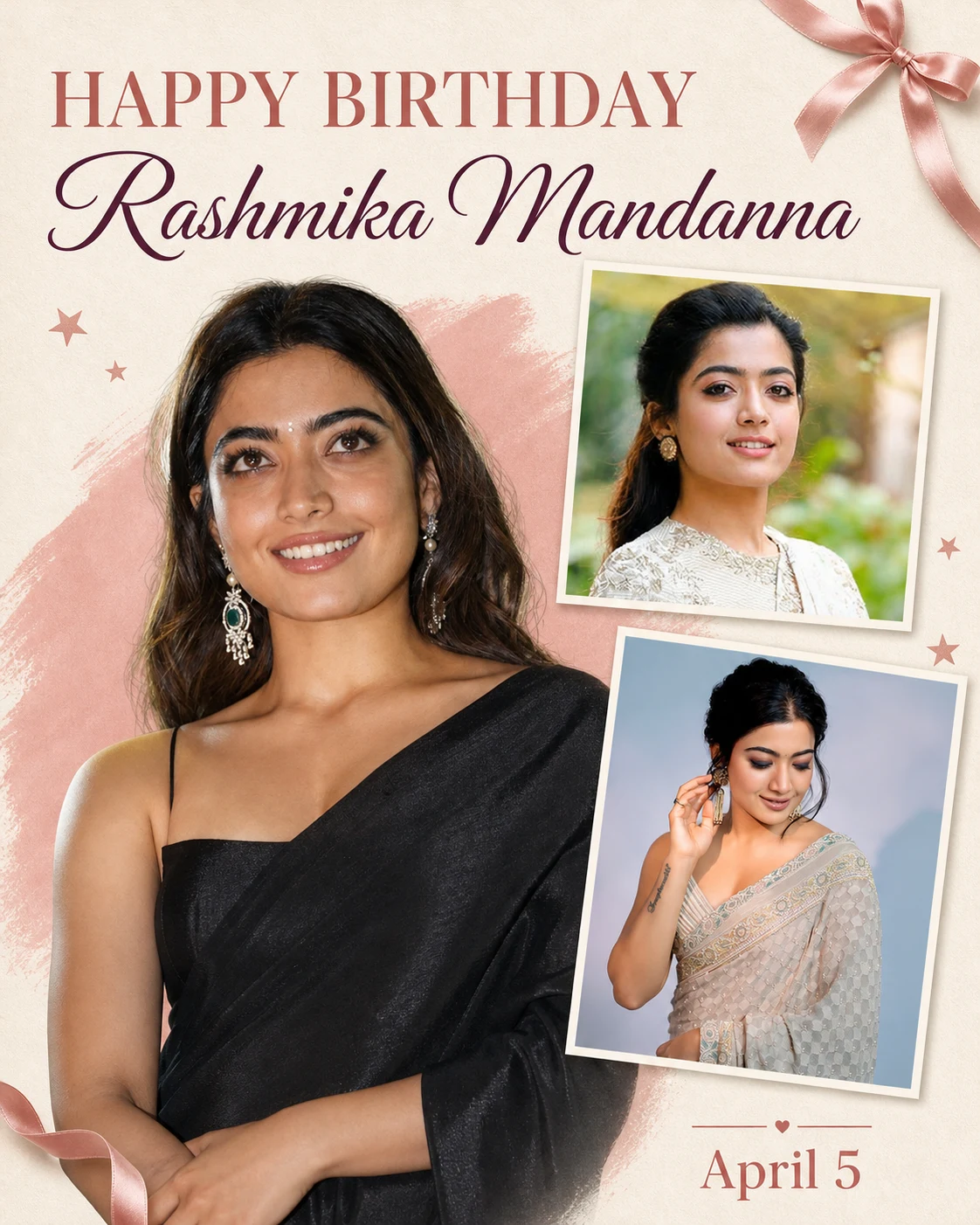
Girls Birthday Photo Collage AI Prompt with Name & Date
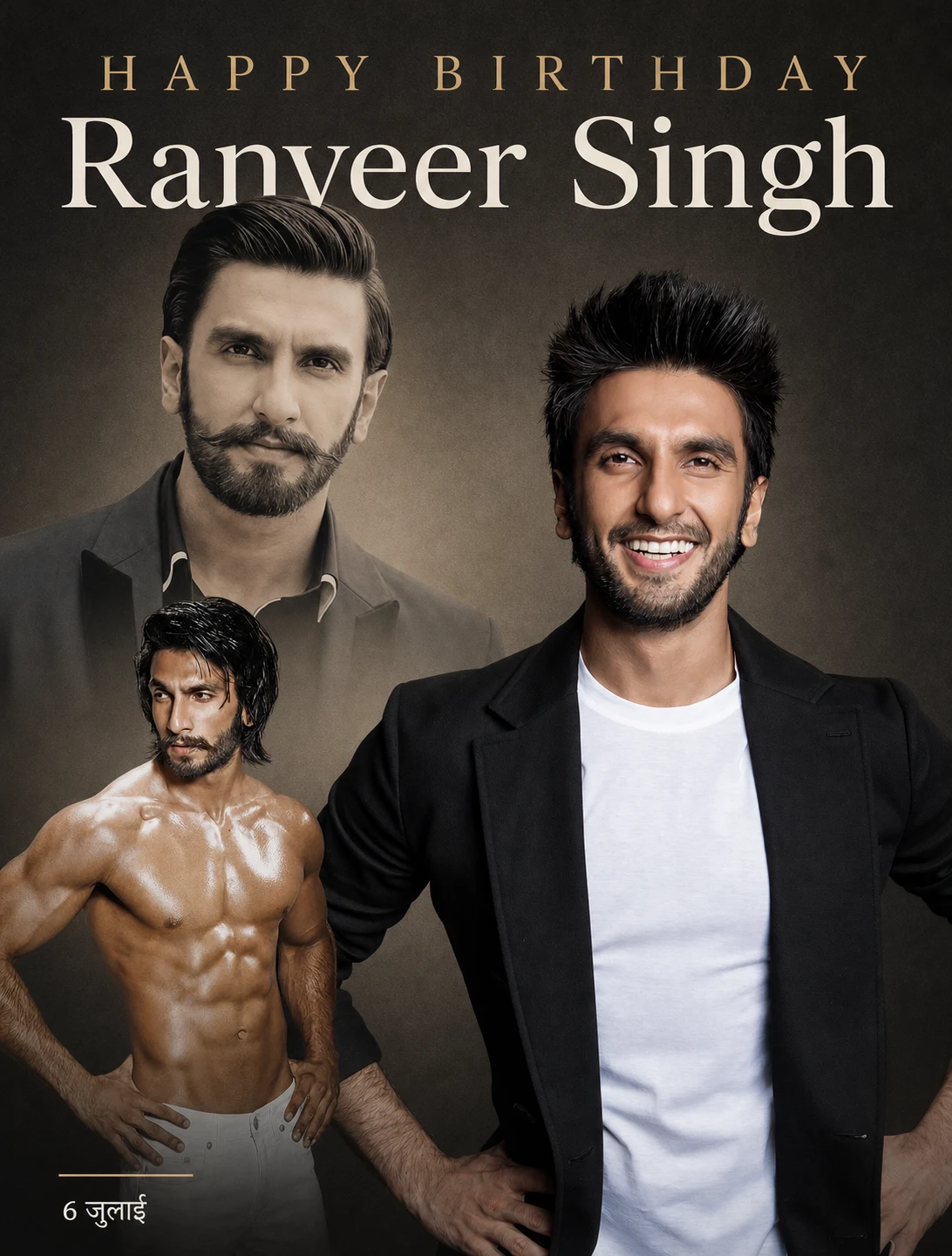
Royal Birthday AI Photo Prompt with 3 Photos, Name & Date