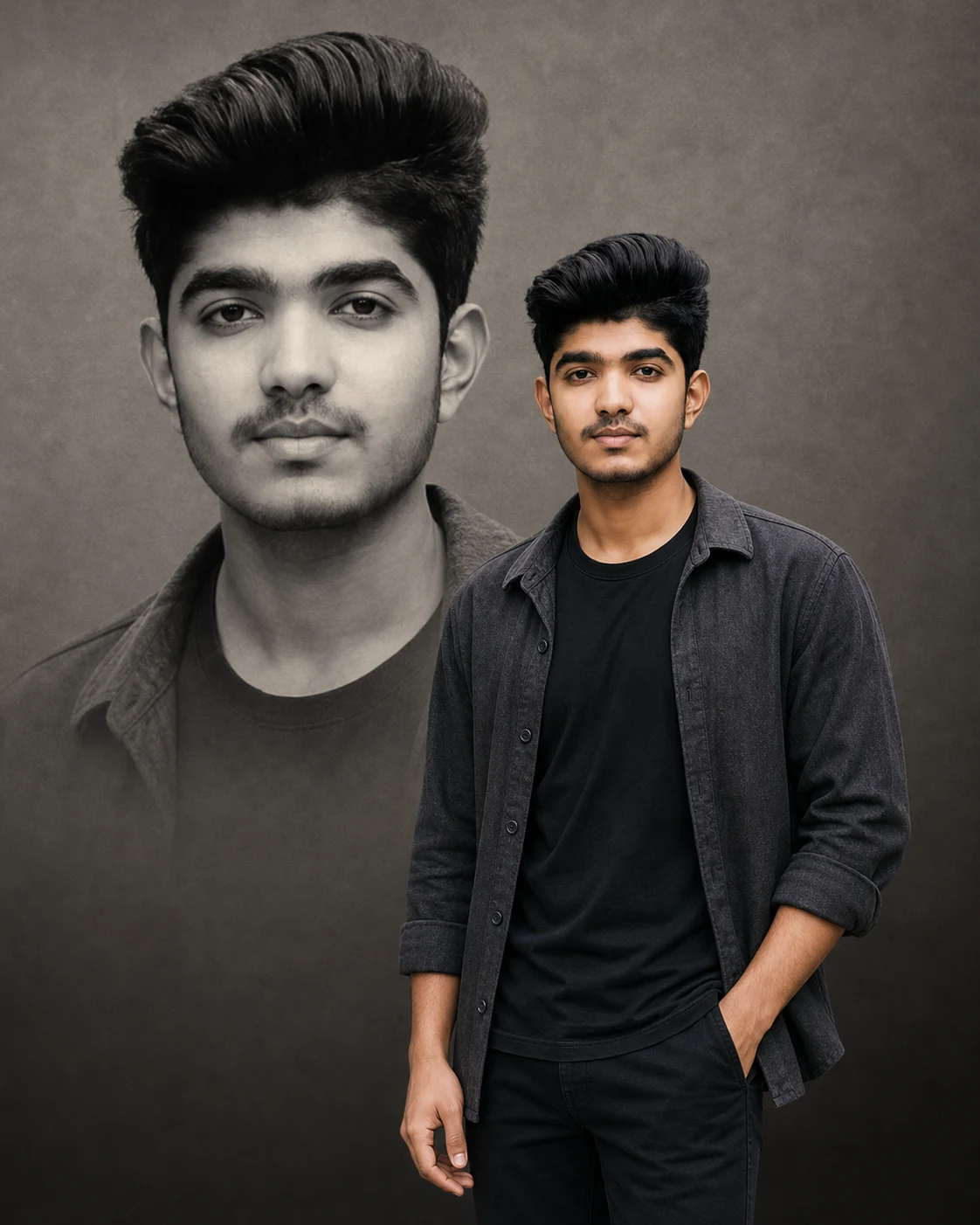
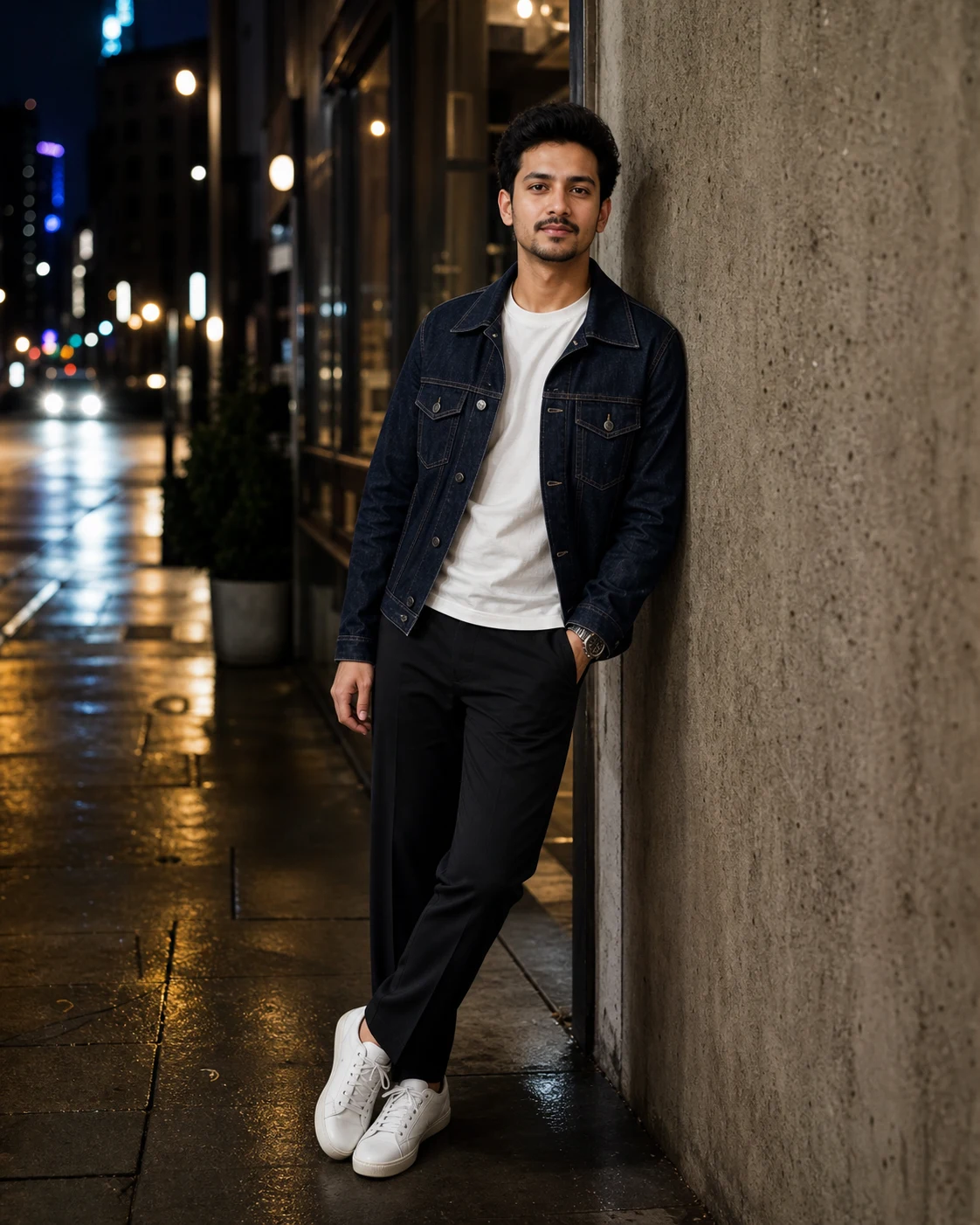
Luxury Studio Portrait AI Photo Prompt for Boys
Create a realistic luxury fashion portrait composite of the person in my uploaded photo.
Preserve my recognizable facial identity as closely as possible: the same face shape, skin tone, eyes, nose, lips, jawline, hairstyle, facial hair, and apparent age. Keep natural skin texture without beautifying or reshaping my face.
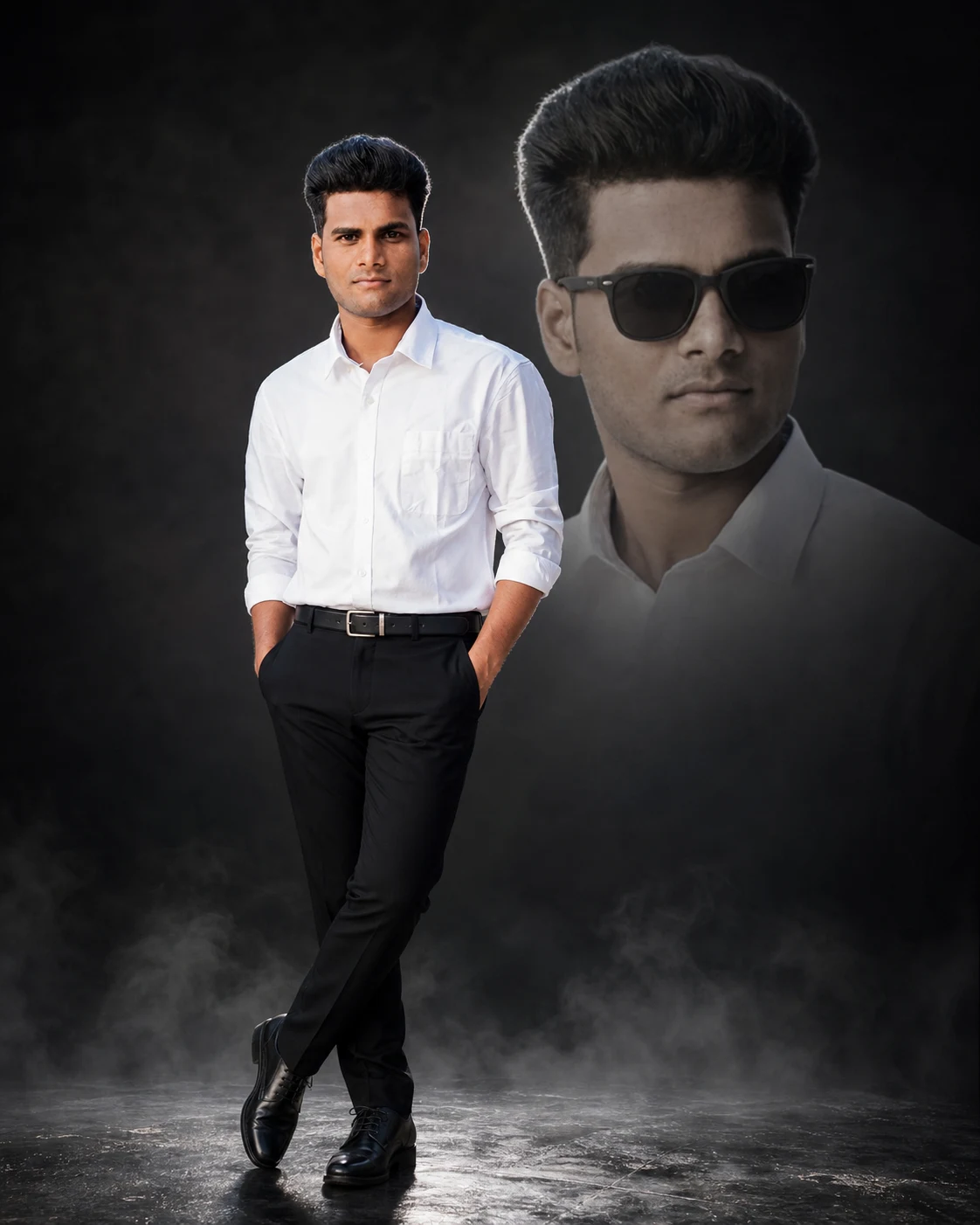
Show me standing confidently in a full-body pose, with both hands in my trouser pockets and one leg casually crossed in front of the other. Keep the same outfit shown in my reference photo, preserving its colors, patterns, and fabric details. Complete any clothing outside the reference frame in a matching style. Add polished black formal shoes.
Keep my foreground face clearly visible without sunglasses, with an expression and head angle close to the uploaded photo.
Behind me, add one large, softly faded head-and-shoulders portrait of the same person wearing black sunglasses. Position it slightly to one side, keeping both faces visually separate. The background portrait must share my facial structure and hairstyle, rather than looking like a different person.
Use an elegant charcoal-black studio background with soft directional lighting on my face and a subtle silver rim light around my body. Add a dark metallic floor with gentle reflections and a thin layer of fine smoke near the ground. Keep the smoke below my ankles so my shoes remain visible.
Create a premium magazine photoshoot look with realistic clothing textures, rich contrast, and sharp focus on the main face. Keep the oversized background portrait softer and less prominent.
Use a vertical 4:5 composition. Show my complete foreground figure from head to shoes, with comfortable space above and below. No text or magazine lettering.
Avoid changed facial features, skin whitening, plastic skin, mismatched faces, extra limbs, distorted anatomy, cropped shoes, thick smoke, logos, and watermarks.
Preserve my recognizable facial identity as closely as possible: the same face shape, skin tone, eyes, nose, lips, jawline, hairstyle, facial hair, and apparent age. Keep natural skin texture without beautifying or reshaping my face.
Show me standing confidently in a full-body pose, with both hands in my trouser pockets and one leg casually crossed in front of the other. Keep the same outfit shown in my reference photo, preserving its colors, patterns, and fabric details. Complete any clothing outside the reference frame in a matching style. Add polished black formal shoes.
Keep my foreground face clearly visible without sunglasses, with an expression and head angle close to the uploaded photo.
Behind me, add one large, softly faded head-and-shoulders portrait of the same person wearing black sunglasses. Position it slightly to one side, keeping both faces visually separate. The background portrait must share my facial structure and hairstyle, rather than looking like a different person.
Use an elegant charcoal-black studio background with soft directional lighting on my face and a subtle silver rim light around my body. Add a dark metallic floor with gentle reflections and a thin layer of fine smoke near the ground. Keep the smoke below my ankles so my shoes remain visible.
Create a premium magazine photoshoot look with realistic clothing textures, rich contrast, and sharp focus on the main face. Keep the oversized background portrait softer and less prominent.
Use a vertical 4:5 composition. Show my complete foreground figure from head to shoes, with comfortable space above and below. No text or magazine lettering.
Avoid changed facial features, skin whitening, plastic skin, mismatched faces, extra limbs, distorted anatomy, cropped shoes, thick smoke, logos, and watermarks.
5
Please wait...
Preparing prompt action...
If Gemini doesn't auto-fill, just press Ctrl + V to paste the prompt.
How to Customize this Prompt?
Upar Edit Prompt button pe click karein aur niche di gayi details ko apne hisaab se badlein:
• सबसे पहले अपनी साफ, बिना filter वाली photo upload करें। कपड़ों के reference के लिए full-body photo बेहतर रहेगी।
• कपड़े बदलने हों तो “same outfit shown in my reference photo” की जगह अपने पसंद के कपड़ों की details लिखें।
• “charcoal-black studio background” की जगह dark blue या brown background रख सकते हैं।
• “black formal shoes” की जगह white sneakers लिख सकते हैं।
• Instagram post के लिए 4:5 और mobile wallpaper के लिए 9:16 रखें।
• Prompt को reference photo support करने वाले AI image tool में इस्तेमाल करें।
• Result में दोनों portraits के चेहरे जाँचें। AI में बिल्कुल same face की guarantee नहीं होती।