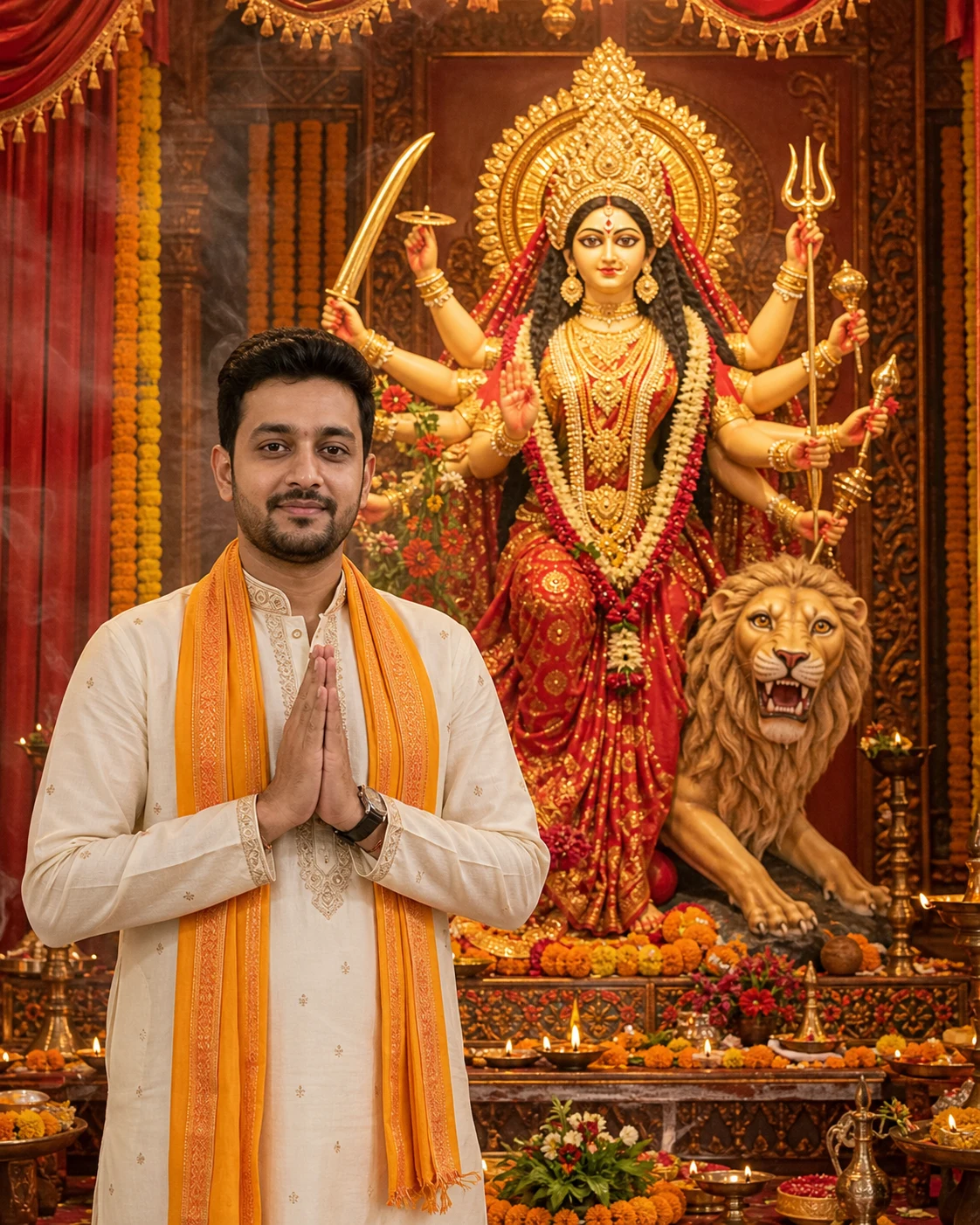
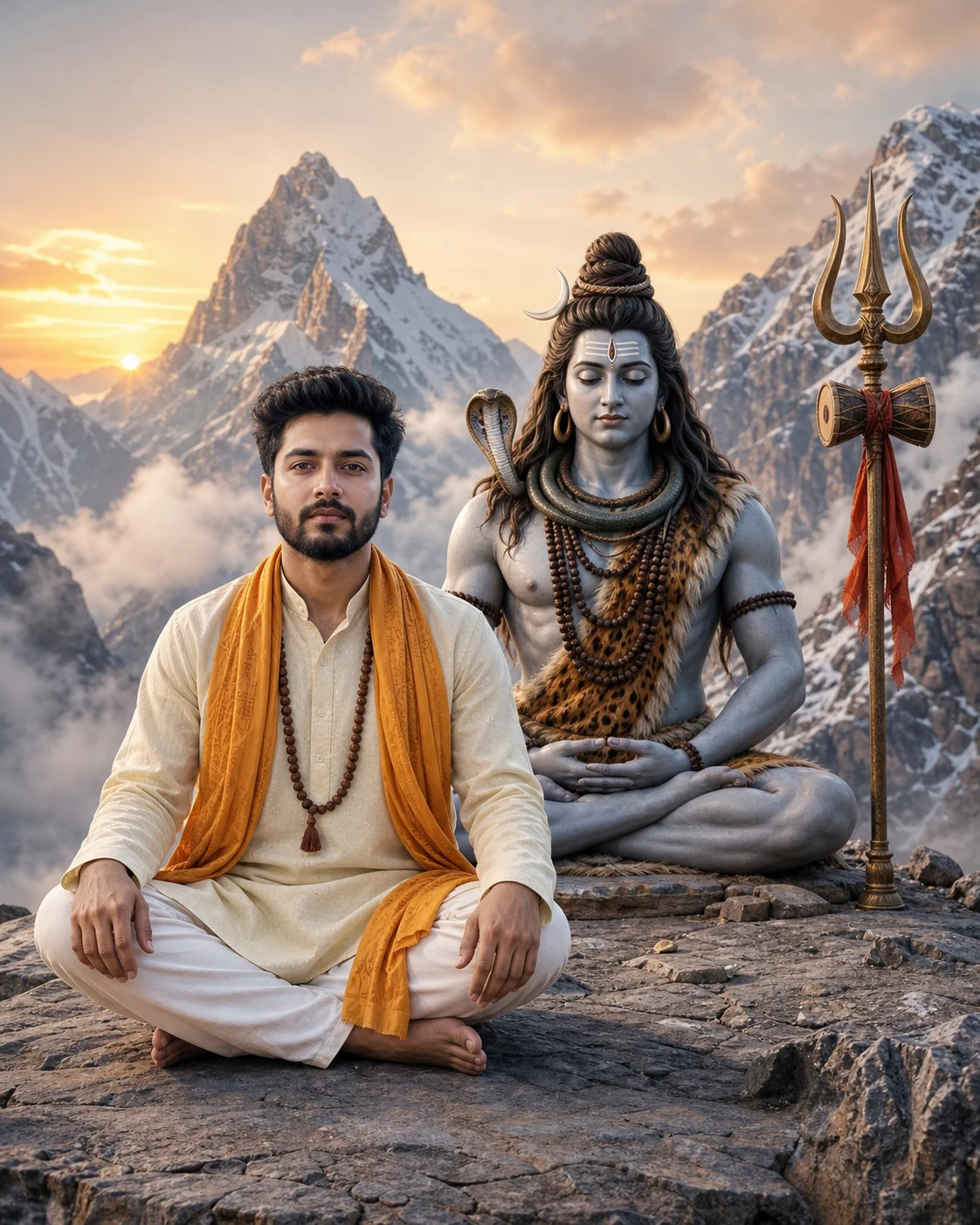
Navratri Aarti AI Photo Editing Prompt – माँ दुर्गा के साथ अपनी फोटो banaye
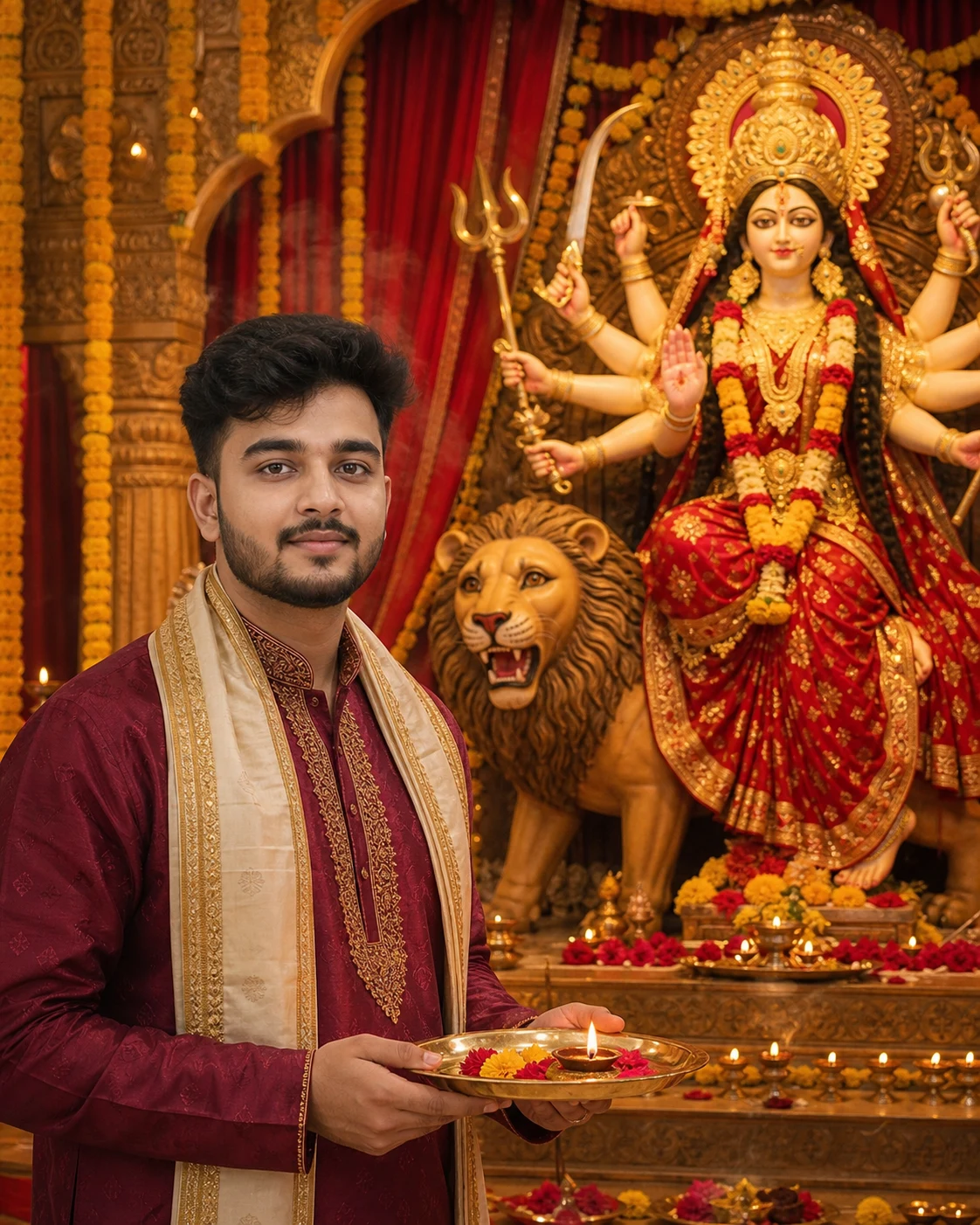
अपनी फोटो से माँ दुर्गा की आरती करते हुए नवरात्रि AI portrait Photo बनाएँ। Free prompt
Use my uploaded photo as the identity reference to create a realistic devotional photograph of me performing aarti in front of a beautiful Maa Durga idol during Navratri.
FACE IDENTITY — HIGHEST PRIORITY:
Preserve my recognizable facial identity as closely as possible to the uploaded photo. Keep my original face shape, skin tone, eyes, eyebrows, nose, lips, jawline, hairline, hairstyle, and facial hair, if present. Preserve my apparent age and natural skin texture. Do not beautify, slim, reshape, or replace my face. Keep my head angle close to the reference photo. Do not blend my face with the idol’s face.
MY OUTFIT AND ACTION:
Dress me in a tasteful deep maroon traditional Indian outfit with subtle gold embroidery and a cream stole. Show me holding a brass aarti plate naturally with both hands at lower chest level. Place a small lit diya and a few flower petals on the plate. Keep the flame small and safely separated from my hands and clothing.
Position my body slightly toward the idol while keeping my face clearly visible to the camera, close to the reference angle. Give me a peaceful devotional expression. Keep the plate, hands, smoke, and decorations below or away from my face.
MAA DURGA AND SETTING:
Place a beautifully crafted Maa Durga idol on a decorated pedestal behind me and to one side. Show her serene face, red and gold saree, traditional crown, jewellery, and multiple arms holding sacred attributes in a coherent traditional sculptural arrangement. Include her lion beside the pedestal.
Keep the idol’s face and crown fully visible. Separate my silhouette clearly from the idol’s arms and ornaments.
Create a festive Durga Puja pandal with marigold garlands, rich red drapes, rows of warm diyas, and subtle incense haze in the background. Avoid a distracting crowd.
LIGHTING AND REALISM:
Use soft, neutral light on my face to retain my natural skin tone. Add a gentle warm glow from the diya and golden ambient lights around the pandal. Keep my face sharp, with realistic skin and fabric textures. Keep the idol recognizable with moderate background depth rather than heavy blur.
COMPOSITION:
Vertical 4:5 aspect ratio, suitable for an Instagram portrait post. Frame me from the waist upward so my face and the aarti plate are clearly visible. Keep both hands, the complete plate, my head, and the idol’s crown inside the frame with comfortable margins.
AVOID:
A different human face, altered facial proportions, skin whitening, plastic skin, heavy beauty filters, distorted hands, extra fingers, extra human arms, floating plates, oversized flames, smoke covering my face, merged bodies, text, logos, and watermarks.
FACE IDENTITY — HIGHEST PRIORITY:
Preserve my recognizable facial identity as closely as possible to the uploaded photo. Keep my original face shape, skin tone, eyes, eyebrows, nose, lips, jawline, hairline, hairstyle, and facial hair, if present. Preserve my apparent age and natural skin texture. Do not beautify, slim, reshape, or replace my face. Keep my head angle close to the reference photo. Do not blend my face with the idol’s face.
MY OUTFIT AND ACTION:
Dress me in a tasteful deep maroon traditional Indian outfit with subtle gold embroidery and a cream stole. Show me holding a brass aarti plate naturally with both hands at lower chest level. Place a small lit diya and a few flower petals on the plate. Keep the flame small and safely separated from my hands and clothing.
Position my body slightly toward the idol while keeping my face clearly visible to the camera, close to the reference angle. Give me a peaceful devotional expression. Keep the plate, hands, smoke, and decorations below or away from my face.
MAA DURGA AND SETTING:
Place a beautifully crafted Maa Durga idol on a decorated pedestal behind me and to one side. Show her serene face, red and gold saree, traditional crown, jewellery, and multiple arms holding sacred attributes in a coherent traditional sculptural arrangement. Include her lion beside the pedestal.
Keep the idol’s face and crown fully visible. Separate my silhouette clearly from the idol’s arms and ornaments.
Create a festive Durga Puja pandal with marigold garlands, rich red drapes, rows of warm diyas, and subtle incense haze in the background. Avoid a distracting crowd.
LIGHTING AND REALISM:
Use soft, neutral light on my face to retain my natural skin tone. Add a gentle warm glow from the diya and golden ambient lights around the pandal. Keep my face sharp, with realistic skin and fabric textures. Keep the idol recognizable with moderate background depth rather than heavy blur.
COMPOSITION:
Vertical 4:5 aspect ratio, suitable for an Instagram portrait post. Frame me from the waist upward so my face and the aarti plate are clearly visible. Keep both hands, the complete plate, my head, and the idol’s crown inside the frame with comfortable margins.
AVOID:
A different human face, altered facial proportions, skin whitening, plastic skin, heavy beauty filters, distorted hands, extra fingers, extra human arms, floating plates, oversized flames, smoke covering my face, merged bodies, text, logos, and watermarks.
5
Please wait...
Preparing prompt action...
If Gemini doesn't auto-fill, just press Ctrl + V to paste the prompt.
How to Customize this Prompt?
Upar Edit Prompt button pe click karein aur niche di gayi details ko apne hisaab se badlein:
• सबसे पहले अपनी clear, बिना filter वाली photo upload करें।
• Reference photo support करने वाले AI image tool में prompt paste करें।
• “traditional Indian outfit” की जगह kurta-pajama, saree या salwar suit लिखें।
• “deep maroon” और “cream” की जगह अपनी पसंद के कपड़ों के रंग लिखें।
• Instagram post के लिए 4:5 और mobile wallpaper के लिए 9:16 रखें।
• Result में चेहरा, हाथ और आरती की थाली जाँचें। AI में बिल्कुल same face की guarantee नहीं होती।