
Red Fort Delhi Travel Portrait – AI Photo Editing Prompt
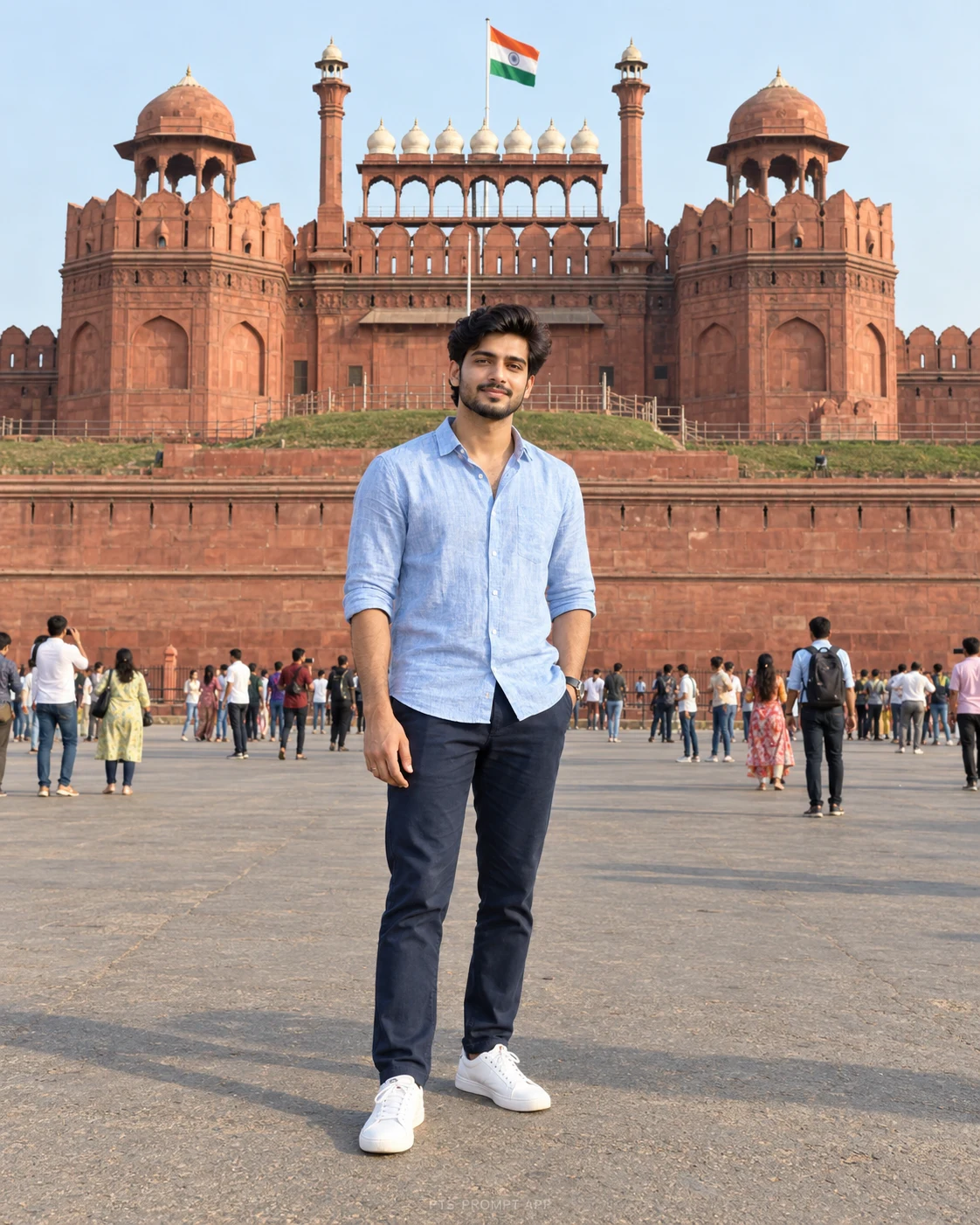
Create a realistic travel portrait outside Delhi’s Red Fort, with natural daylight and the landmark clearly visible behind you.
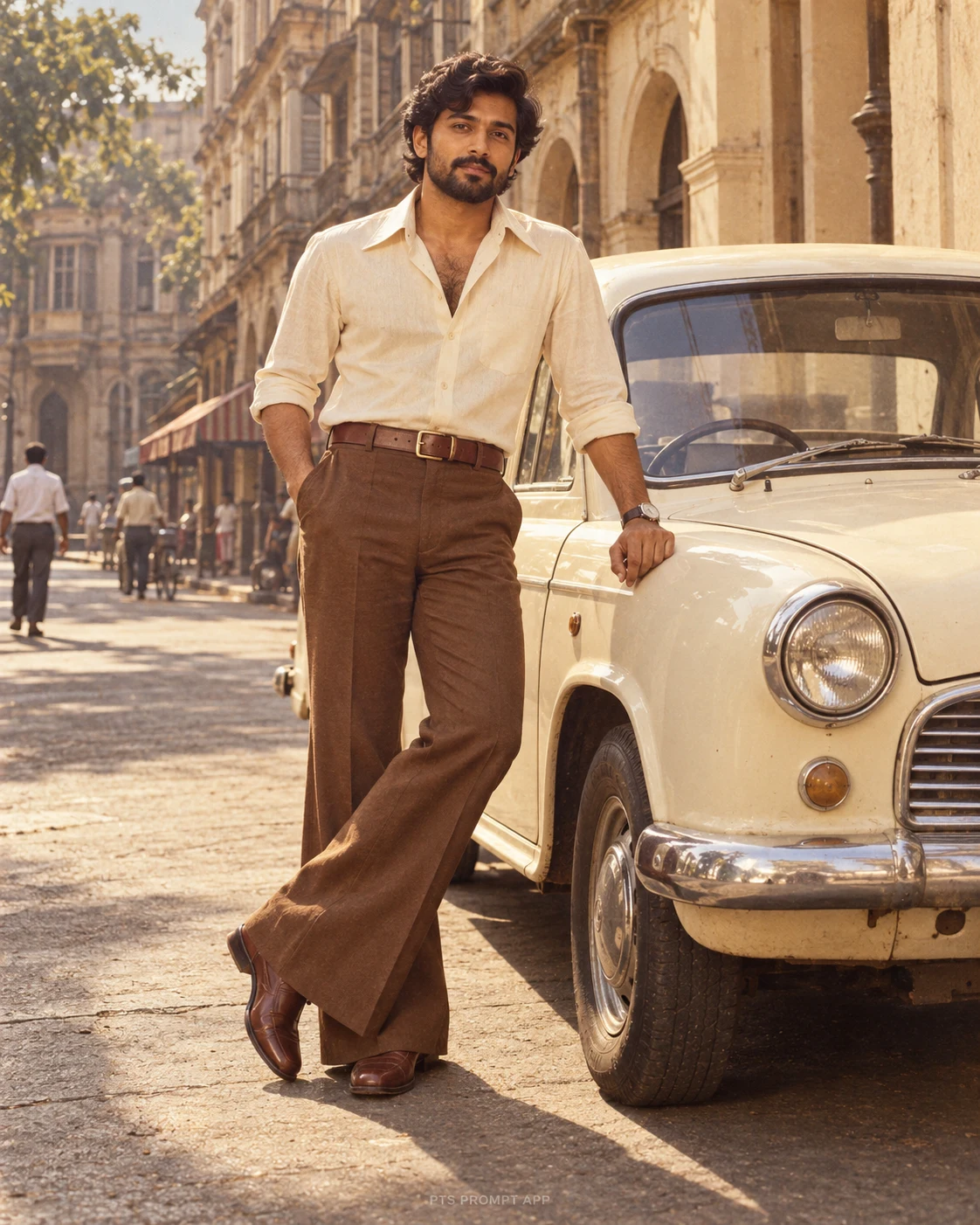
Create a photorealistic vertical 4:5 travel portrait using my uploaded photo. Preserve my recognizable facial features, skin tone, hairstyle, facial hair, age and natural body proportions. Do not beautify, slim or reshape my face.
Show me standing naturally outside Delhi’s Red Fort, with its recognizable red sandstone Lahori Gate and Indian flag clearly visible behind me. Wear a light-blue linen shirt, navy trousers and white sneakers. Keep one hand in my pocket and the other relaxed by my side, with my expression close to the reference. Use soft morning sunlight, realistic perspective, natural shadows and detailed architecture. Keep my face sharp without heavily blurring the fort. Show my complete hairstyle and both shoes with comfortable margins. No text or watermark.
Show me standing naturally outside Delhi’s Red Fort, with its recognizable red sandstone Lahori Gate and Indian flag clearly visible behind me. Wear a light-blue linen shirt, navy trousers and white sneakers. Keep one hand in my pocket and the other relaxed by my side, with my expression close to the reference. Use soft morning sunlight, realistic perspective, natural shadows and detailed architecture. Keep my face sharp without heavily blurring the fort. Show my complete hairstyle and both shoes with comfortable margins. No text or watermark.
5
Please wait...
Preparing prompt action...
If Gemini doesn't auto-fill, just press Ctrl + V to paste the prompt.
How to Customize this Prompt?
Upar Edit Prompt button pe click karein aur niche di gayi details ko apne hisaab se badlein:
• अपनी साफ़, बिना फिल्टर वाली फोटो अपलोड करें।
• शर्ट, पैंट और जूतों का रंग अपनी पसंद के अनुसार बदलें।
• अपने फोटो वाले कपड़े रखने हों तो आउटफिट के निर्देश की जगह “Keep the outfit from my uploaded photo” लिखें।
• शाम की रोशनी चाहिए तो “soft morning sunlight” की जगह “warm late-afternoon sunlight” लिखें।
• पीछे कम लोग चाहिए तो “Only a few distant visitors in the background” जोड़ें।
• पोस्ट के लिए 4:5 और स्टोरी के लिए 9:16 रखें।
• चेहरे की पहचान वाले निर्देश न हटाएँ।
• शर्ट, पैंट और जूतों का रंग अपनी पसंद के अनुसार बदलें।
• अपने फोटो वाले कपड़े रखने हों तो आउटफिट के निर्देश की जगह “Keep the outfit from my uploaded photo” लिखें।
• शाम की रोशनी चाहिए तो “soft morning sunlight” की जगह “warm late-afternoon sunlight” लिखें।
• पीछे कम लोग चाहिए तो “Only a few distant visitors in the background” जोड़ें।
• पोस्ट के लिए 4:5 और स्टोरी के लिए 9:16 रखें।
• चेहरे की पहचान वाले निर्देश न हटाएँ।
Boys Photo Prompts
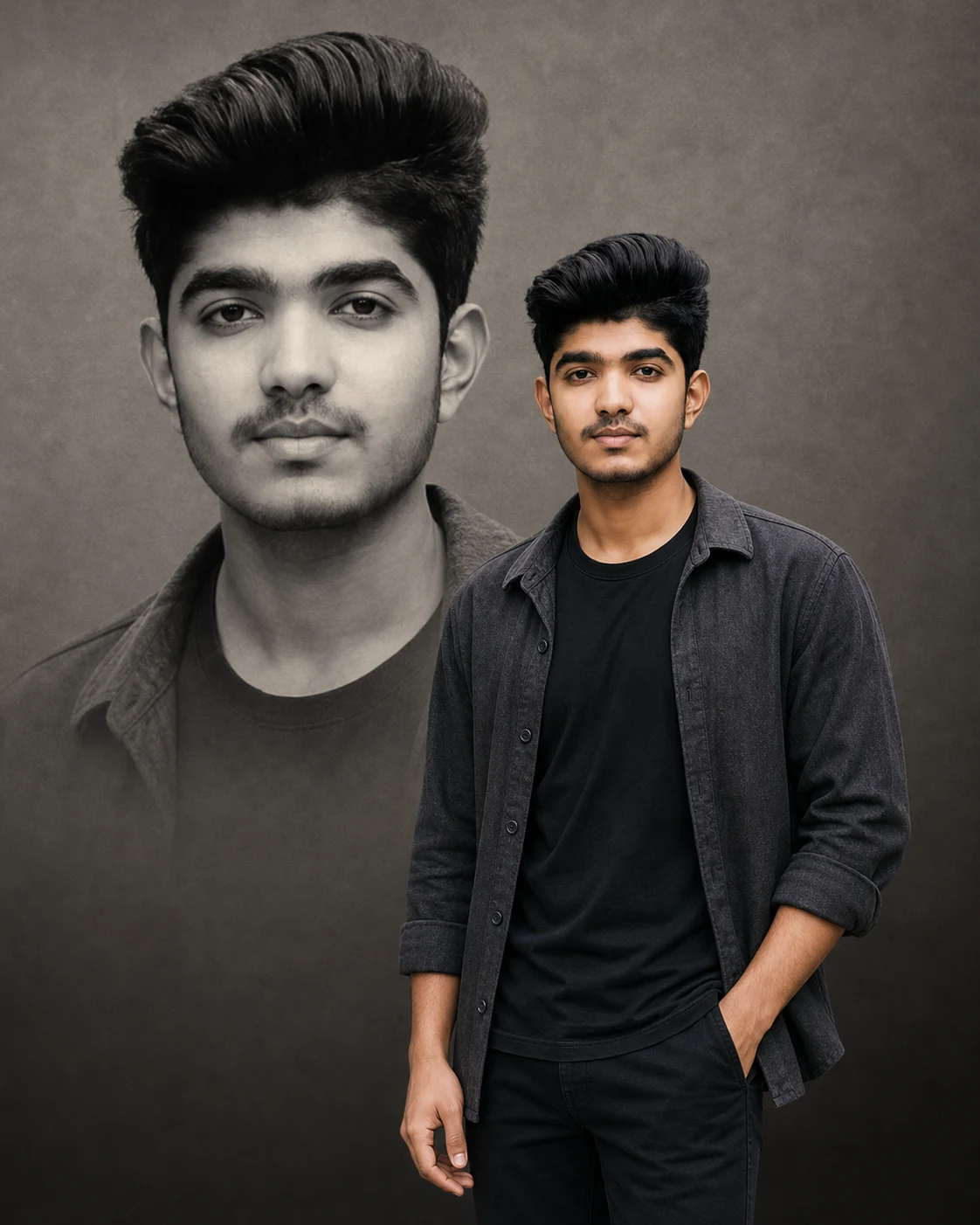
Double Portrait AI Photo Editing Prompt for Boys
Boys Photo Prompts
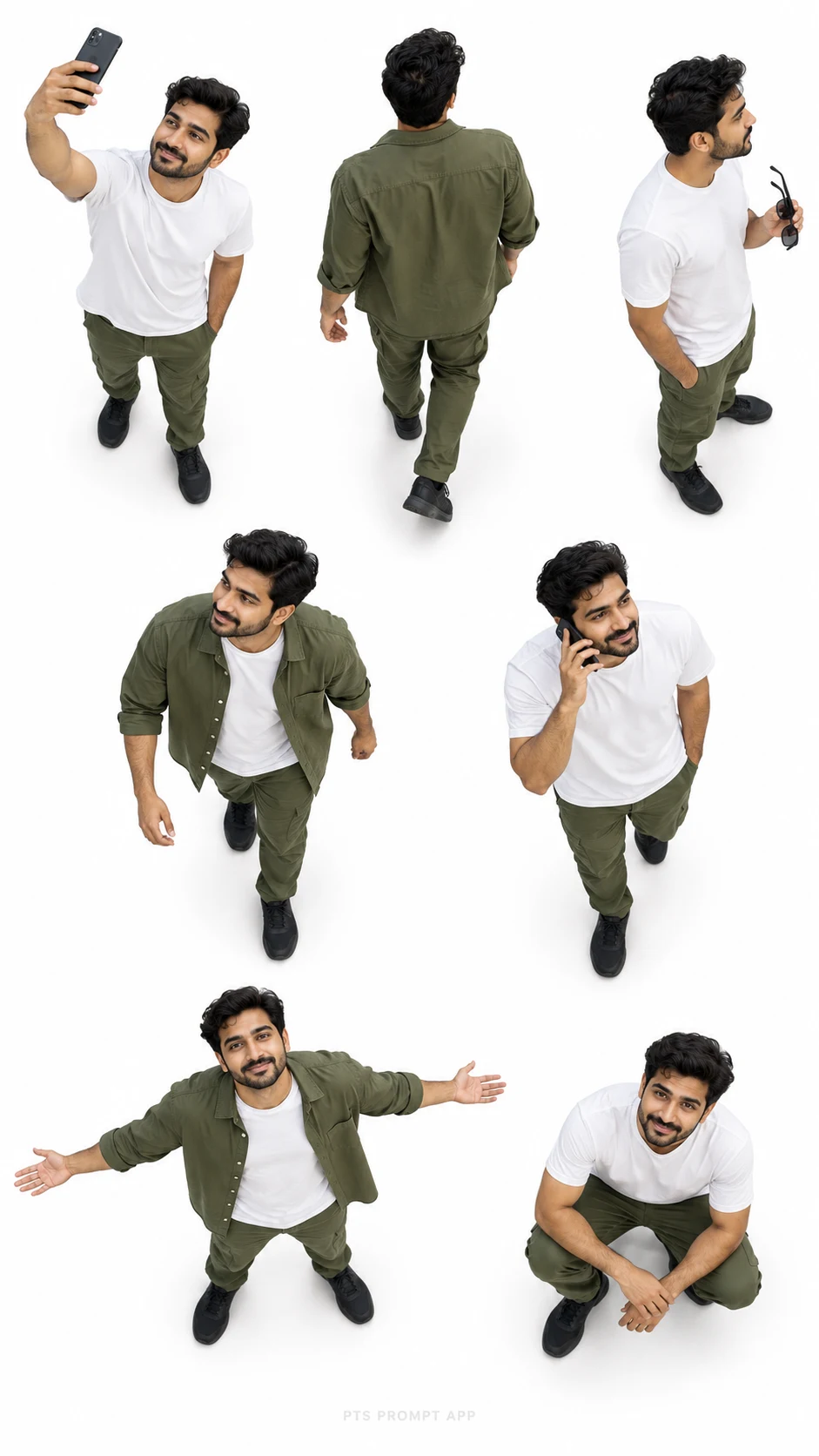
7 Pose Top View Photo Collage – AI Photo Editing Prompt
Boys Photo Prompts
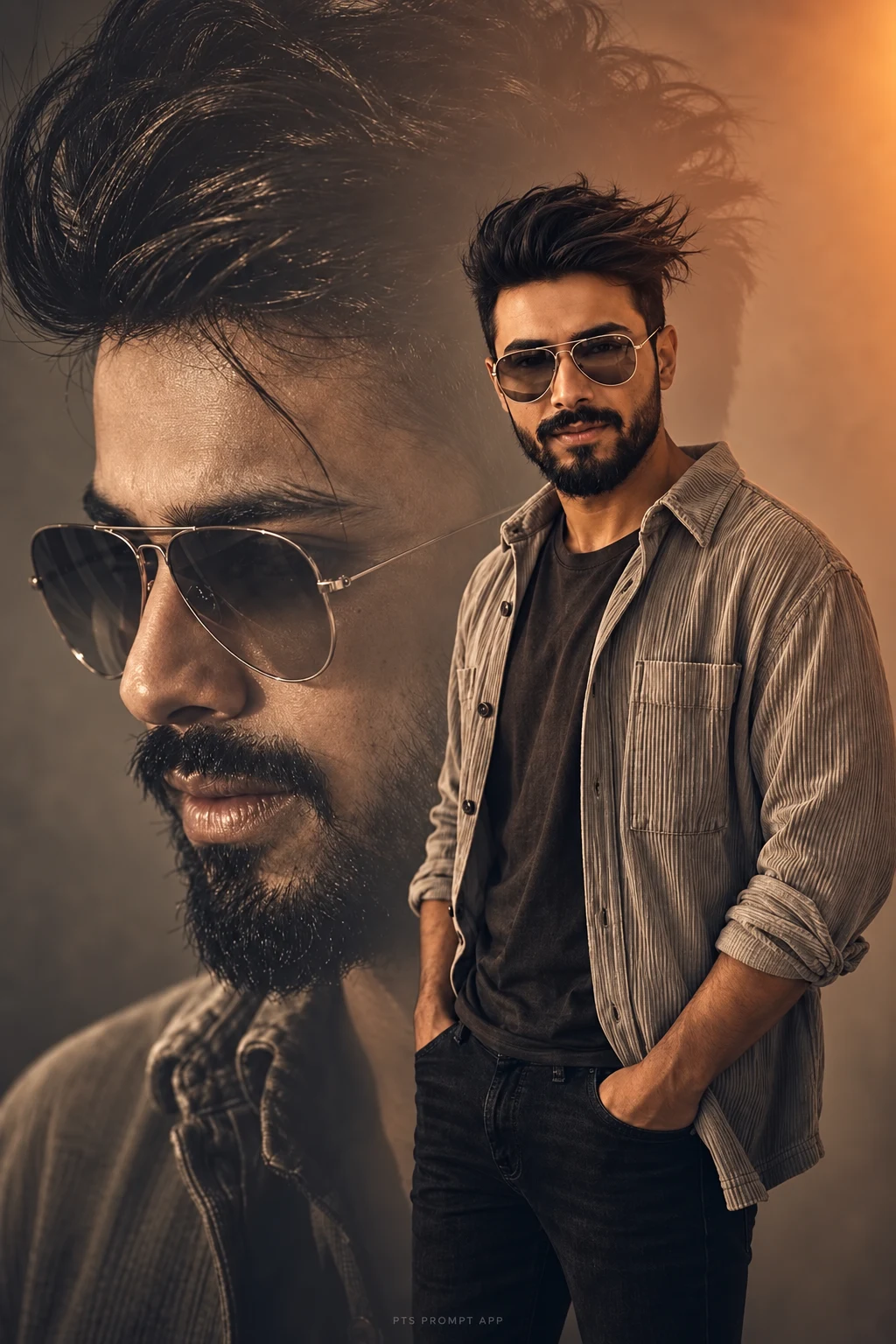
Cinematic Brown Double Portrait – Boys AI Photo Editing Prompt
Cinematic Portraits
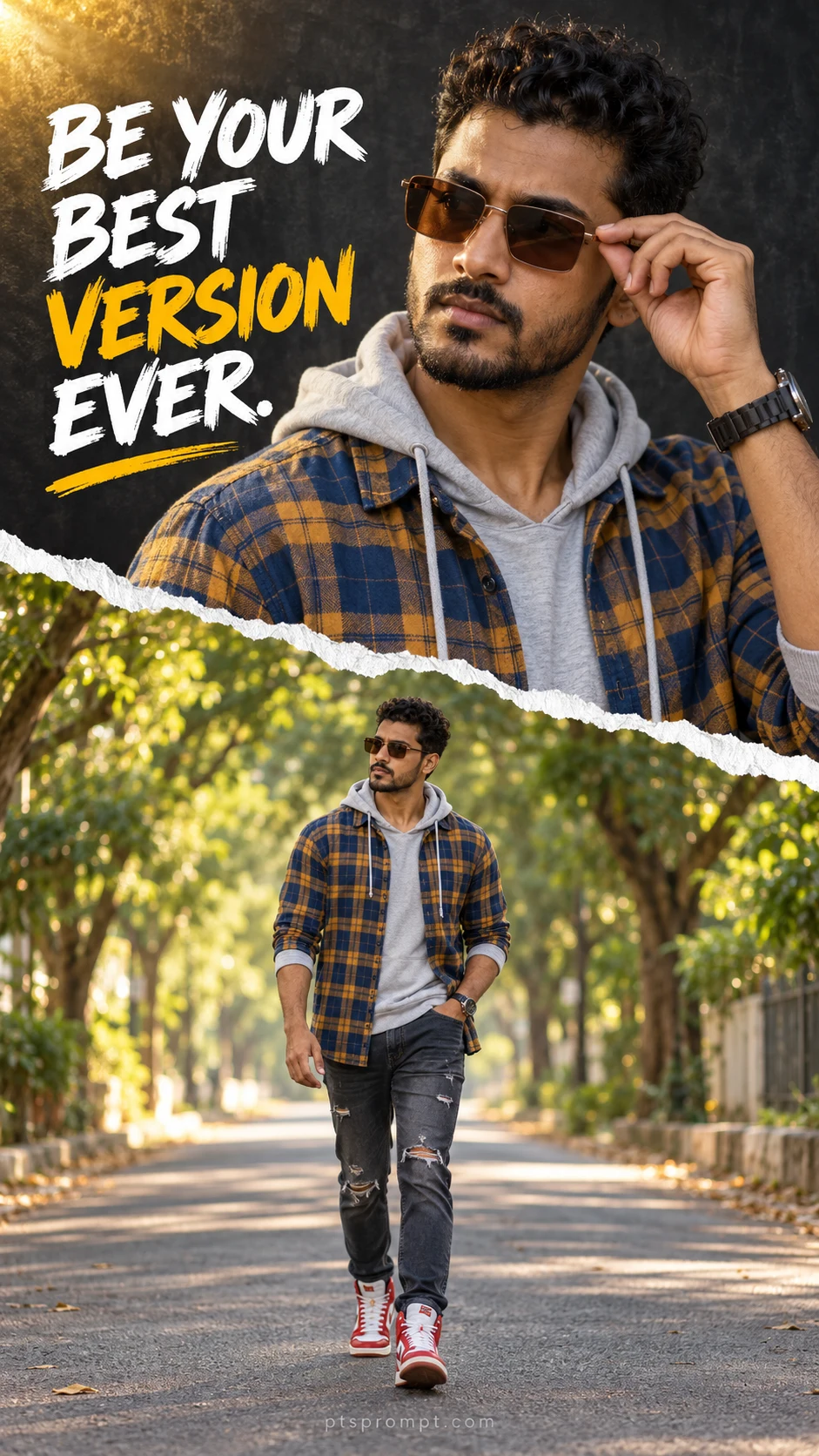
Torn Paper Double Portrait with Quote – Boys AI Photo Editing Prompt
Boys Photo Prompts
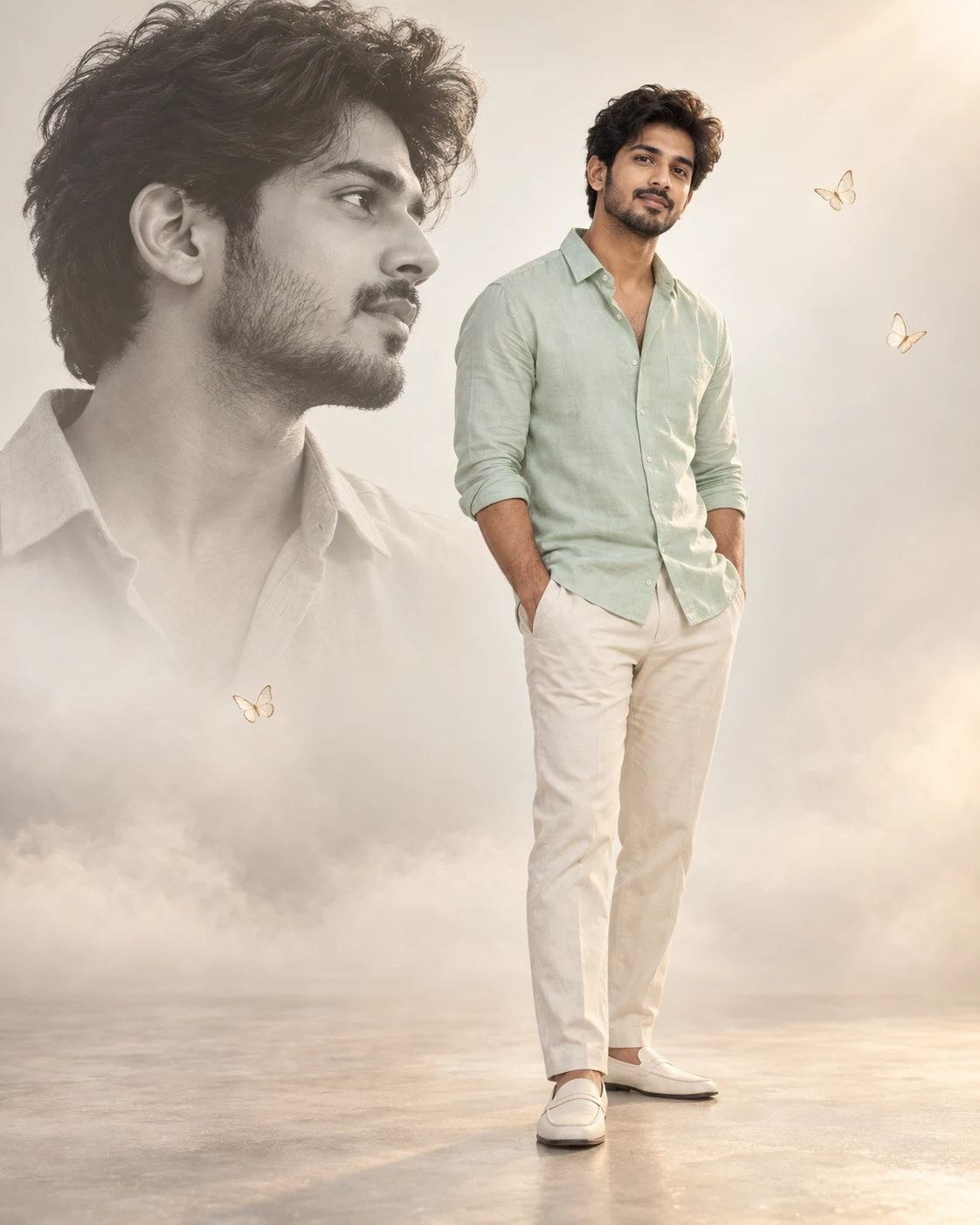
Mint Shirt Cinematic Photo Editing Prompt – Double Portrait Poster
Boys Photo Prompts
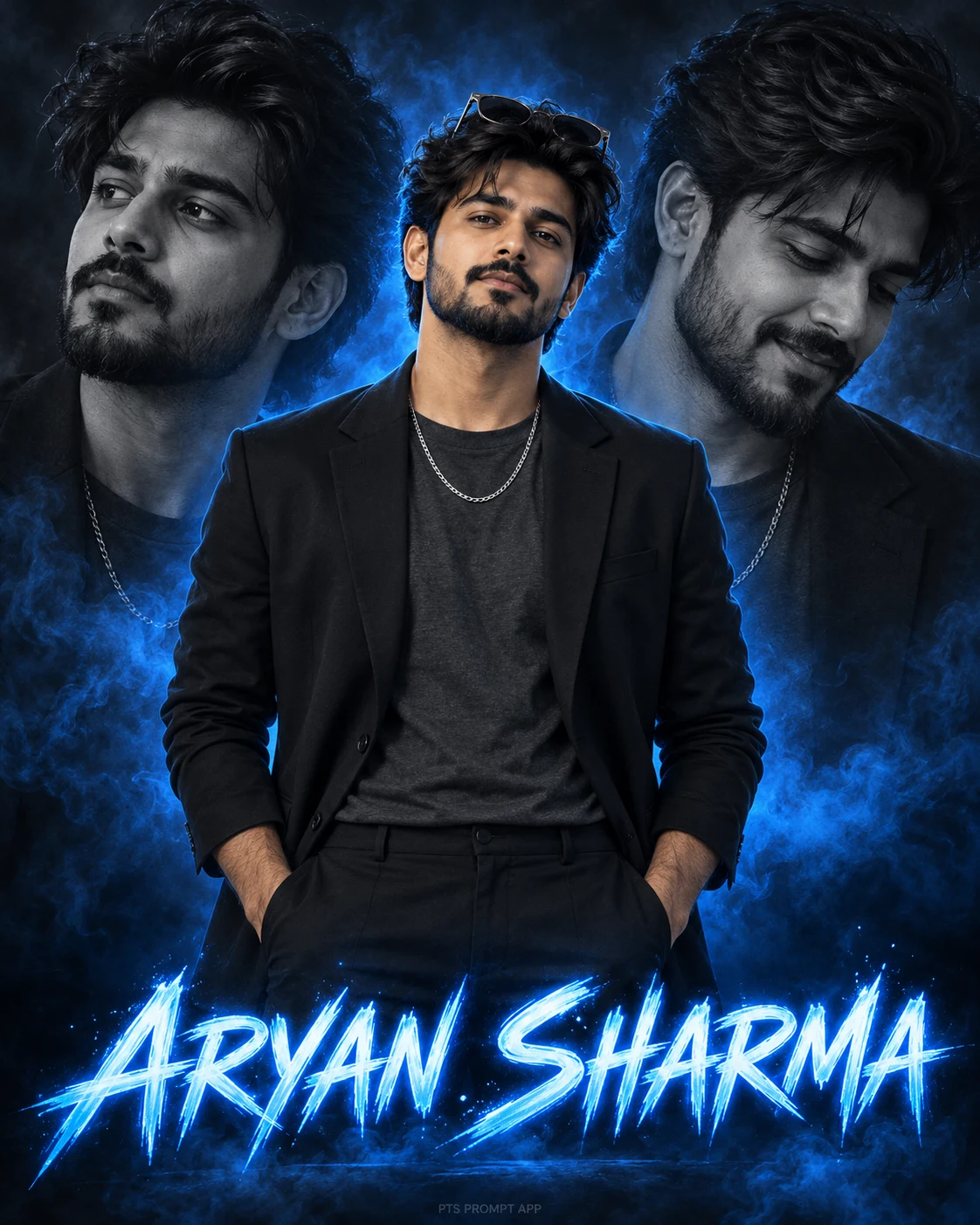
Blue Neon Creator Poster for Boys – AI Photo Editing Prompt
Boys Photo Prompts
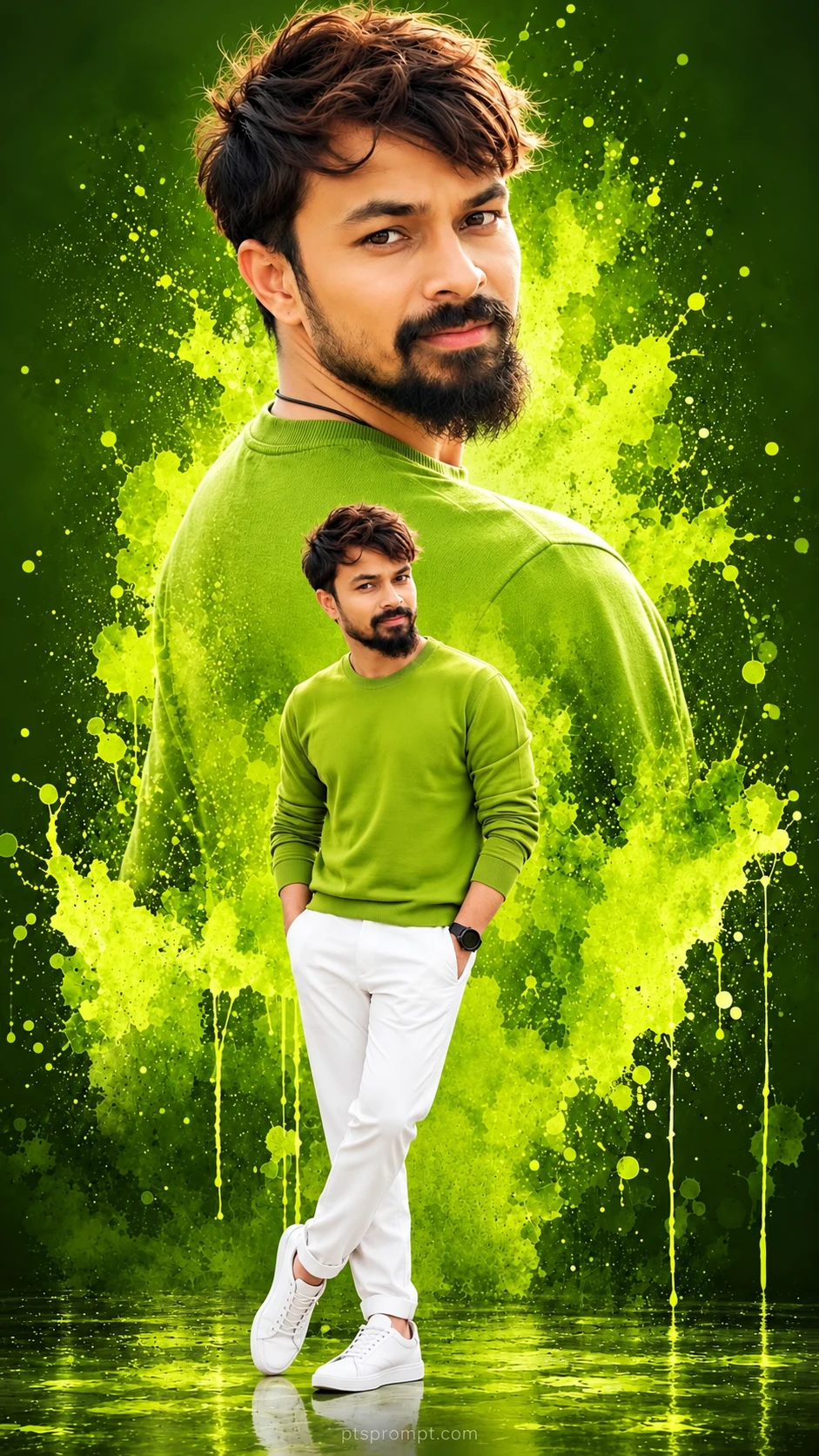
Green Paint Splash Double Portrait – Boys AI Photo Editing Prompt
Boys Photo Prompts