Mint Shirt Cinematic Photo Editing Prompt – Double Portrait Poster
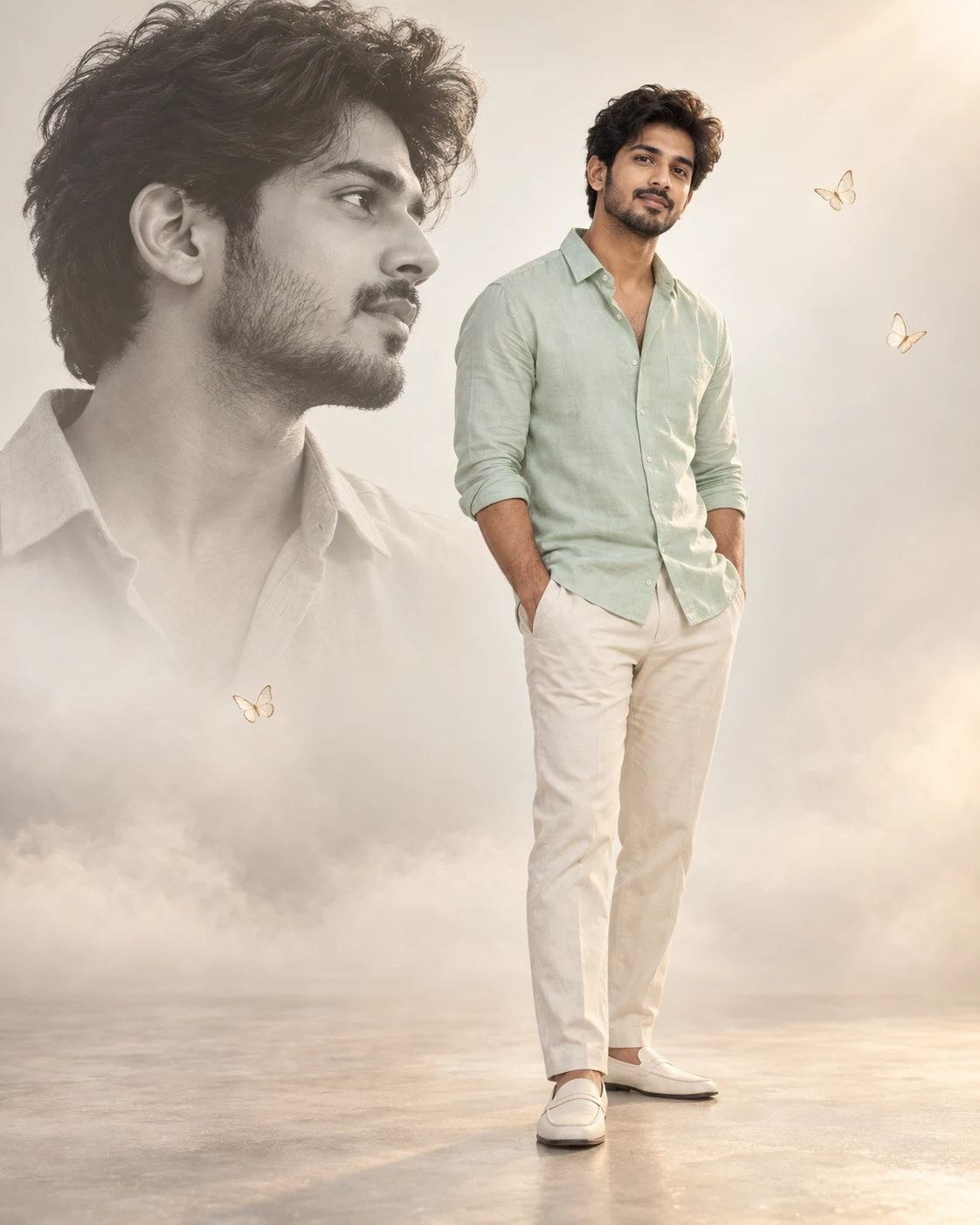
अपनी फोटो से बनाएं mint shirt और cream trousers वाला cinematic double-portrait photo Editing Prompt
Create one ultra-realistic cinematic portrait poster in vertical 4:5 format using my uploaded photo. Preserve my recognizable facial features, skin tone, hairstyle, facial hair, and natural body proportions in both portraits.
Show exactly TWO appearances of me in one seamless composition. In the foreground, place a sharp full-body color portrait slightly right of center, standing naturally with both hands in my trouser pockets. Dress me in a soft mint pastel shirt, cream trousers, and off-white loafers. Keep my shoulders relaxed and my face clearly visible. Show the complete figure from hair to both shoes, with comfortable space above and below.
In the upper-left background, add one large semi-transparent black-and-white side-profile portrait of the SAME person. Let the foreground figure angle gently toward the left while the background profile faces right. Keep the background hairstyle inside the canvas and softly fade its shoulders into the backdrop. Do not overlap the two faces.
Use a clean white-to-beige gradient studio background, light mist near the floor, two or three delicate cream butterflies away from the faces, a subtle dreamy glow, and warm diffused studio lighting. Keep the shoes visible through the mist.
Premium DSLR photography with an 85mm portrait look, realistic skin and fabric textures, soft shadows, restrained colors, and a minimal Instagram editorial aesthetic. Exceptionally detailed, 8K-style finish.
No text, logos, watermarks, extra people, additional faces, collage borders, distorted anatomy, or cropped heads and feet. Deliver ONE finished image.
5
Please wait...
Preparing prompt action...
If Gemini doesn't auto-fill, just press Ctrl + V to paste the prompt.
How to Customize this Prompt?
Upar Edit Prompt button pe click karein aur niche di gayi details ko apne hisaab se badlein:
• Reference Photo: अपनी साफ photo upload करें जिसमें चेहरा स्पष्ट दिखाई दे। Full-body photo उपलब्ध हो तो बेहतर है; selfie देने पर AI बाकी शरीर का अनुमान लगाएगा।
• Shirt Color: “Soft mint pastel shirt” को sky blue, blush pink, lavender या अपनी पसंद के रंग से बदल सकते हैं।
• Trousers & Shoes: Cream trousers और off-white loafers की जगह अपना पसंदीदा outfit लिख सकते हैं।
• Background: White-to-beige gradient को light grey या किसी हल्के pastel background से बदल सकते हैं।
• Butterflies: Butterflies नहीं चाहिए तो उनकी instruction हटाकर “No butterflies” लिखें।
• Image Size: Instagram portrait post के लिए 4:5 ratio रखें। पूरे सिर और दोनों जूतों को दिखाने वाली instructions बनाए रखें।
• Double Portrait: एक ही image में आपकी एक full-body color photo और पीछे बड़ा faded black-and-white side profile बनेगा।
• Face Matching: AI चेहरा 100% समान बनाए, इसकी गारंटी नहीं है।
Boys Photo Prompts
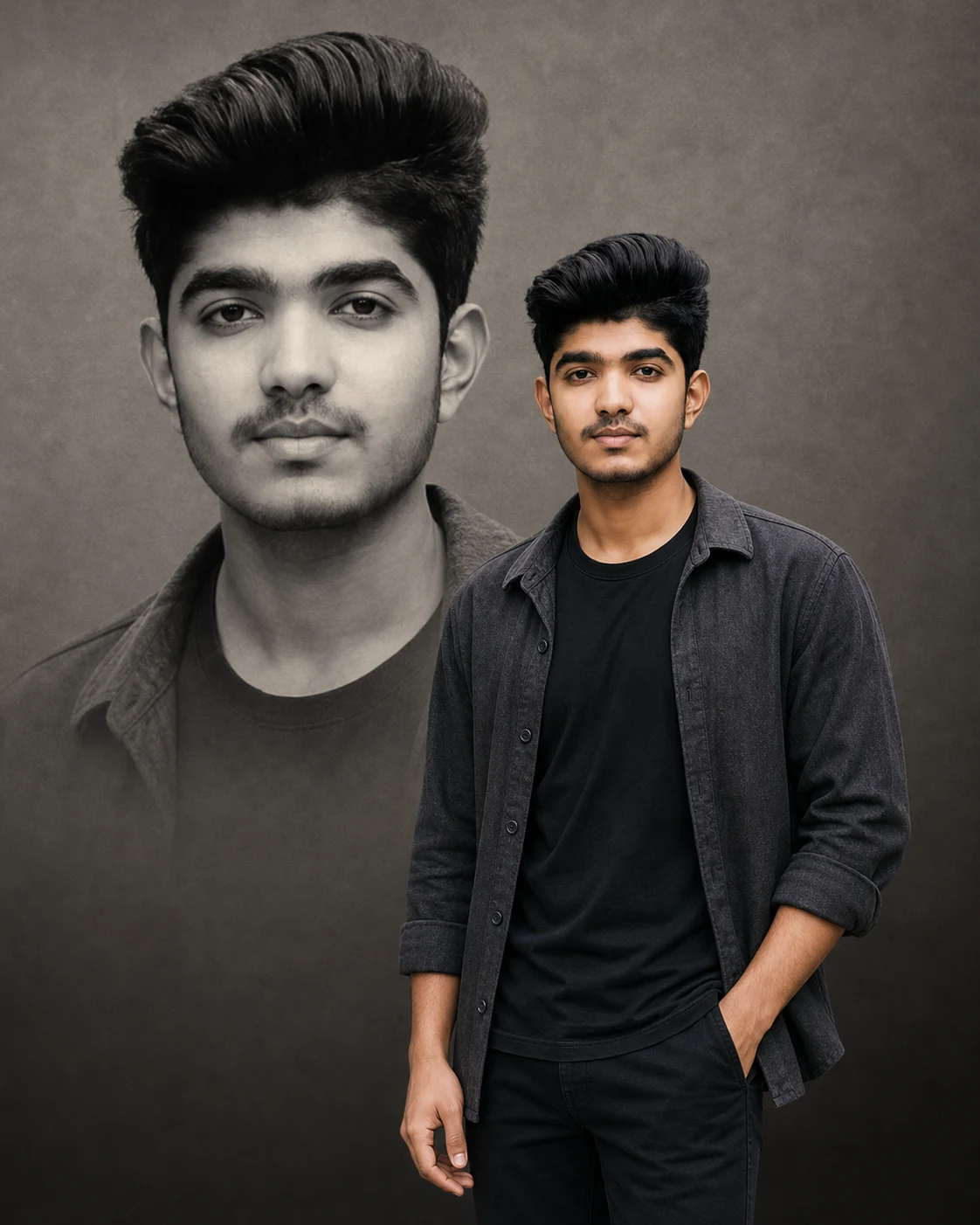
Double Portrait AI Photo Editing Prompt for Boys
Boys Photo Prompts
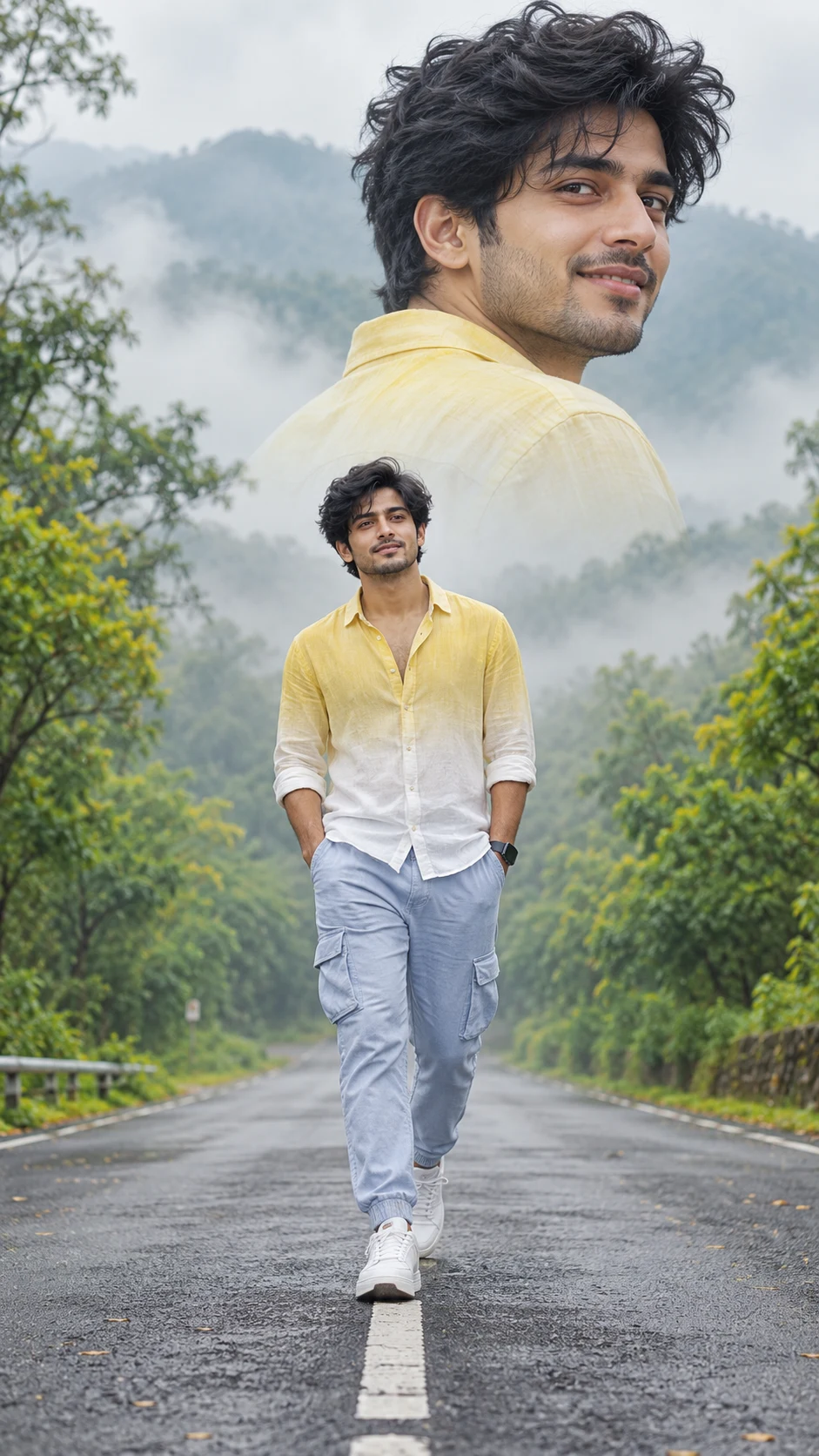
Cinematic Road Walk Photo Editing Prompt – Double Portrait for Boys
Boys Photo Prompts
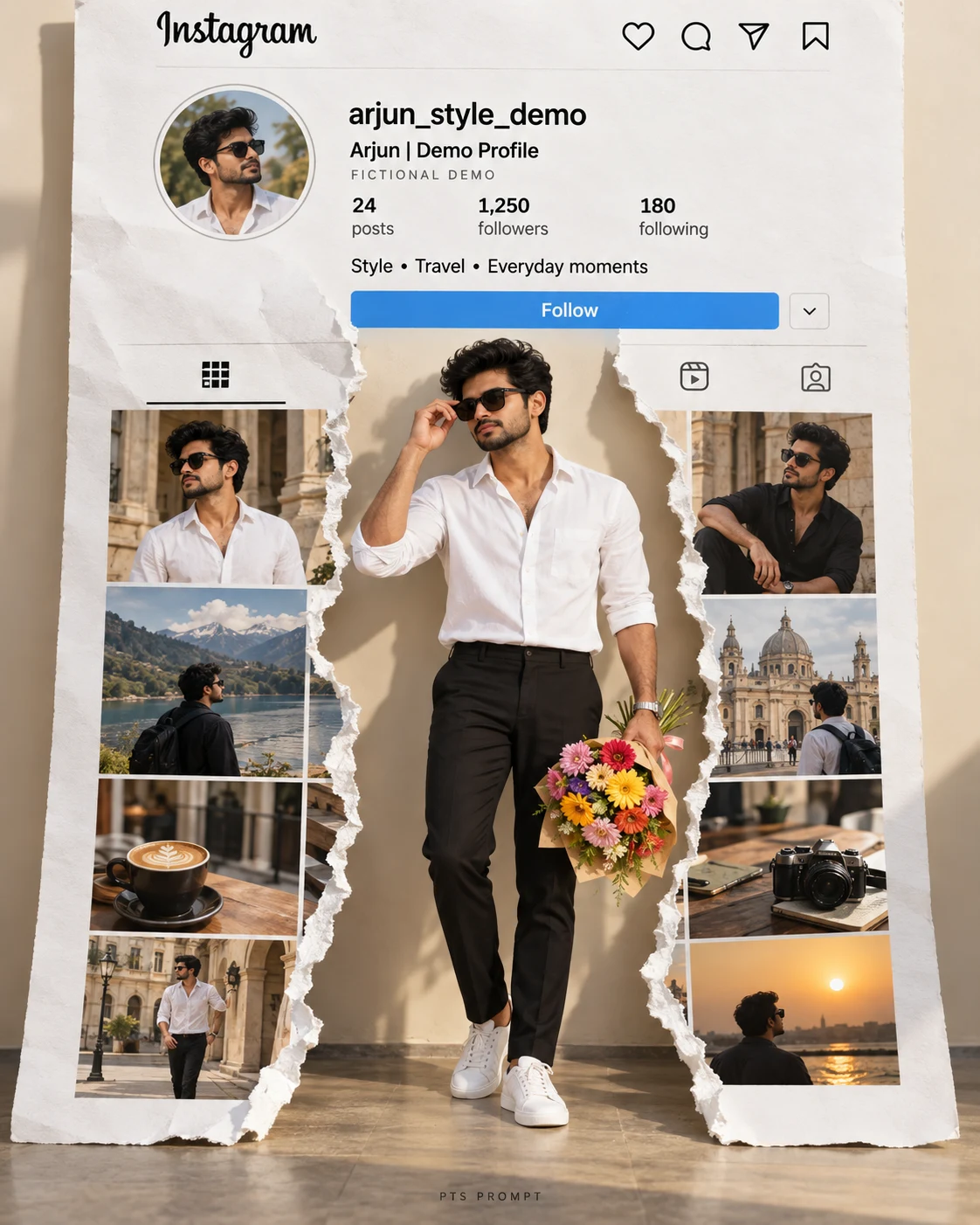
Instagram Torn Paper Photo Editing Prompt for Boys – Real Profile Background
Birthday Photo Editing
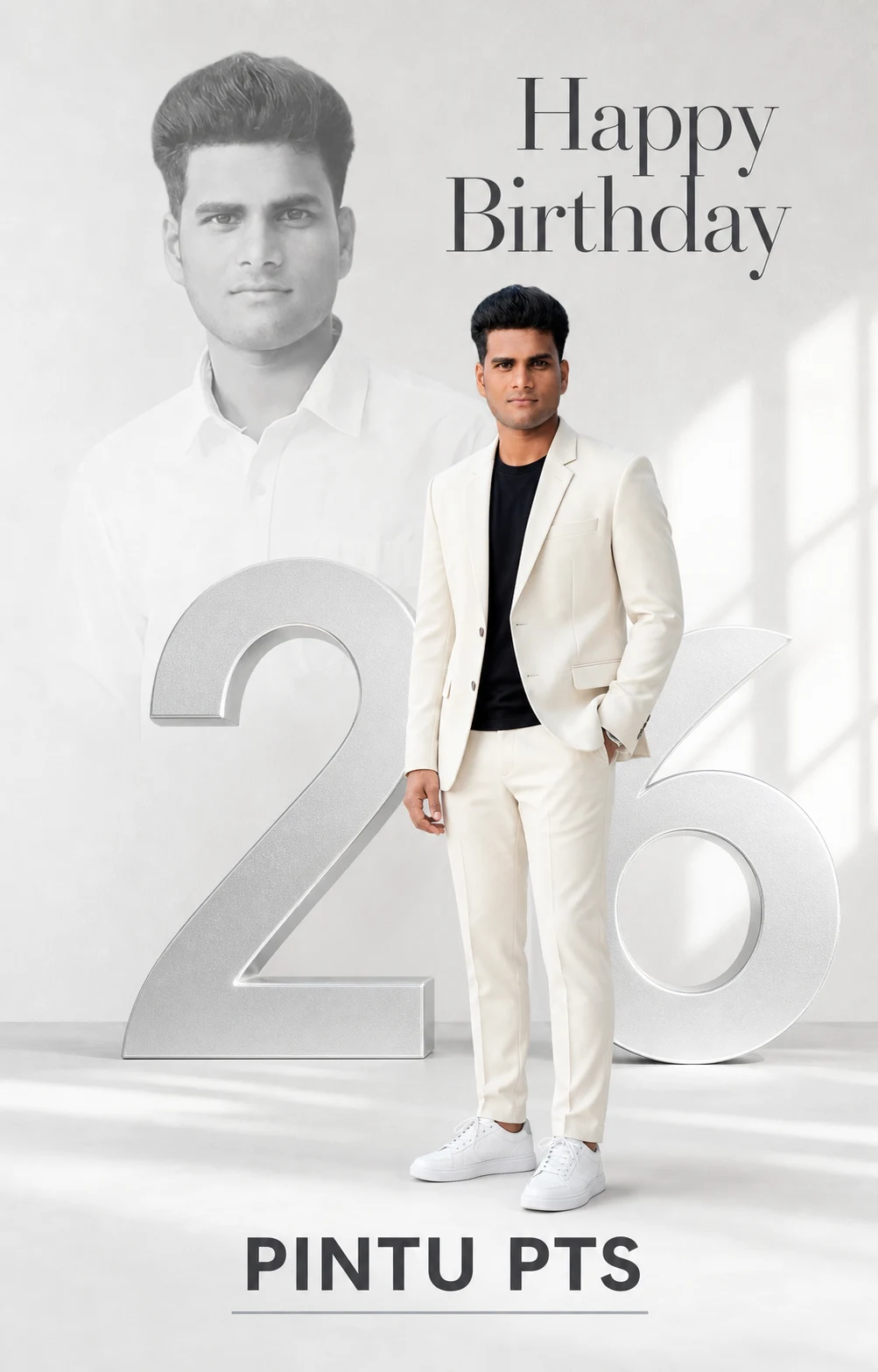
White and Silver Birthday Poster – Double Portrait AI Editing Prompt
Birthday Photo Editing
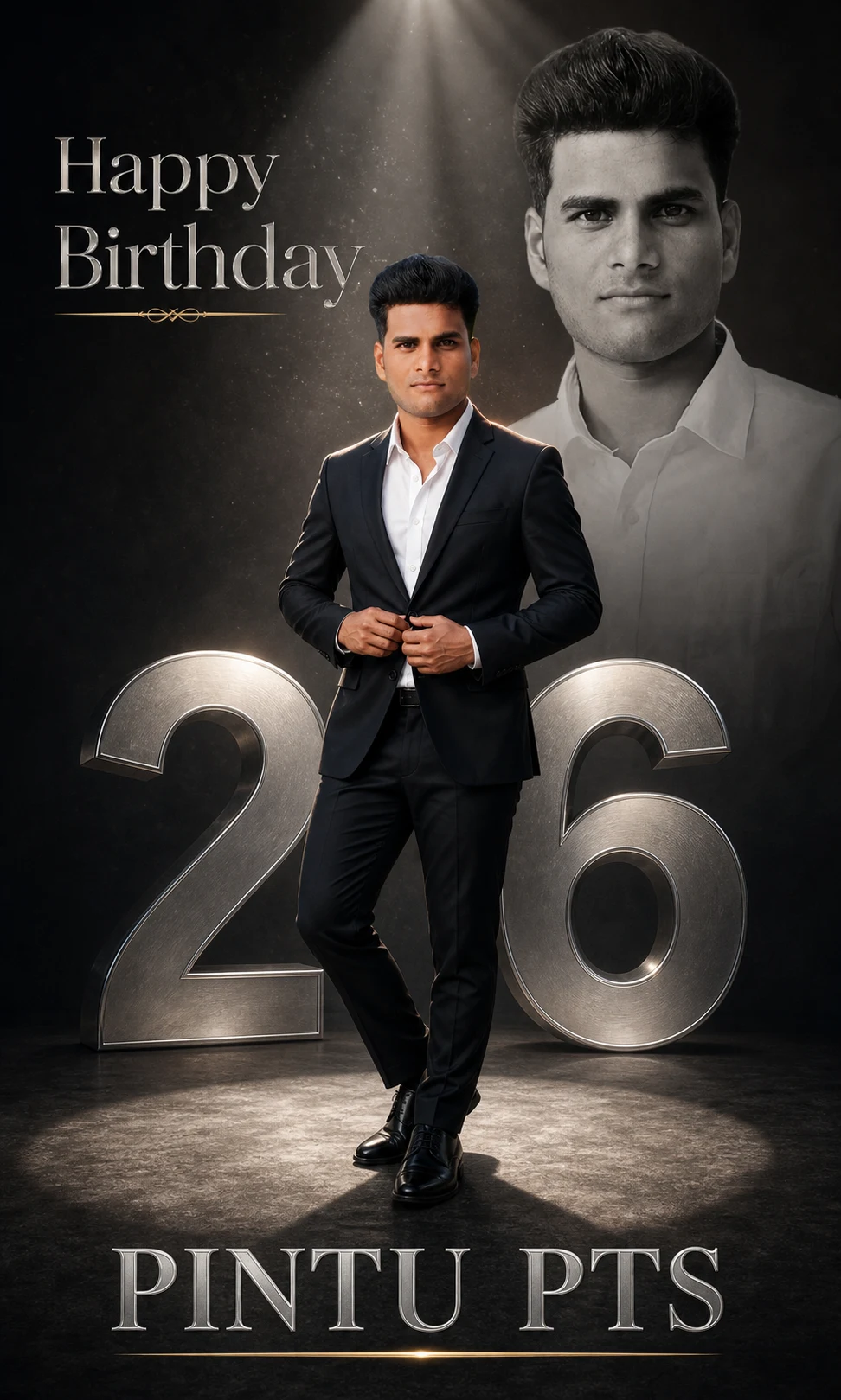
Luxury Birthday Photo Editing Prompt – Black Suit & Silver Age Poster
Boys Photo Prompts
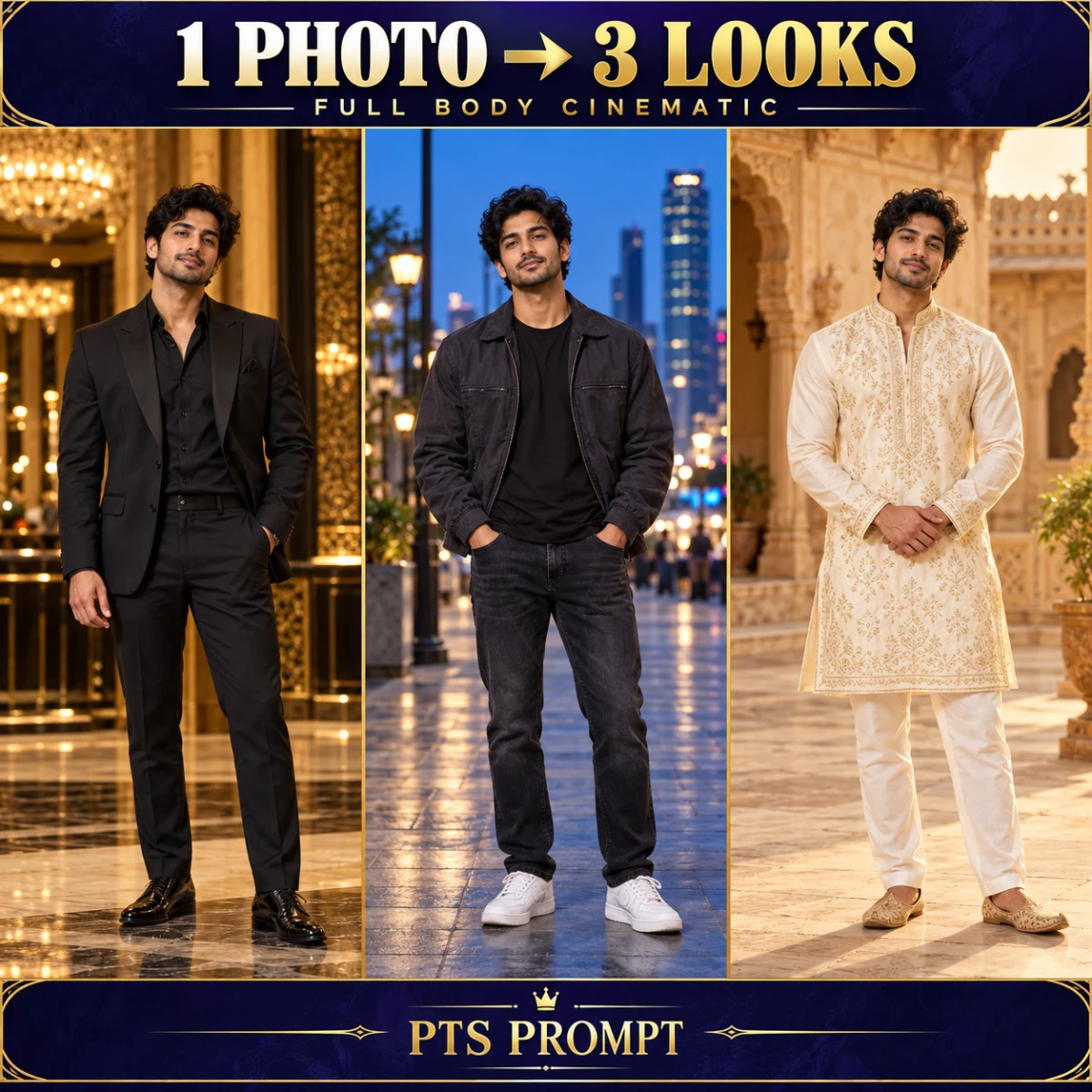
1 Photo to 3 Full Body Cinematic Looks – AI Collage Prompt
Couple
Pre-Wedding Shoot Palace AI Photo Editing Prompt
Bike & Car