YouTube Thumbnail AI Prompt with Your Own Photo
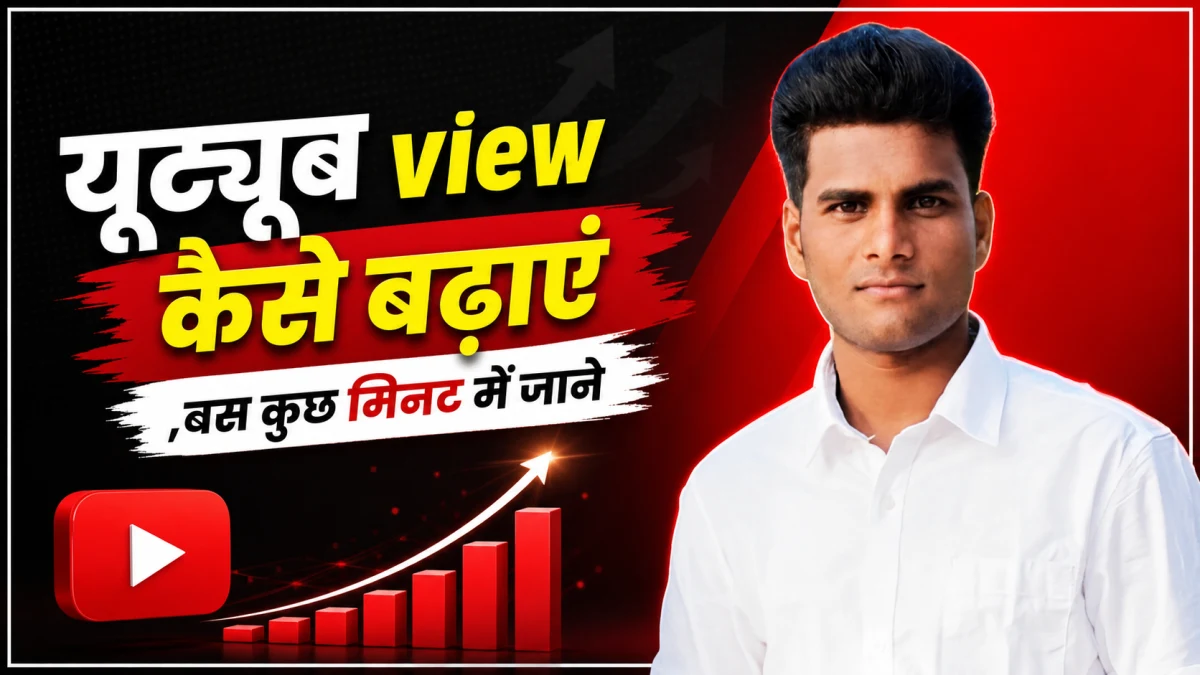
Create a YouTube thumbnail using your own photo, bold headline text, and a topic-based background. Customize this AI prompt while keeping your face recognizable and the layout easy to read.
Create a professional YouTube thumbnail using my uploaded portrait photo and the video details below.
MY DETAILS:
• Video topic: [ENTER YOUR VIDEO TOPIC]
• Exact thumbnail headline: [ENTER 2–5 WORDS]
• Preferred colors: [ENTER TWO COLORS OR WRITE AUTO]
• Supporting visual: [DESCRIBE A RELEVANT OBJECT OR WRITE AUTO]
REFERENCE PHOTO:
Use my uploaded photo as the main subject.
If no portrait is attached, ask me to upload one before generating the image.
CANVAS:
Create a horizontal 16:9 composition, targeting 1280 × 720 pixels if supported.
PORTRAIT:
Place me on the right side in a clear chest-up composition.
Preserve my recognizable identity, facial features, skin tone, age, hairstyle, expression, and body proportions.
Keep natural skin texture.
Do not reshape my face, change my expression, or apply exaggerated beauty filters.
Create a clean cutout with refined hair edges.
Add a subtle rim light and soft shadow to separate me from the background.
Keep my full head inside the frame with comfortable space above it.
HEADLINE:
Place the supplied headline on the left in large, bold lettering.
Use a maximum of two lines with strong contrast.
Preserve the exact spelling and language, including Hindi characters and matras.
Use a subtle outline or shadow only where needed.
Do not add extra words.
If no headline is provided, suggest three short options and ask me to choose one before generating.
BACKGROUND:
Create a simple background related to the video topic.
Use my selected colors. If AUTO is selected, choose two complementary colors with strong text contrast.
Include one relevant supporting object only if it helps explain the topic.
Keep the area behind the headline uncluttered.
DESIGN FINISH:
Use balanced cinematic lighting, crisp subject detail, and restrained depth.
Make the face and headline understandable at a small mobile preview size.
Keep important content away from the bottom-right corner.
Add a clean, thin white outer border.
AVOID:
Altered facial identity, artificial skin, distorted anatomy, invented gestures, clutter, excessive glow, unnecessary arrows, fake statistics, misleading claims, cropped text, and watermarks.
OUTPUT:
Generate one finished thumbnail image using the uploaded portrait and supplied details.
If Gemini doesn't auto-fill, just press Ctrl + V to paste the prompt.
YouTube Thumbnail Style AI Photo Editing Prompt
YouTube Thumbnail Design AI Prompt with Custom Text
YouTube Video Script Writer AI Prompt
YouTube Title, Description and Tags Generator AI Prompt
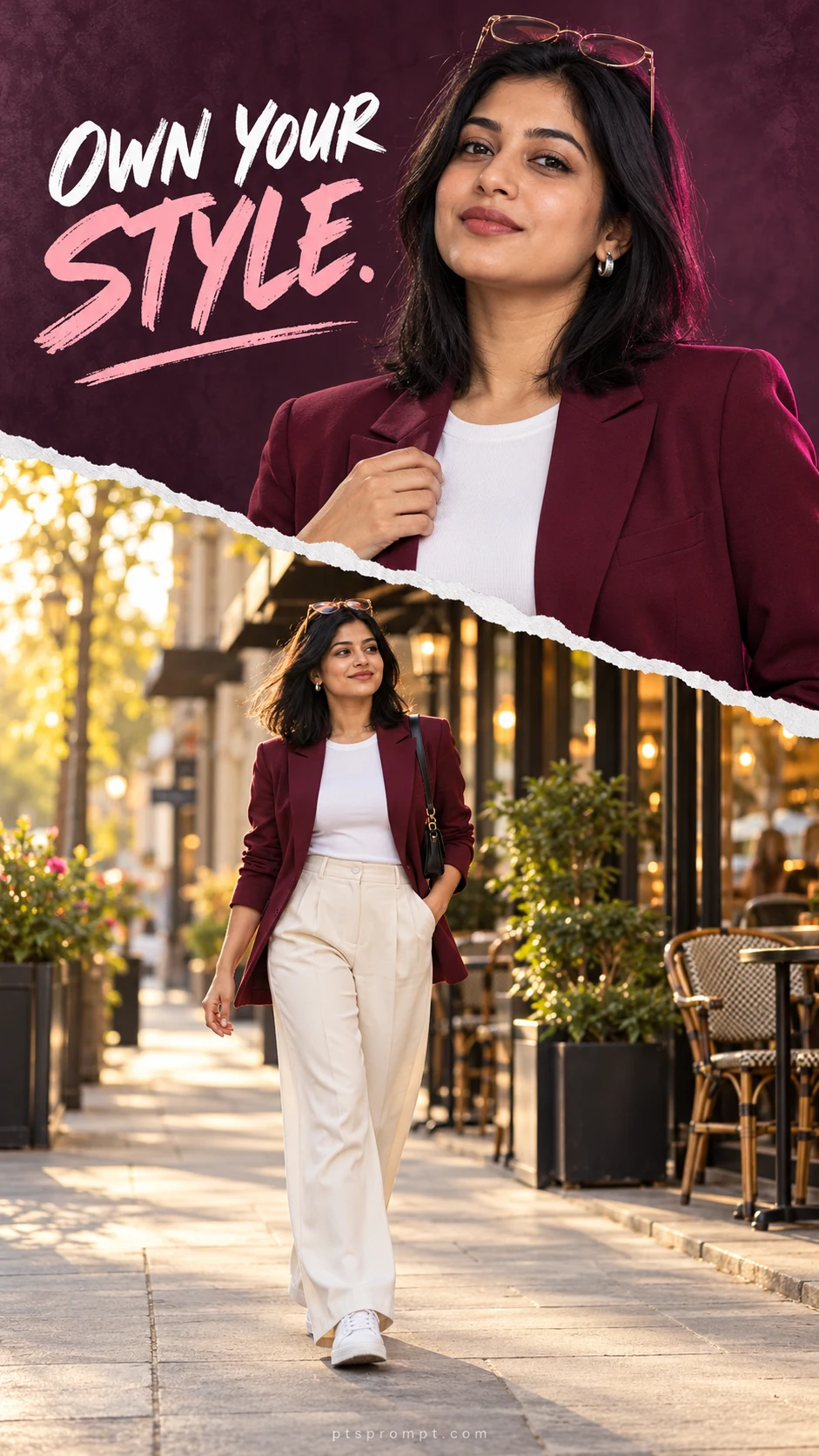
Stylish Torn Paper Collage for Girls – AI Photo Editing Prompt
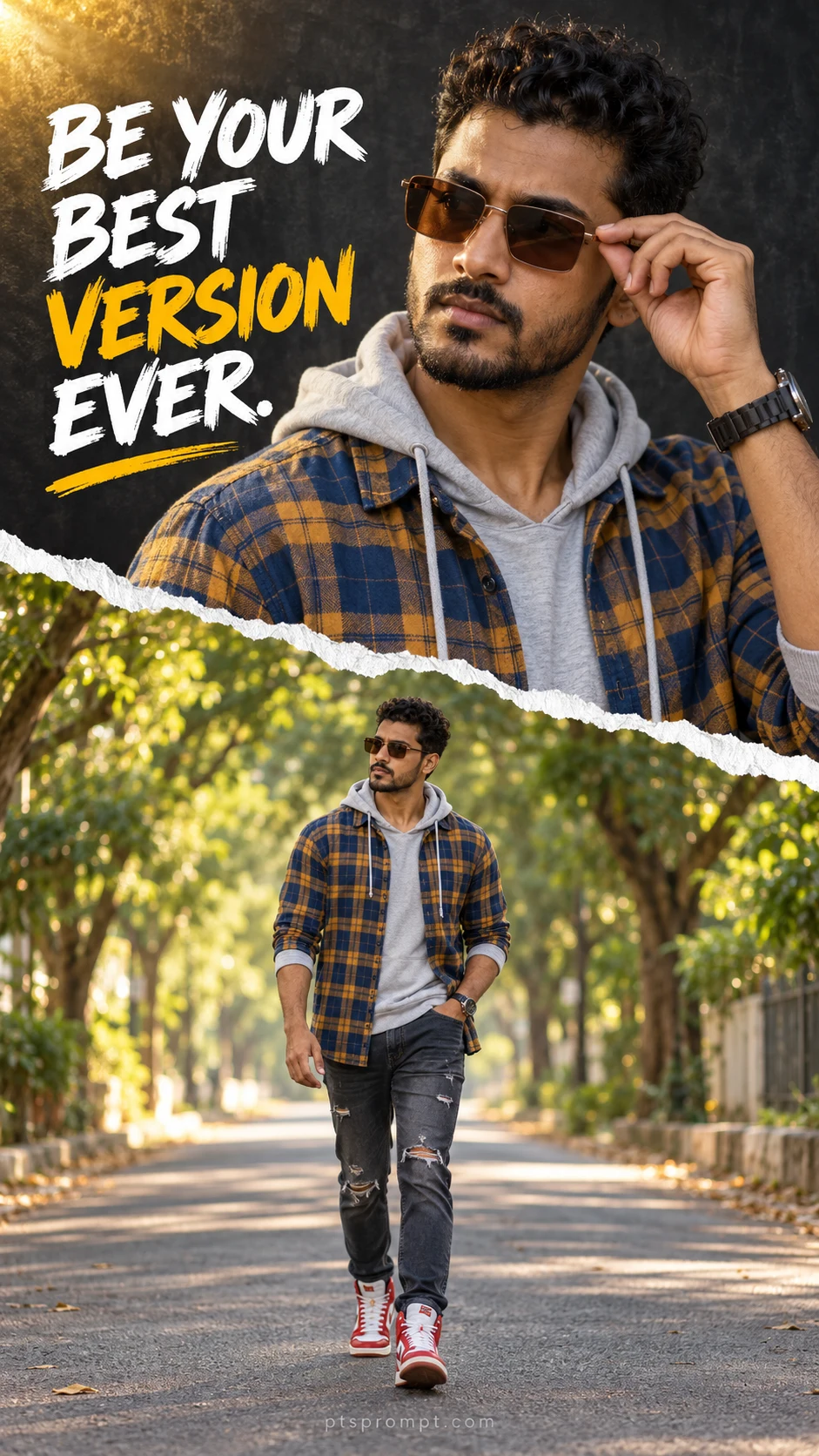
Torn Paper Double Portrait with Quote – Boys AI Photo Editing Prompt
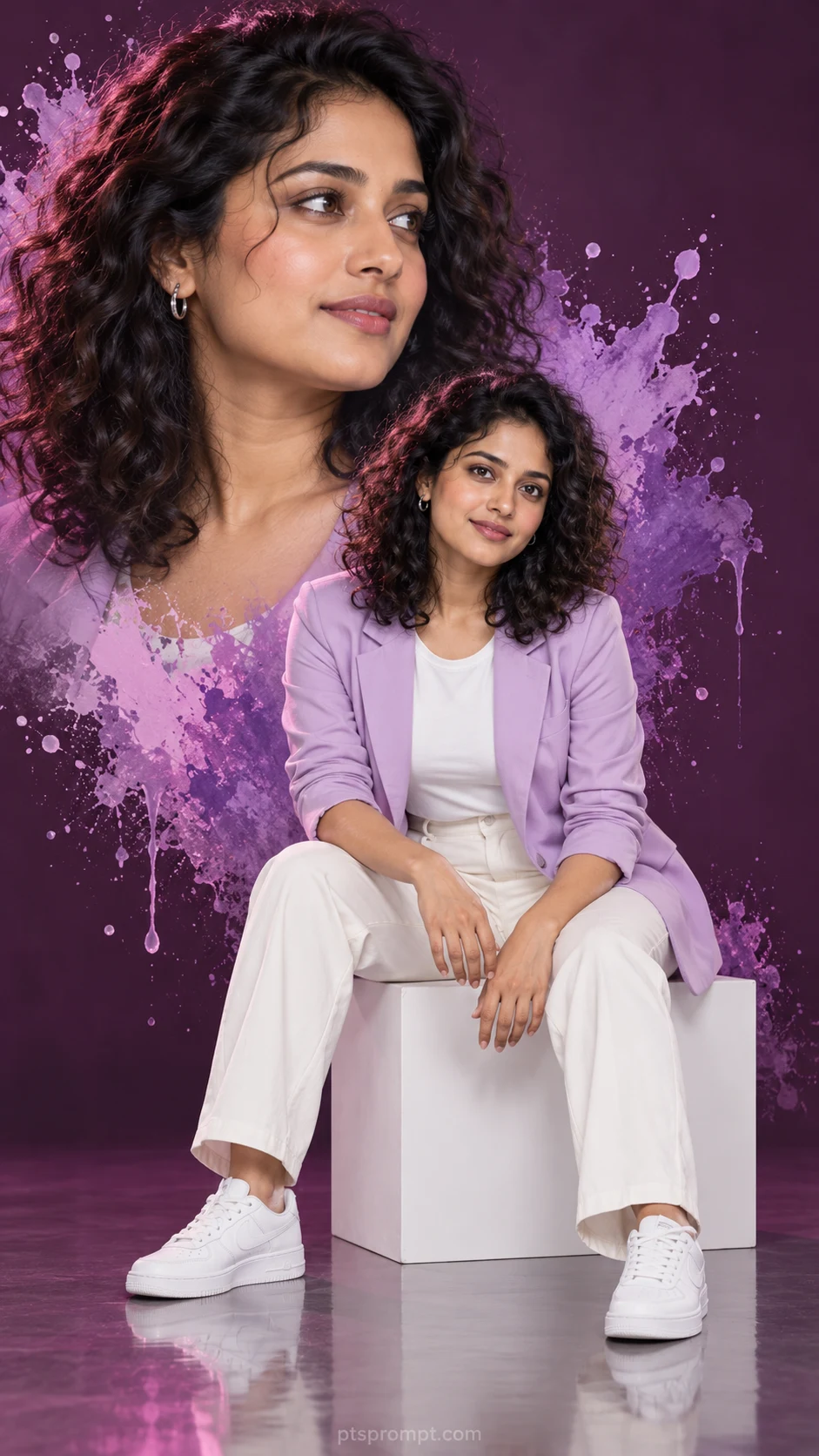
Purple Paint Splash Double Portrait for Girls – AI Photo Editing Prompt