Instagram Torn Paper Photo Editing Prompt for Boys – Real Profile Background
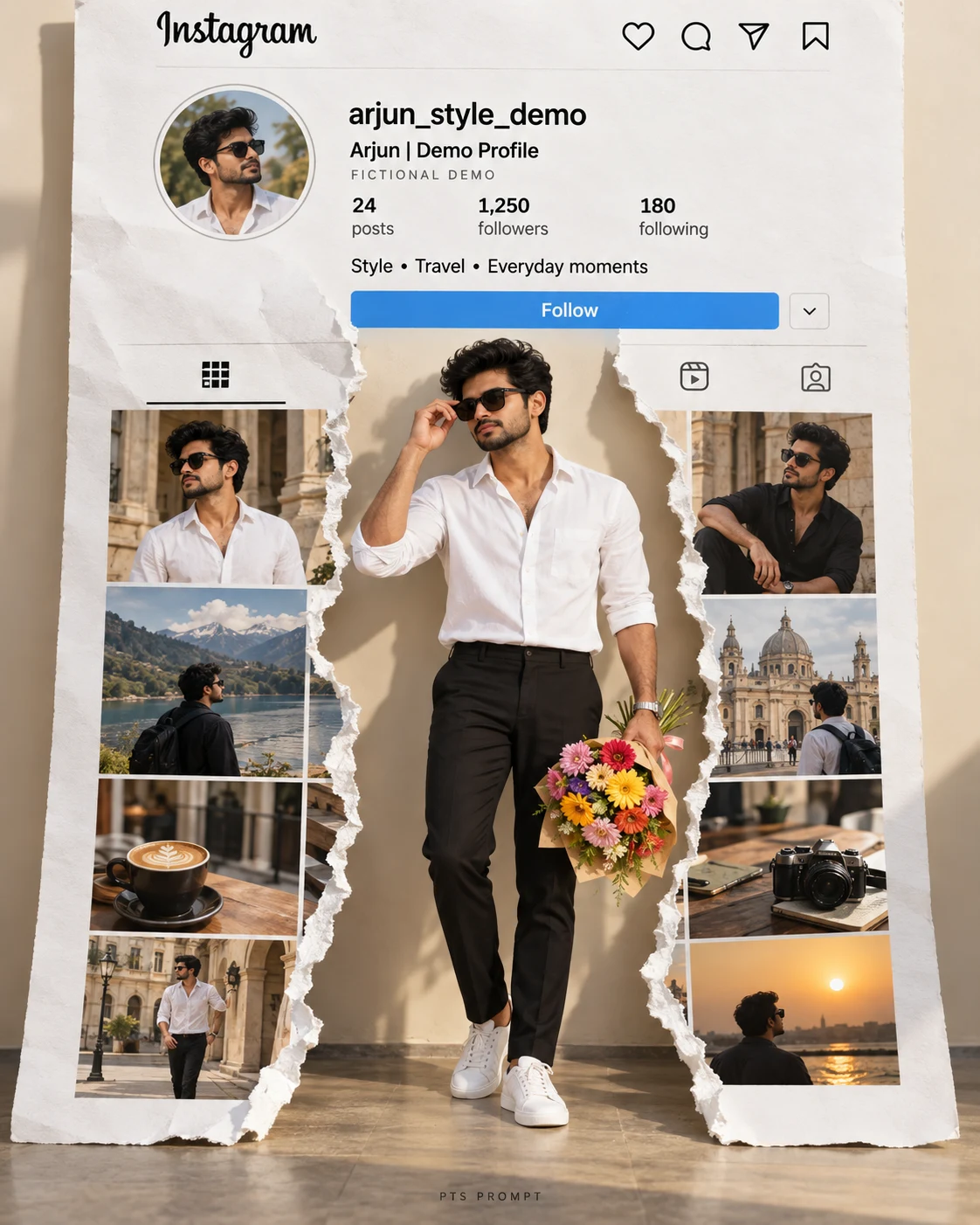
अपनी photo और Instagram profile screenshot से बनाएं stylish torn-paper poster। असली ID के background में white shirt, black trousers, sunglasses और colorful bouquet वाला cinematic full-body look।
Create one photorealistic cinematic fashion poster in vertical 4:5 format using TWO uploaded images.
IMAGE 1: My personal photo — use for my facial identity.
IMAGE 2: My Instagram profile screenshot — use as the actual background artwork.
Preserve my recognizable facial features, skin tone, hairstyle, facial hair, apparent age, and natural body proportions from IMAGE 1.
Show me standing confidently in a crisp white shirt with casually rolled sleeves, tailored black trousers, and clean white sneakers. Hold a colorful flower bouquet in my left hand while gently adjusting black sunglasses with my right hand. Use a relaxed natural pose. Keep my complete hairstyle, both hands, bouquet, and both shoes visible with comfortable margins.
Place ONE enlarged copy of IMAGE 2 behind me as a white printed profile page. Preserve its actual username, display name, profile photo, bio, visible counts, highlights, and post thumbnails. Use the screenshot itself rather than inventing or rewriting a generic profile.
Keep the profile header intact and readable above my head. Below the header, split the page vertically into two complementary torn-paper sections, opening around my standing figure. Add realistic irregular paper edges, subtle paper texture, and soft shadows. Do not duplicate the complete screenshot on both sides.
Keep my body and bouquet away from the username and profile photo. Maintain a mostly front-facing page so the account details remain legible. Reveal a warm off-white studio backdrop through the torn opening.
Use warm natural sunlight, realistic skin and fabric textures, soft contact shadows, and premium editorial photography. Match the portrait lighting naturally to the scene.
Use IMAGE 1 for my identity, even if the screenshot profile photo differs. Keep that profile photo unchanged. No invented account details, extra foreground people, distorted hands, cropped feet, added headlines, or watermarks. Deliver ONE finished poster.
5
Please wait...
Preparing prompt action...
If Gemini doesn't auto-fill, just press Ctrl + V to paste the prompt.
How to Customize this Prompt?
Upar Edit Prompt button pe click karein aur niche di gayi details ko apne hisaab se badlein:
• Image 1 — Your Photo: अपनी साफ photo upload करें जिसमें चेहरा स्पष्ट दिखाई दे। Full-body photo उपलब्ध हो तो बेहतर है।
• Image 2 — Instagram Screenshot: अपने profile का screenshot upload करें जिसमें username, profile photo, bio और कुछ posts साफ दिखें।
• Upload Order: पहले personal photo और फिर Instagram screenshot लगाएँ। AI को स्पष्ट बताएँ कि कौन-सा image किस काम के लिए है।
• Outfit: White shirt को black, sky blue या अपनी पसंद के रंग में बदल सकते हैं। Trousers और sneakers भी बदल सकते हैं।
• Bouquet: Colorful flowers की जगह red roses लिख सकते हैं। Bouquet नहीं चाहिए तो उसकी instruction बदलकर “Keep my left hand naturally in my trouser pocket” लिखें।
• Sunglasses: आँखें दिखाई देनी चाहिए तो “lightly tinted sunglasses with visible eyes” इस्तेमाल करें।
• Real Instagram ID: Username अलग से भरना जरूरी नहीं है—background में uploaded screenshot की details इस्तेमाल होंगी।
• Size: Vertical 4:5 ratio रखें। पूरा शरीर और दोनों shoes दिखाने वाली instruction बनाए रखें।
• Accuracy Check: AI छोटे text, numbers और चेहरे में बदलाव कर सकता है। Final image को original screenshot से मिलाकर जाँचें। बिल्कुल सटीक profile details चाहिए तो photo editor में original screenshot को background layer के रूप में लगाएँ।
Boys Photo Prompts
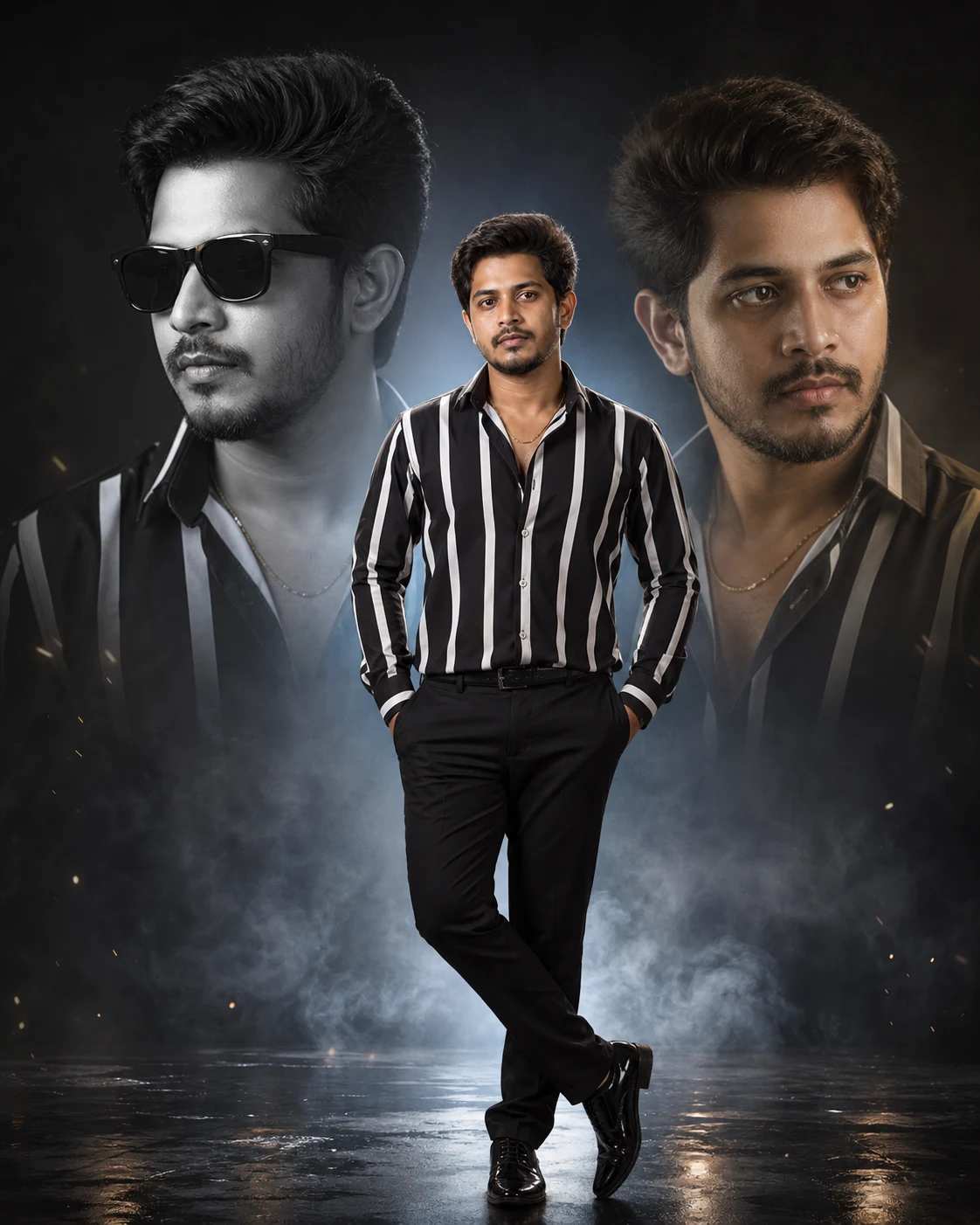
Triple Photo Collage AI Editing Prompt for Boys
Boys Photo Prompts
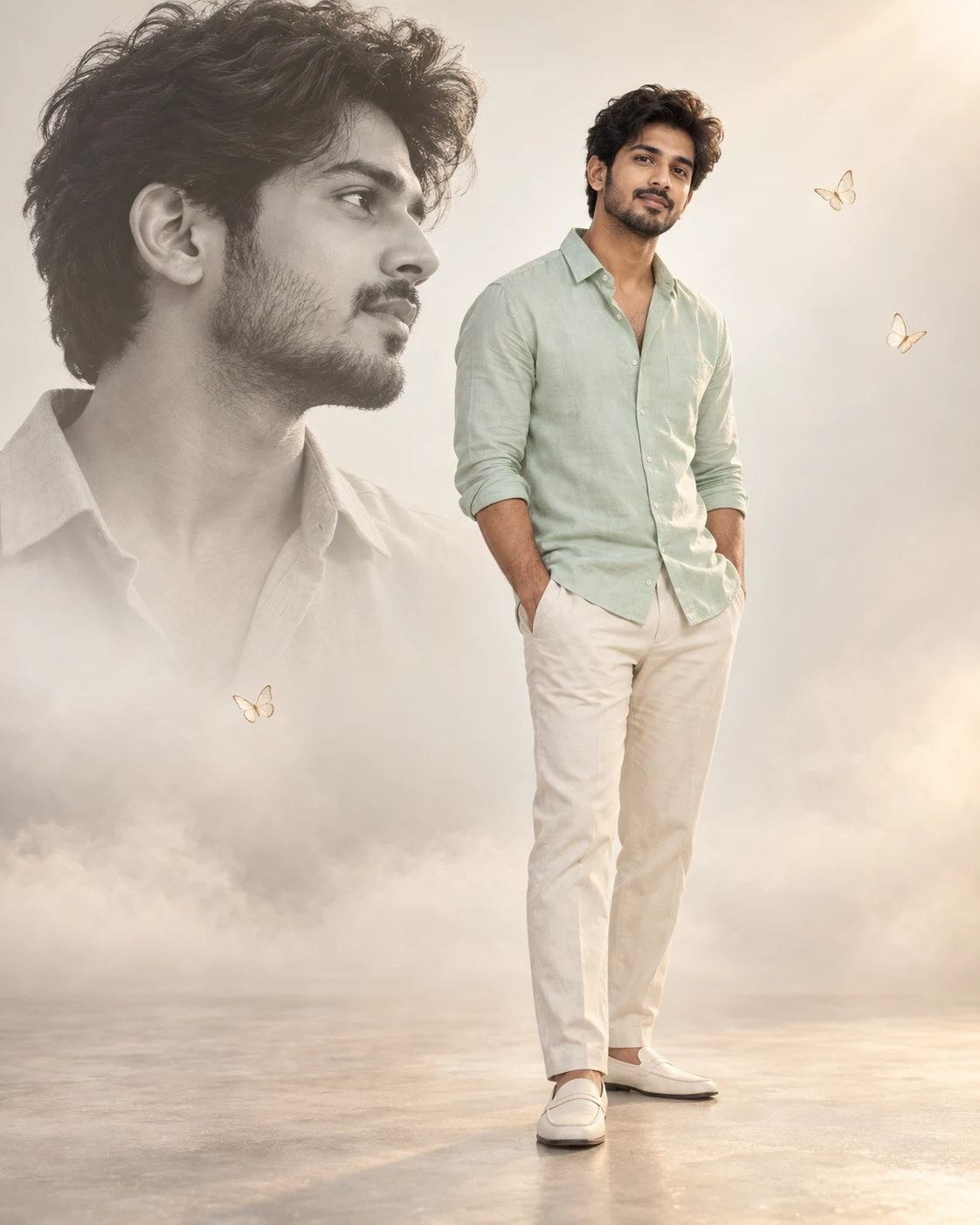
Mint Shirt Cinematic Photo Editing Prompt – Double Portrait Poster
Boys Photo Prompts
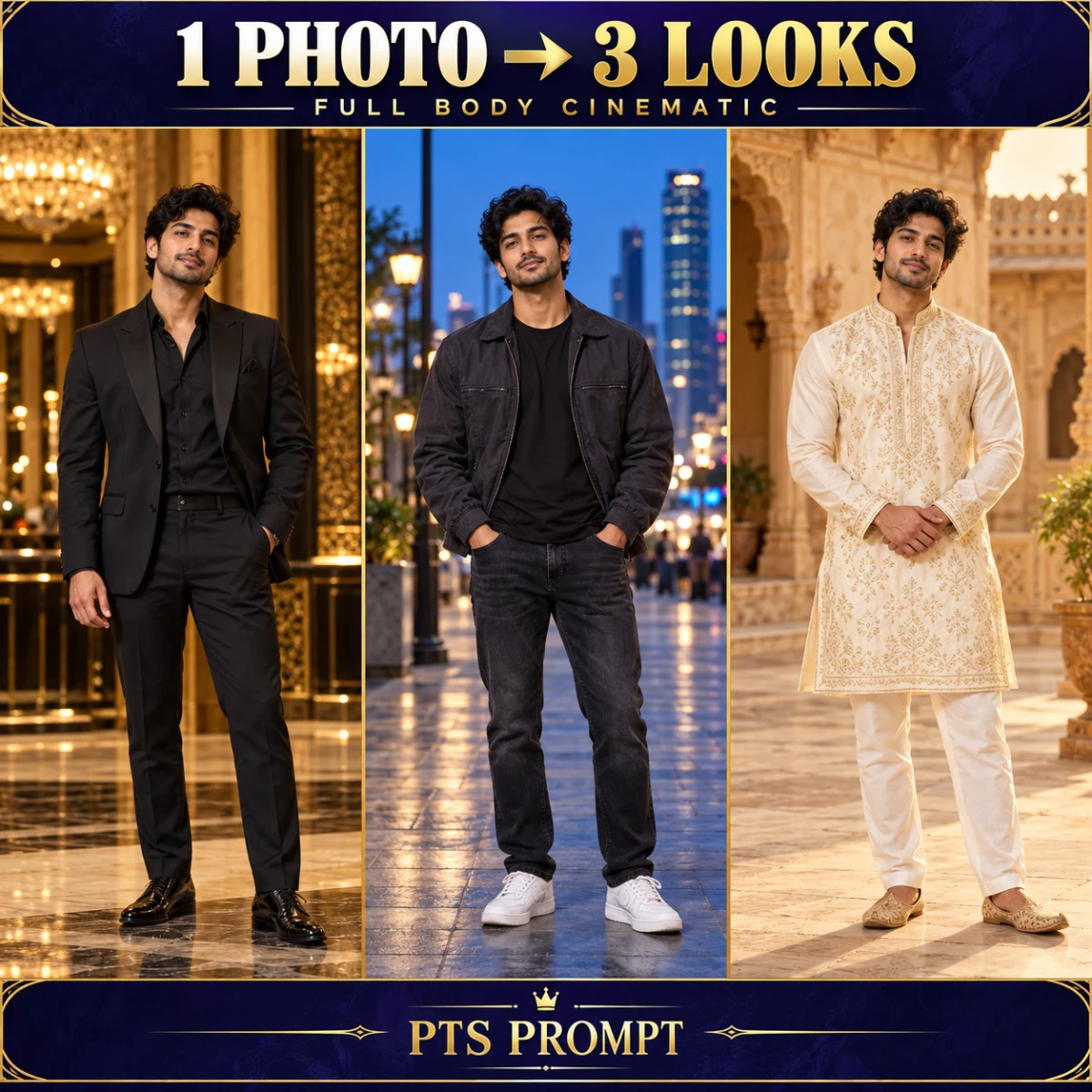
1 Photo to 3 Full Body Cinematic Looks – AI Collage Prompt
Boys Photo Prompts
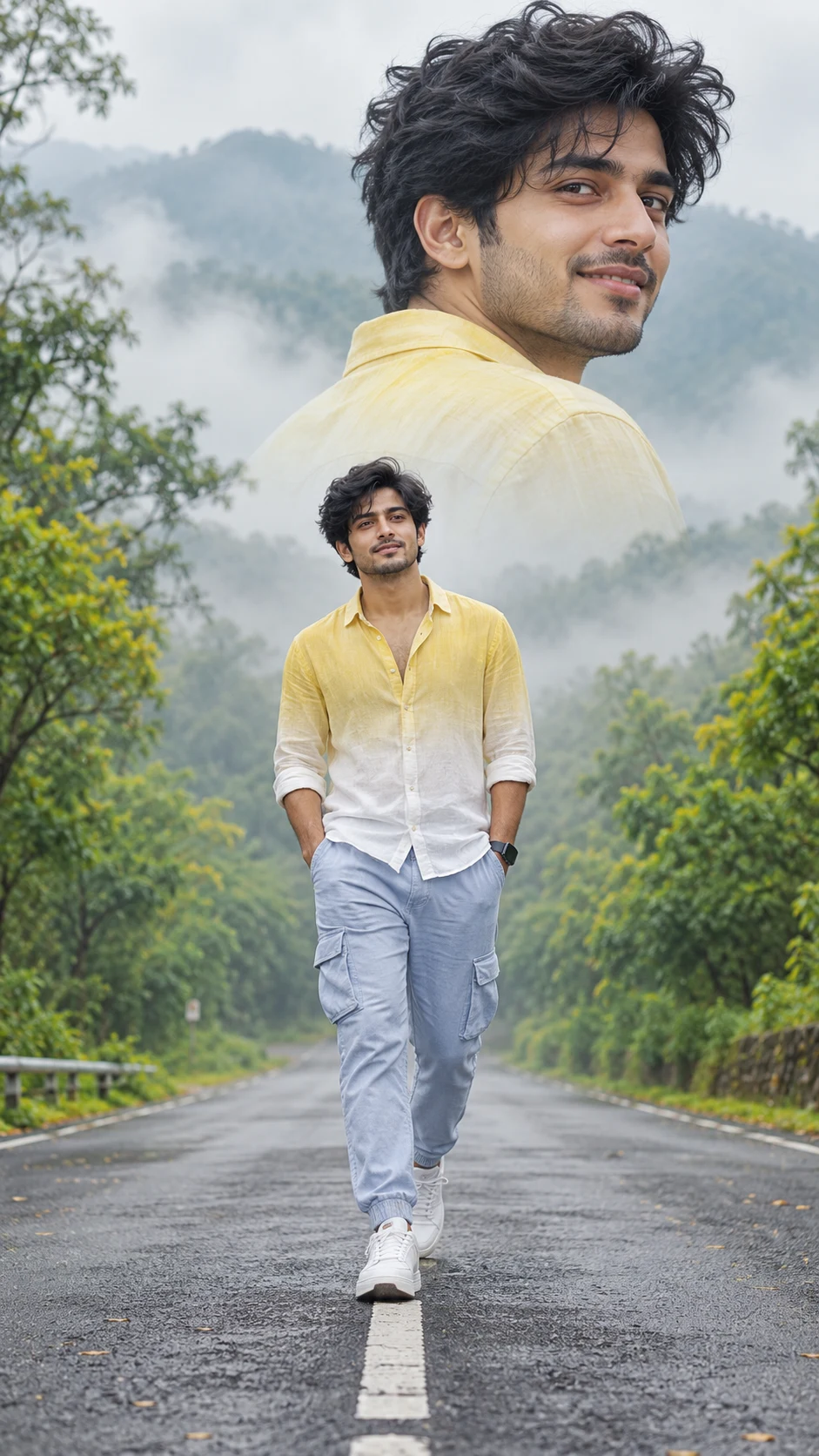
Cinematic Road Walk Photo Editing Prompt – Double Portrait for Boys
Birthday Photo Editing
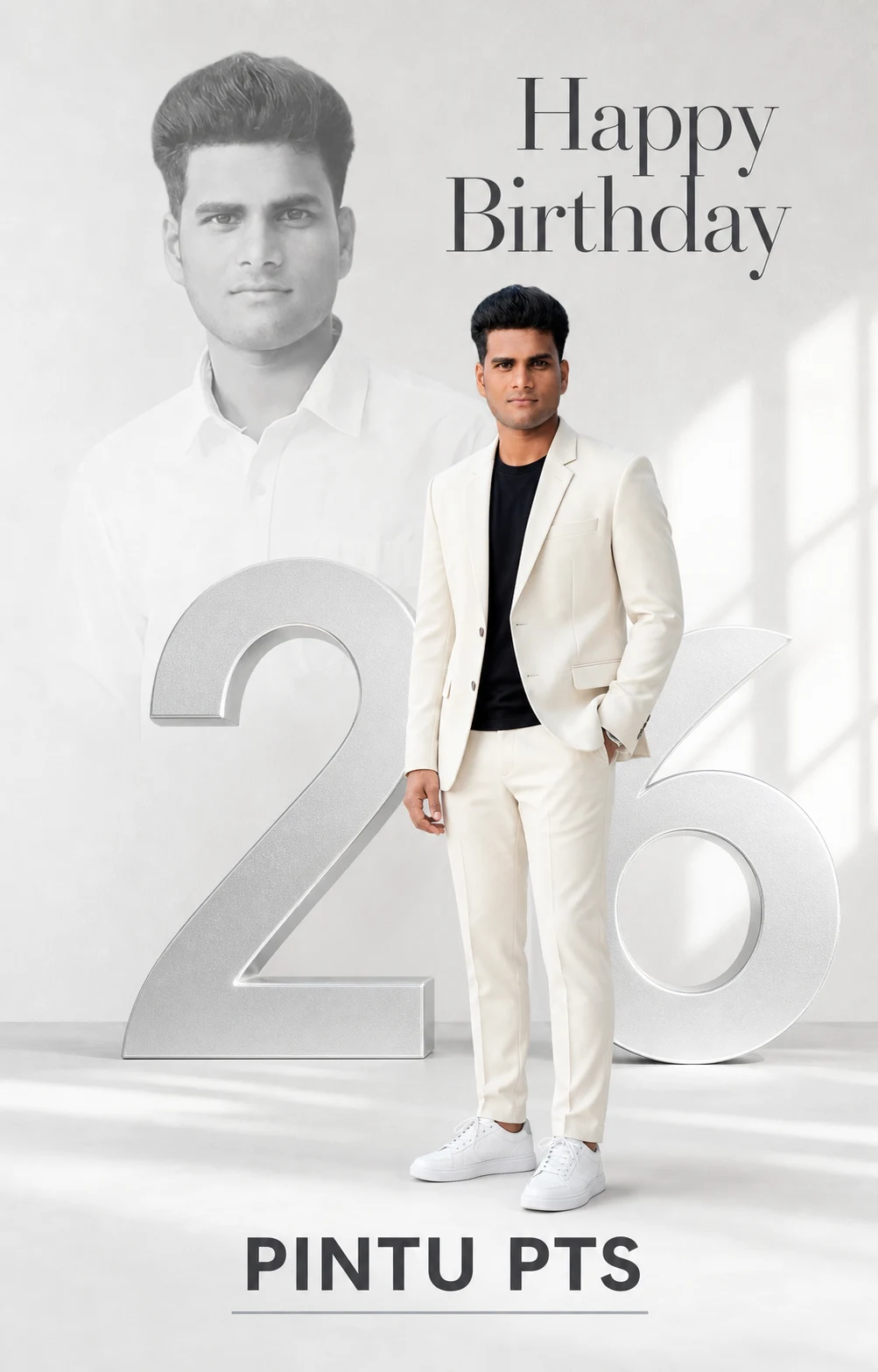
White and Silver Birthday Poster – Double Portrait AI Editing Prompt
Birthday Photo Editing
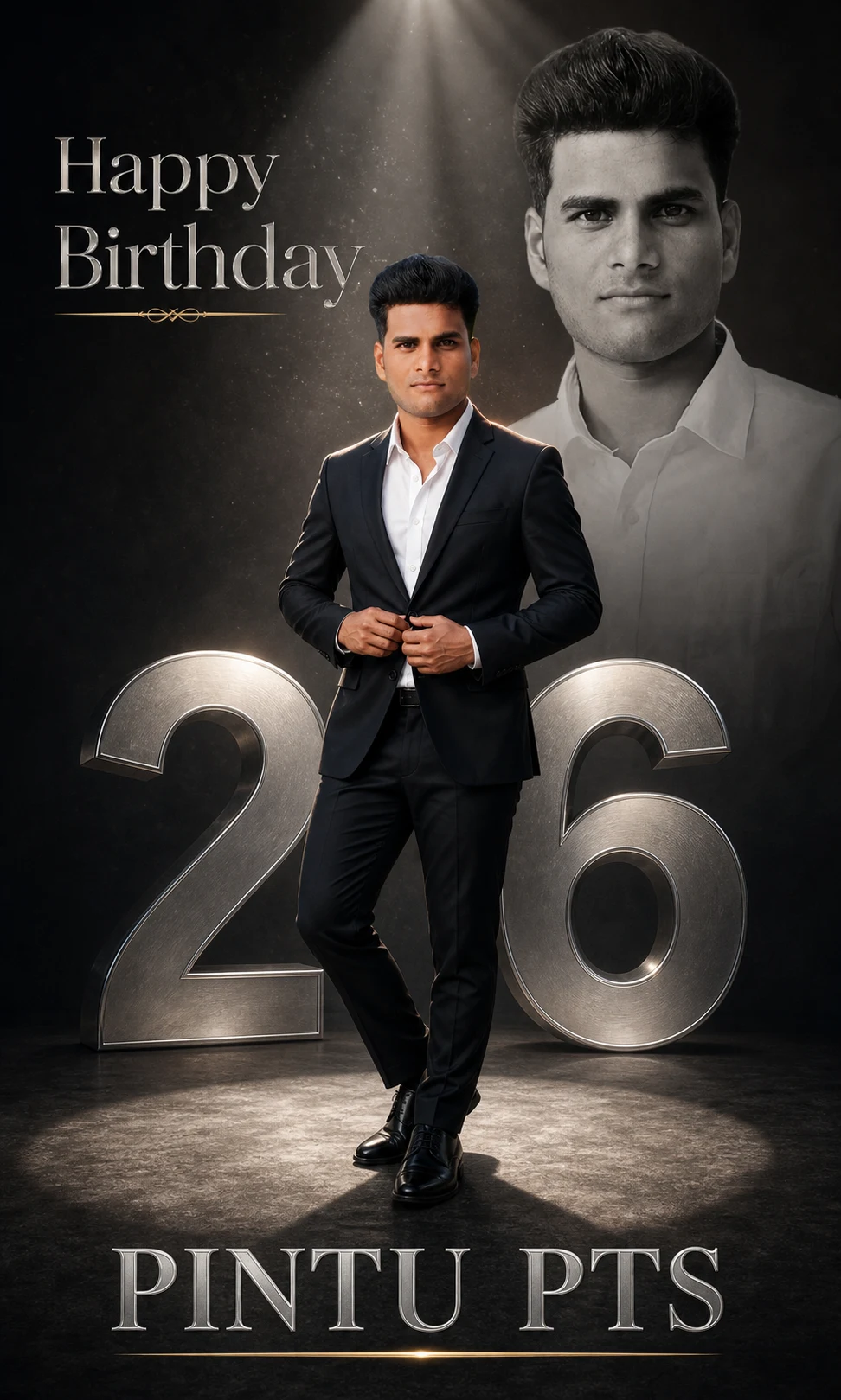
Luxury Birthday Photo Editing Prompt – Black Suit & Silver Age Poster
Couple
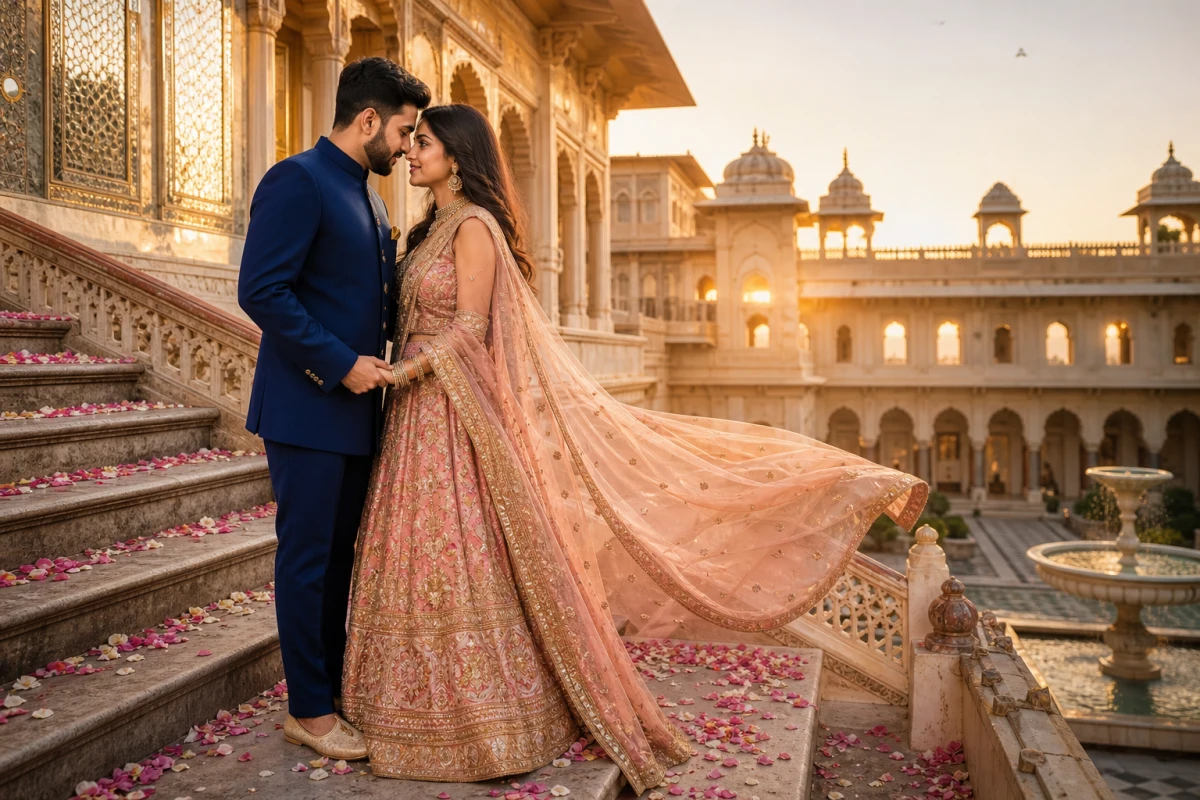
Pre-Wedding Shoot Palace AI Photo Editing Prompt
Bike & Car