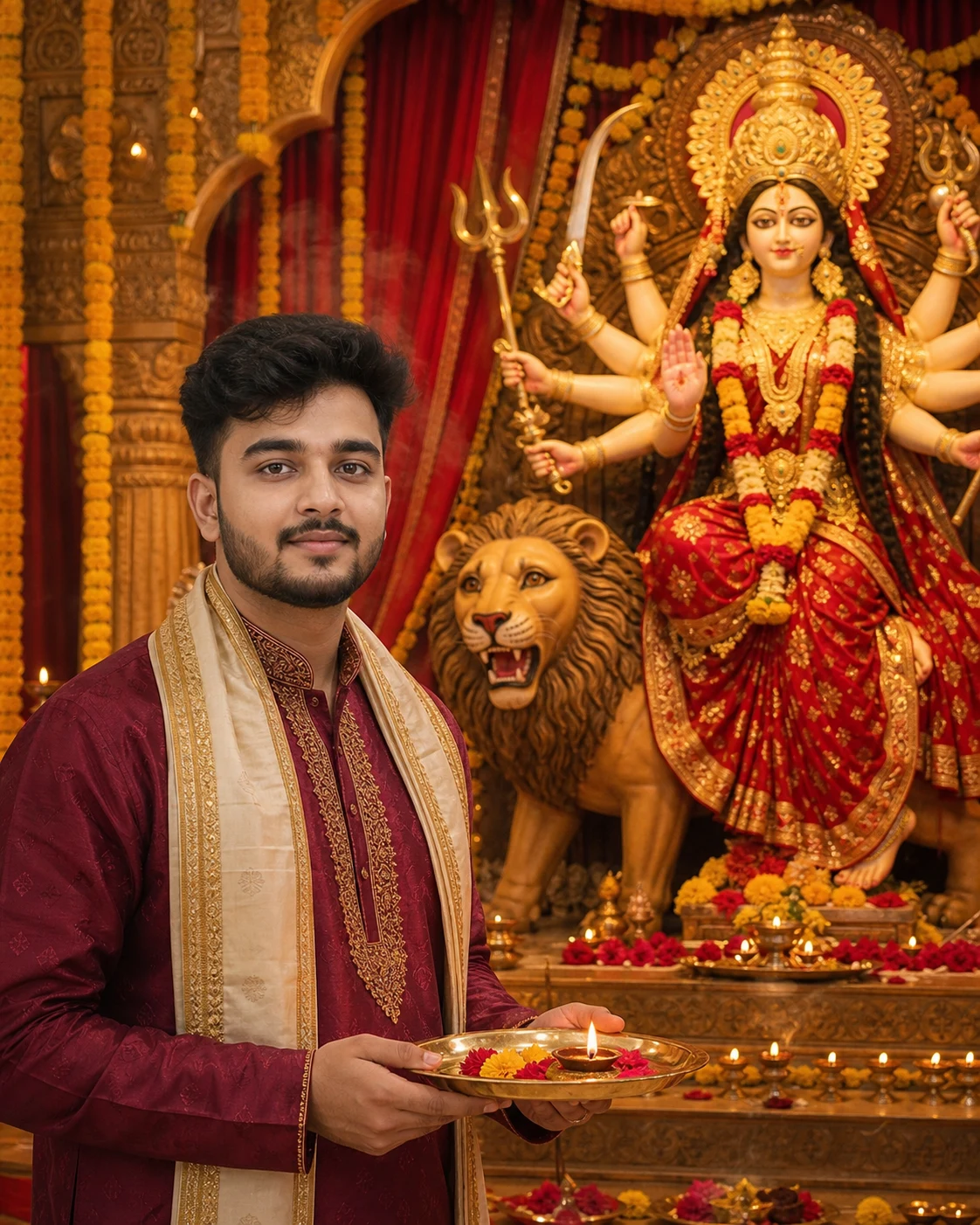
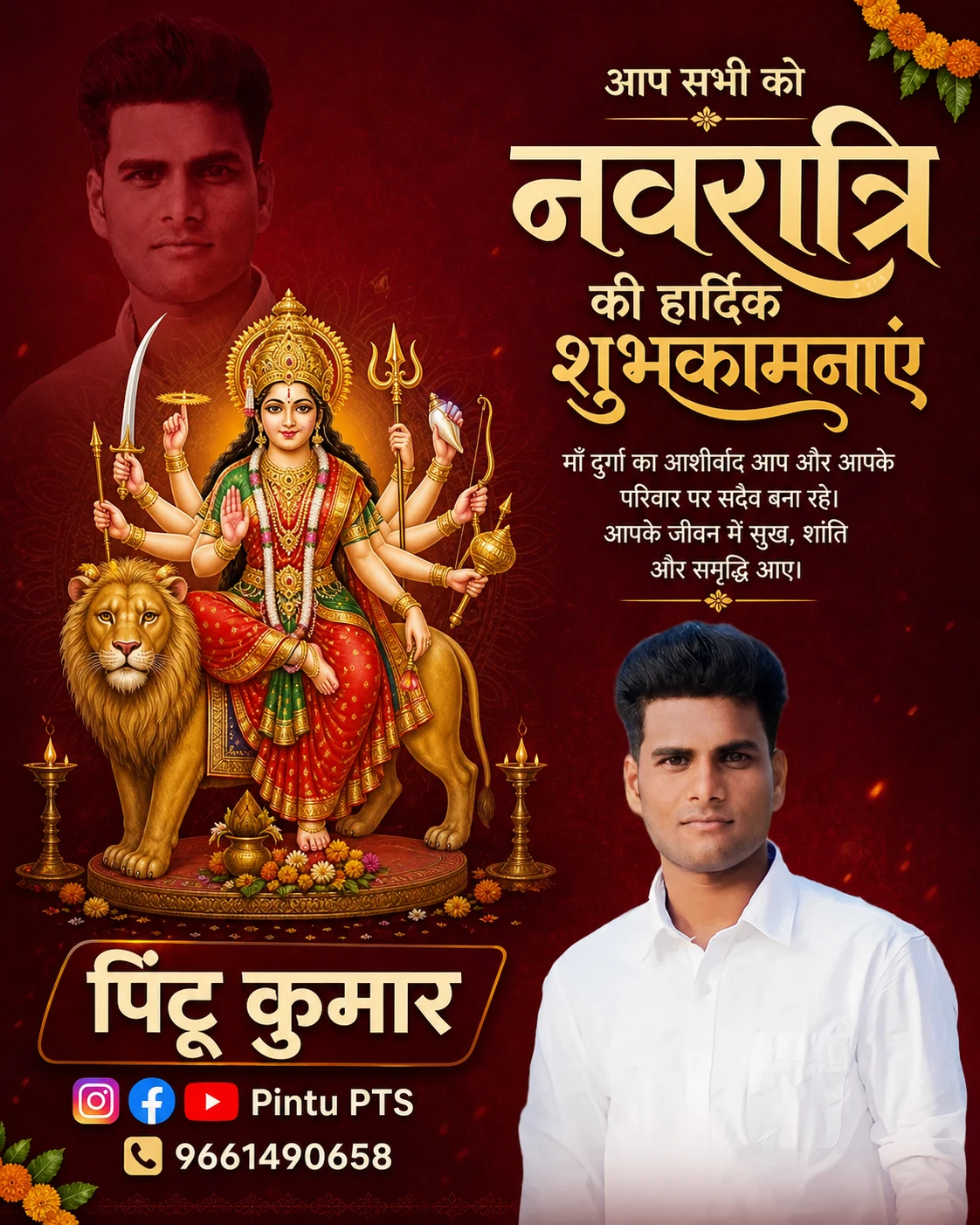
Maa Durga Flower Offering AI Photo Editing Prompt
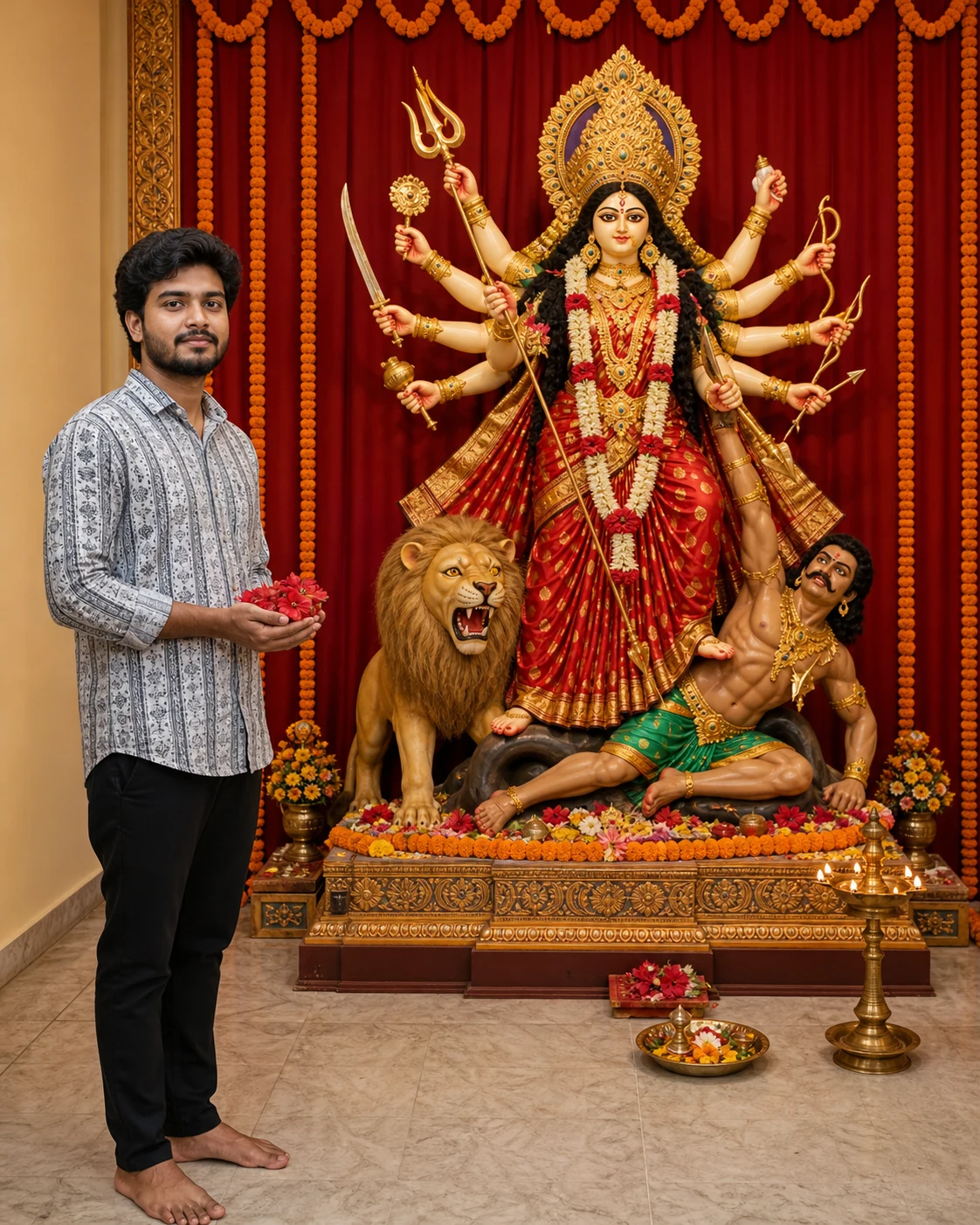
अपनी फोटो से माँ दुर्गा को फूल अर्पित करते हुए भक्तिमय portrait बनाएँ।
Use my uploaded photo as the identity reference to create a realistic devotional photograph of me offering flowers before Maa Durga.
MOST IMPORTANT — COMPLETE IDOL VISIBILITY:
Show the ENTIRE Maa Durga idol clearly within the frame: the complete crown, all arms and hands, every sacred attribute and weapon tip, her clothing, feet, the lion, and the full pedestal.
Nothing belonging to the idol may extend beyond the image edges. Leave visible empty space above the crown, beside the outermost arms and weapon tips, and below the pedestal. Keep approximately 8–10% safe margins around the complete idol arrangement.
If anything does not fit, move the camera farther back and reduce the subjects’ scale. Never crop the idol to make my portrait larger.
COMPOSITION:
Use a spacious, eye-level environmental photograph, not a close-up or selfie.
Place me on the left side, occupying approximately one-third of the image width. Place the complete Maa Durga idol arrangement in the center-right, with enough room for its widest details.
Position me beside the shrine, not directly in front of it. Keep my head, body, hands, and flowers from overlapping the idol, its arms, the lion, or the pedestal. Maintain a clear visual gap between my silhouette and the shrine.
Show my full standing figure with natural proportions. Keep my face recognizable without enlarging me at the expense of the idol.
MY IDENTITY:
Preserve my recognizable facial identity as closely as possible to the uploaded photo. Keep my original facial proportions, skin tone, hairstyle, facial hair if present, apparent age, and natural skin texture. Do not beautify, reshape, slim, or replace my face.
Keep my head angle close to the reference, with my face visible to the camera. Preserve the same outfit and its visible colors and patterns.
POSE:
Show me standing respectfully, holding a small offering of red hibiscus flowers in both cupped hands at waist level. Turn my body slightly toward Maa Durga while keeping my face visible. Use natural hands and a calm expression.
MAA DURGA AND SHRINE:
Depict a traditional Maa Durga idol with a serene face, red-and-gold saree, golden crown, traditional jewellery, and coherently arranged multiple arms holding sacred attributes. Include her lion and complete pedestal.
Arrange the shrine compactly enough to fit comfortably in the composition without distorting its proportions. Use tasteful marigold garlands and red drapes behind it. Keep lamps and a small offering tray low and to the side, without hiding the idol’s feet or pedestal.
CLARITY AND LIGHTING:
Keep BOTH my face and the entire idol sharply defined using sufficient depth of field. Do not blur Maa Durga as background decoration.
Use balanced, soft illumination on the idol’s face, crown, arms, and lower details. Light my face naturally, preserving my skin tone. Add restrained warm diya light without excessive glow or smoke.
FORMAT:
Vertical 4:5 composition suitable for a 1080 × 1350 post. Fit the complete scene inside this frame with generous breathing room.
Avoid tight framing, cropped crowns, clipped arms or weapons, hidden feet, cropped lions, oversized foreground people, overlapping silhouettes, blurred idols, distorted anatomy, extra human limbs, text, logos, and watermarks.
MOST IMPORTANT — COMPLETE IDOL VISIBILITY:
Show the ENTIRE Maa Durga idol clearly within the frame: the complete crown, all arms and hands, every sacred attribute and weapon tip, her clothing, feet, the lion, and the full pedestal.
Nothing belonging to the idol may extend beyond the image edges. Leave visible empty space above the crown, beside the outermost arms and weapon tips, and below the pedestal. Keep approximately 8–10% safe margins around the complete idol arrangement.
If anything does not fit, move the camera farther back and reduce the subjects’ scale. Never crop the idol to make my portrait larger.
COMPOSITION:
Use a spacious, eye-level environmental photograph, not a close-up or selfie.
Place me on the left side, occupying approximately one-third of the image width. Place the complete Maa Durga idol arrangement in the center-right, with enough room for its widest details.
Position me beside the shrine, not directly in front of it. Keep my head, body, hands, and flowers from overlapping the idol, its arms, the lion, or the pedestal. Maintain a clear visual gap between my silhouette and the shrine.
Show my full standing figure with natural proportions. Keep my face recognizable without enlarging me at the expense of the idol.
MY IDENTITY:
Preserve my recognizable facial identity as closely as possible to the uploaded photo. Keep my original facial proportions, skin tone, hairstyle, facial hair if present, apparent age, and natural skin texture. Do not beautify, reshape, slim, or replace my face.
Keep my head angle close to the reference, with my face visible to the camera. Preserve the same outfit and its visible colors and patterns.
POSE:
Show me standing respectfully, holding a small offering of red hibiscus flowers in both cupped hands at waist level. Turn my body slightly toward Maa Durga while keeping my face visible. Use natural hands and a calm expression.
MAA DURGA AND SHRINE:
Depict a traditional Maa Durga idol with a serene face, red-and-gold saree, golden crown, traditional jewellery, and coherently arranged multiple arms holding sacred attributes. Include her lion and complete pedestal.
Arrange the shrine compactly enough to fit comfortably in the composition without distorting its proportions. Use tasteful marigold garlands and red drapes behind it. Keep lamps and a small offering tray low and to the side, without hiding the idol’s feet or pedestal.
CLARITY AND LIGHTING:
Keep BOTH my face and the entire idol sharply defined using sufficient depth of field. Do not blur Maa Durga as background decoration.
Use balanced, soft illumination on the idol’s face, crown, arms, and lower details. Light my face naturally, preserving my skin tone. Add restrained warm diya light without excessive glow or smoke.
FORMAT:
Vertical 4:5 composition suitable for a 1080 × 1350 post. Fit the complete scene inside this frame with generous breathing room.
Avoid tight framing, cropped crowns, clipped arms or weapons, hidden feet, cropped lions, oversized foreground people, overlapping silhouettes, blurred idols, distorted anatomy, extra human limbs, text, logos, and watermarks.
5
Please wait...
Preparing prompt action...
If Gemini doesn't auto-fill, just press Ctrl + V to paste the prompt.
How to Customize this Prompt?
Upar Edit Prompt button pe click karein aur niche di gayi details ko apne hisaab se badlein:
• सबसे पहले अपनी साफ, बिना filter वाली photo upload करें।
• यह prompt boys और girls दोनों अपनी photo के साथ इस्तेमाल कर सकते हैं।
• Original outfit बदलना हो तो “Keep the same outfit as in my uploaded photo” की जगह अपने पसंद के kurta-pajama, saree या salwar suit की details लिखें।
• “red hibiscus flowers” की जगह marigold flowers लिख सकते हैं।
• Instagram post के लिए 4:5 और story के लिए 9:16 रखें।
• Reference photo support करने वाले AI image tool में इस्तेमाल करें।
• Result में चेहरा, हाथ और माँ दुर्गा की प्रतिमा की details जाँचें।