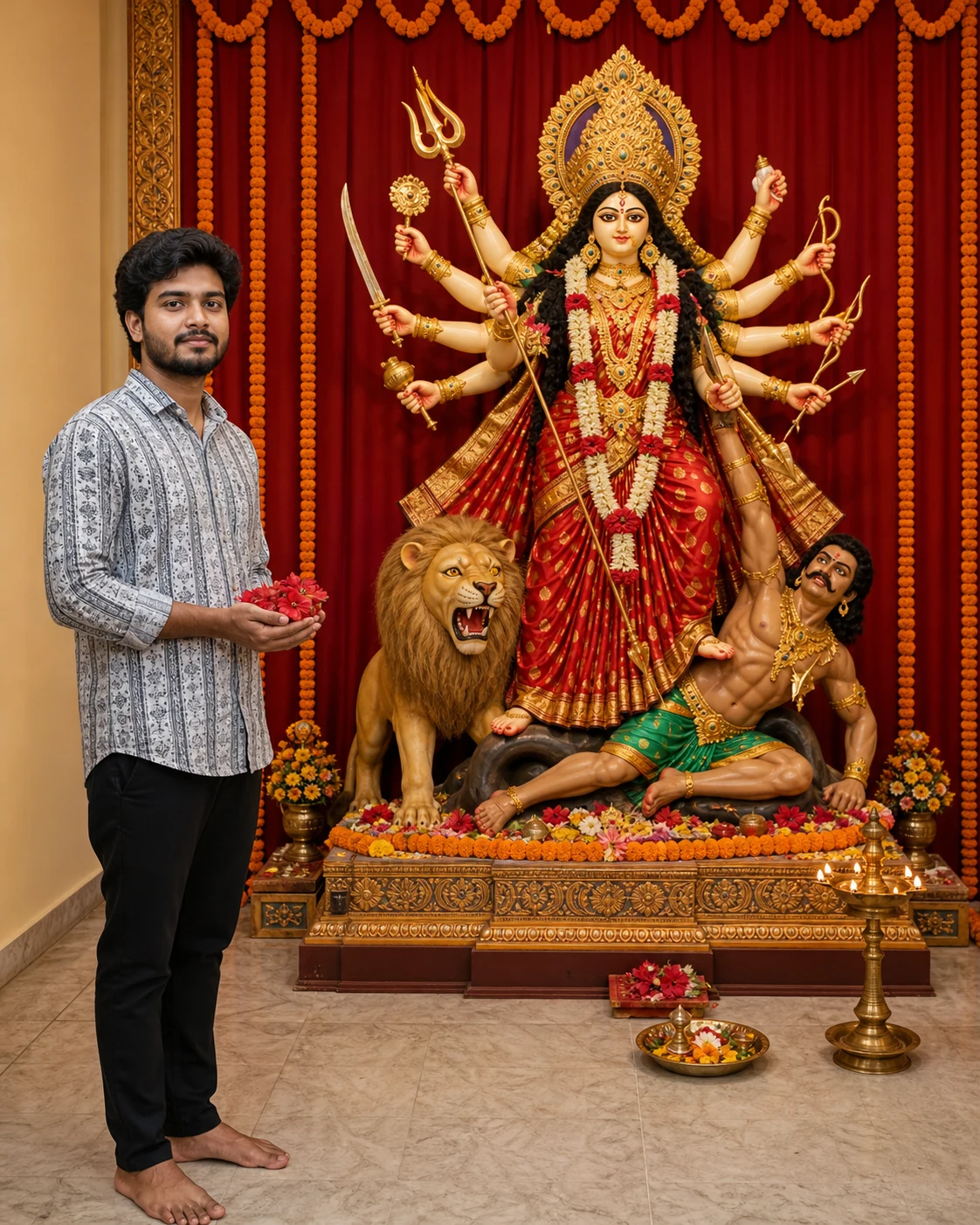
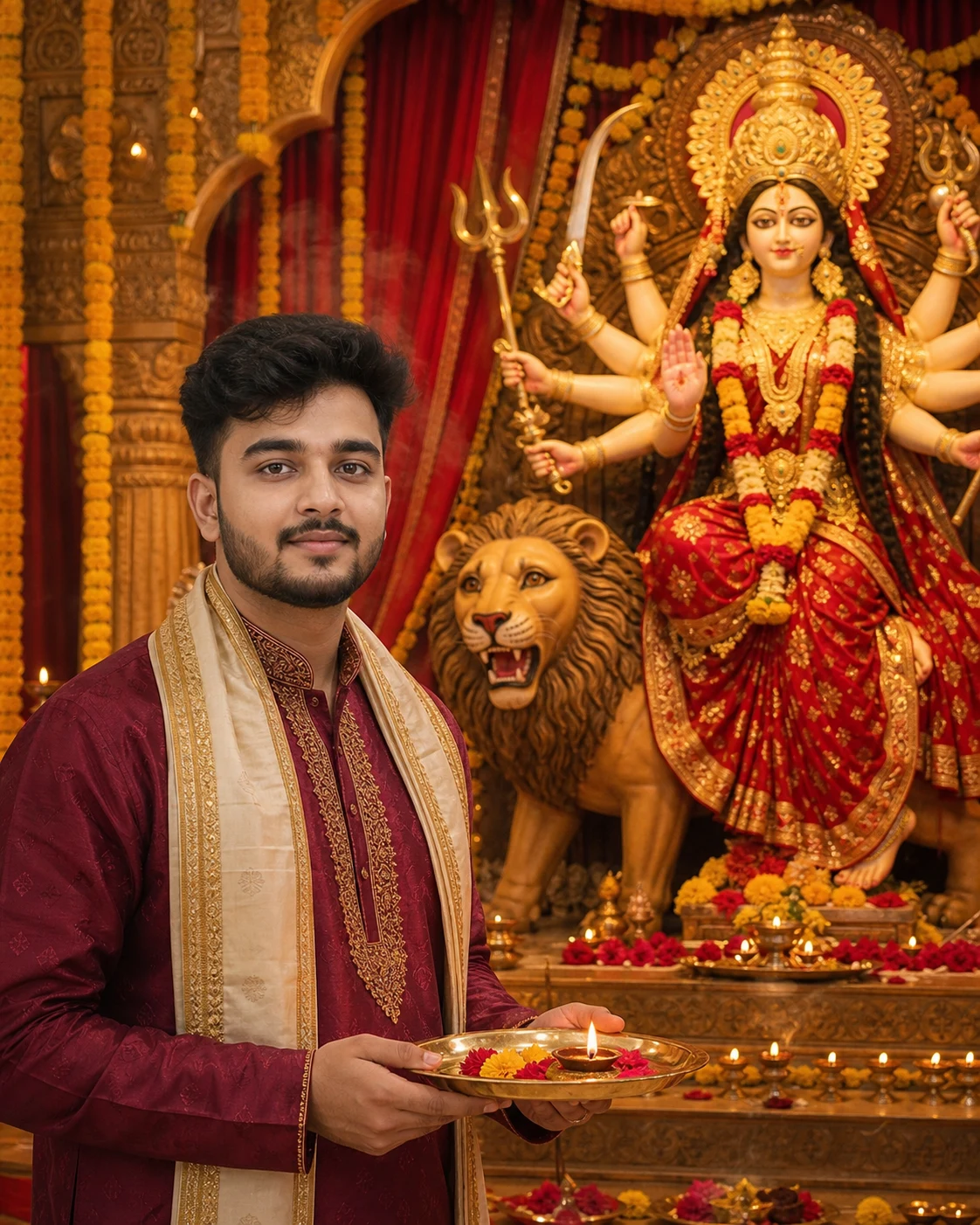
Navratri Hindi Poster AI Prompt with Photo, Name & Username
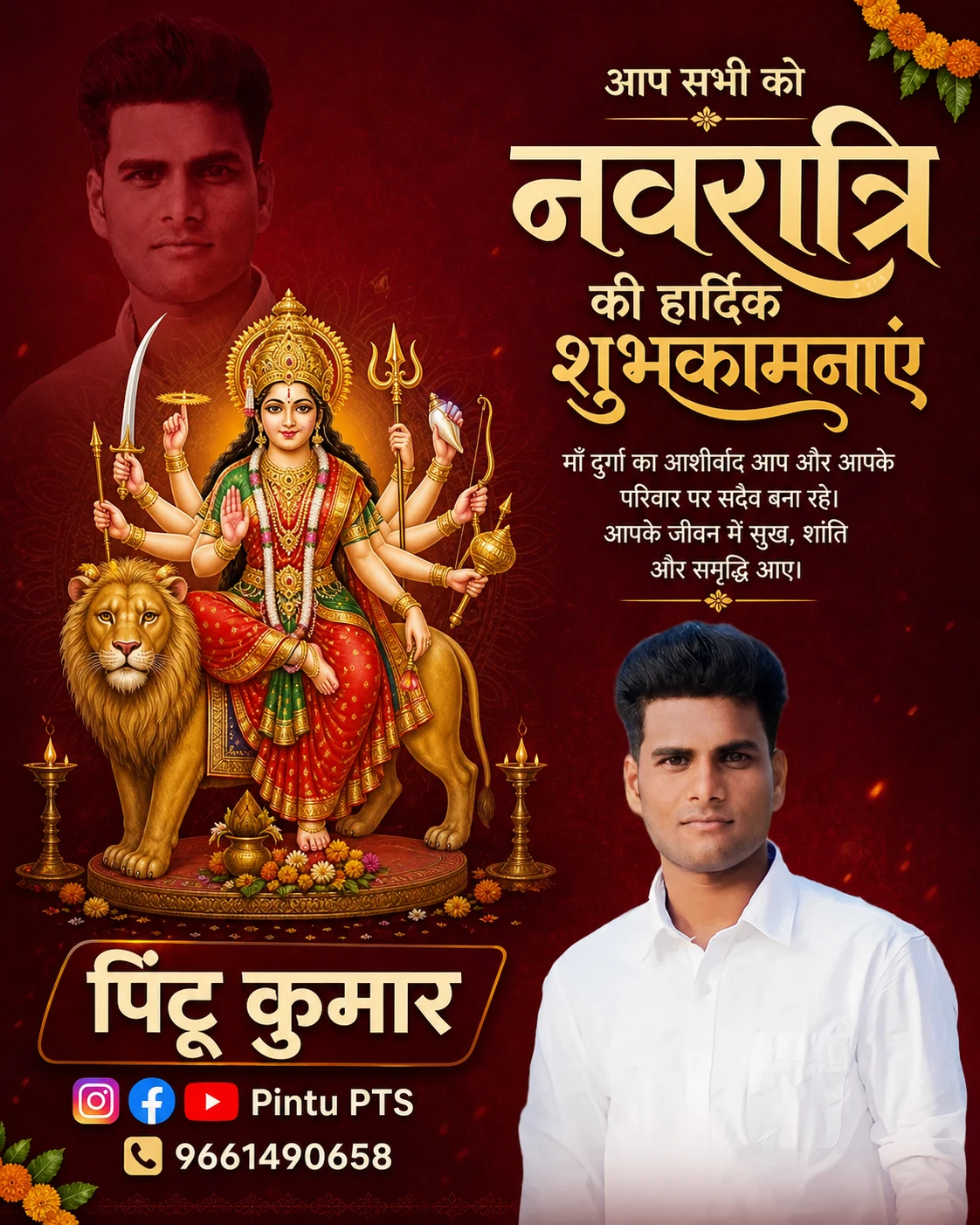
अपनी फोटो, नाम और social media username के साथ नवरात्रि की शुभकामनाओं वाला हिंदी पोस्टर बनाएँ
PERSONAL DETAILS:
Name: [YOUR NAME]
Social media username: [YOUR USERNAME]
Mobile number: [YOUR MOBILE NUMBER]
Social platforms: Instagram, Facebook, YouTube
FIXED CANVAS:
Create a 1080 × 1350 pixel portrait poster with an exact 4:5 aspect ratio. Width 1080, height 1350. Do not use a tall 9:16 or 2:3 canvas.
Rearrange and scale the elements to fit this canvas. Do not stretch the existing poster or crop it to force the new ratio. Keep all essential content within 45-pixel safe margins.
DESIGN STYLE:
Use a rich burgundy-red background, restrained saffron highlights, warm ivory typography, and subtle festive texture. Create the finish of a carefully edited Indian social greeting poster with clean masking, deliberate spacing, and a clear visual hierarchy.
Keep ornamentation limited to small marigold accents, fine decorative lines, and a few diyas. Avoid excessive gold bevels, glitter, large borders, or empty gaps.
LAYOUT:
Use the following balanced arrangement:
• Upper-left: the faded personal shadow portrait.
• Left-middle: the complete Maa Durga arrangement.
• Upper-right: the Hindi greeting and blessing quote.
• Lower-right: the main personal portrait.
• Lower-left: the name, social icons with username, and mobile number.
Do not add a separate oversized footer. Keep contact details grouped directly beneath the name.
SHADOW PORTRAIT — UPPER LEFT:
Create one large head-and-shoulders copy of the uploaded person in the upper-left corner, diagonally opposite the main lower-right portrait.
Use a burgundy monochrome treatment at approximately 15–18% opacity, with softly feathered shoulders. It must look like a faded photographic layer, not a black silhouette or a literal cast shadow.
Keep the shadow face entirely within the upper-left area, approximately the top 25% of the canvas. It must sit visibly ABOVE the main portrait, not beside it at the same height.
Keep the shadow face separate from Maa Durga’s crown and face. Maintain recognizable facial features without making it compete with the deity or greeting.
MAA DURGA — COMPLETE ARRANGEMENT:
Place Maa Durga and her lion in the left-middle area, beneath the faded portrait and above the name area.
Show the complete crown, every arm and hand, all sacred attributes and weapon tips, feet, lion, and pedestal. Scale the whole arrangement to fit comfortably without cutting anything off.
Depict Maa Durga respectfully with a serene face, red-and-gold attire, traditional jewellery, and clearly arranged arms. Keep all details sharp and naturally proportioned. Do not cover her with personal portraits, text, or decorations.
EXACT HINDI GREETING:
In the upper-right, write these exact lines:
“आप सभी को”
“नवरात्रि”
“की हार्दिक”
“शुभकामनाएं”
Use “आप सभी को” as a smaller introductory line.
Make “नवरात्रि” the largest and most distinctive headline.
Keep the remaining greeting bold, readable, and visually connected.
Use elegant Devanagari lettering with warm ivory and a restrained saffron accent. Preserve every letter and matra. Keep the complete greeting visible without touching the canvas edges.
BLESSING QUOTE:
Below the greeting, write exactly:
“माँ दुर्गा का आशीर्वाद आप और आपके परिवार पर सदैव बना रहे।
आपके जीवन में सुख, शांति और समृद्धि आए।”
Set the quote in three or four short, balanced lines, with sufficient contrast and mobile-readable lettering. Reserve a clean background behind the text.
MAIN PERSONAL PORTRAIT — LOWER RIGHT:
Place a sharp waist-up cutout in the lower-right area, occupying approximately the lower 40% of the canvas height.
Preserve the uploaded person's recognizable face, head angle, expression, skin tone, hairstyle, apparent age, and original outfit as closely as possible. Retain natural skin texture without reshaping or whitening the face.
Use accurate hair masking, subtle light matching, and a gentle fade at the bottom of the torso. Keep this portrait below the quote. Do not allow it to cover Maa Durga, the name, or contact details.
NAME DESIGN — LOWER LEFT:
Write “[YOUR NAME]” prominently in bold, professionally styled lettering appropriate to the supplied script. Use warm ivory with a subtle burgundy shadow for separation.
Place the name on a restrained, slightly angled dark-maroon nameplate with one narrow saffron edge. Keep the name readable, with natural letter spacing. Avoid stretched letters or heavy 3D effects.
If the supplied name is “पिन्टू कुमार”, reproduce that exact spelling. Do not change it to another spelling.
SOCIAL ICONS DIRECTLY BELOW THE NAME:
Immediately beneath the name, place a compact row of recognizable Instagram, Facebook, and YouTube icons followed by “[YOUR USERNAME]”.
Align the icons and username neatly within the lower-left name area. Keep the icons equal in visual size. Do not move this row into a full-width footer.
On the next line, place a small phone icon followed by “[YOUR MOBILE NUMBER]”. Copy all digits exactly.
Use clean, readable typography with comfortable spacing. Do not invent a designation, extra account, phone number, or additional text.
FINAL COMPOSITION CHECK:
Exactly two personal portrait placements: a faint upper-left portrait and a sharp lower-right portrait.
Complete Maa Durga arrangement with no cropped details.
Exact greeting beginning with “आप सभी को”.
Complete blessing quote.
Styled name with social icons and username directly beneath it, followed by the mobile number.
All content fitted within the 4:5 canvas.
Avoid a tall banner layout, oversized footer, overlapping faces, cropped deity details, broken Hindi matras, incorrect digits, extra portraits, plastic skin, random text, and watermarks.
If Gemini doesn't auto-fill, just press Ctrl + V to paste the prompt.
How to Customize this Prompt?
• सबसे पहले अपनी साफ, बिना filter वाली photo upload करें।
• Prompt में हर “[YOUR NAME]” की जगह अपना नाम लिखें, जैसे “पिन्टू कुमार”।
• हर “[YOUR USERNAME]” की जगह अपना social media username लिखें, जैसे “पिन्टू pts” या अपना सही @handle।
• Maroon background की जगह अपनी पसंद का dark blue या saffron theme रख सकते हैं।
• “नवरात्रि की हार्दिक शुभकामनाएं” की spelling और मात्राएँ result में जरूर जाँचें।
• माँ दुर्गा का मुकुट, सभी हाथ, शस्त्र, सिंह और आधार पूरा दिखना चाहिए।
• Reference photo support करने वाले AI image tool में इस्तेमाल करें। Face बिल्कुल समान रहने की guarantee नहीं होती।
• Hindi text गलत आए तो image editor में सही text लगाएँ।