Maa Kali Shadow AI Photo Editing Prompt for Girls
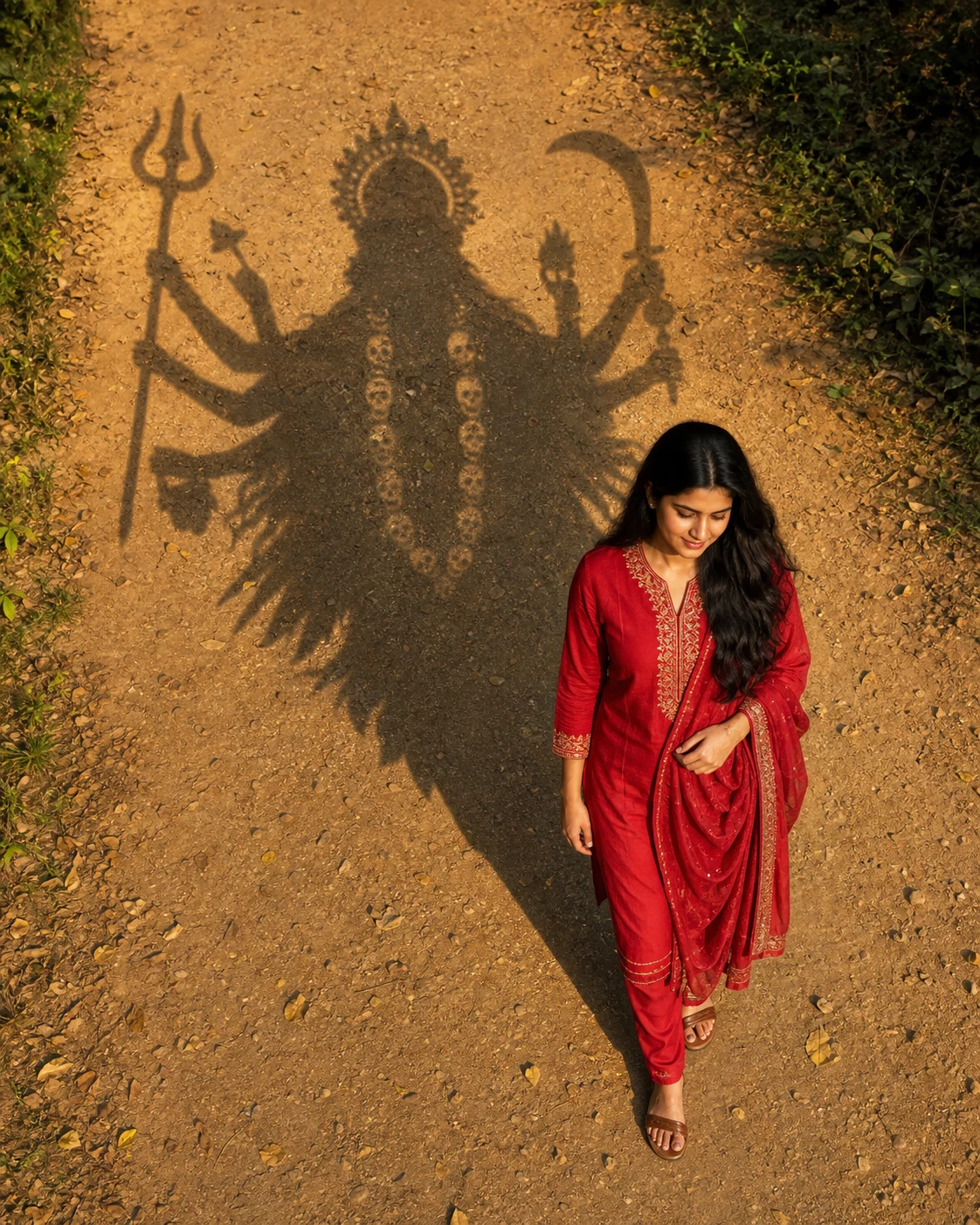
CONCEPT:
Show me walking along a sunlit earthy path, with a large symbolic shadow inspired by Maa Kali extending behind me across the ground. Combine realistic photography with one intentional artistic element: the divine shadow.
If an example image is uploaded, use it only for the overhead composition, red outfit, warm light, and shadow concept. Do not copy the example person's face, text, badges, watermark, or phone interface.
MY IDENTITY:
Preserve my recognizable facial identity as closely as possible: face shape, eyes, eyebrows, nose, lips, jawline, skin tone, hairline, hairstyle, and apparent age. Retain natural skin texture and my natural body proportions.
Do not replace, slim, beautify, or reshape my face. Tilt my head only slightly downward, keeping enough of my face visible to remain recognizable. Avoid a fully hidden face or extreme overhead facial distortion.
OUTFIT AND POSE:
Dress me in a rich red salwar suit with tasteful gold embroidery around the neckline and cuffs, matching trousers, and a softly draped red dupatta.
Show me taking a gentle, natural step forward. Let one hand lightly hold the dupatta near my waist while the other rests naturally by my side. Keep my shoulders relaxed and my expression peaceful.
Preserve my original hair texture and length. Use realistic fabric movement without exaggerated wind.
CAMERA AND LAYOUT:
Use an elevated, oblique camera angle looking down along the path, not a directly vertical bird's-eye view.
Place my complete figure in the lower-right portion of the frame. Let the large goddess-shaped shadow extend diagonally from near my feet toward the upper-left and upper-center area.
Keep my face large enough to recognize while leaving sufficient ground visible to show the entire shadow. Include my head, hands, clothing, and feet within the canvas.
DIVINE SHADOW:
Create one continuous charcoal-brown silhouette inspired by traditional Maa Kali imagery: an ornate crown, flowing hair, coherently arranged multiple arms, a trishul, a curved ceremonial sword, and a symbolic garland suggested through subtle negative-space details.
Keep the depiction respectful and non-graphic. Represent the goddess entirely as a shadow across the earth, with no separate physical deity standing behind me.
The shadow should appear connected to my position near the feet and stretch away naturally along the ground. Keep it clearly readable as a symbolic divine presence rather than multiple unrelated shadows.
Show its entire outline, including the crown, hair, every hand, all weapon tips, and the lower silhouette. Keep generous empty space around the outermost details. If needed, widen the composition rather than cutting off any part.
SHADOW MATERIAL:
Allow the texture of the earth and small stones to remain visible through the shadow. Use dark, slightly softened edges that follow the surface of the path. Avoid a solid black sticker, painted mural, glowing outline, or embossed figure.
Do not let the divine shadow cover my face or turn my own body into a multi-armed figure. Keep my human anatomy normal.
ENVIRONMENT:
Use a warm ochre dirt path with fine gravel, scattered dry leaves, and natural green foliage along the outer edges. Keep the central path open so the shadow remains legible.
Avoid dense leaf shadows across the goddess silhouette. Include no additional people or distracting buildings.
LIGHTING:
Use low, warm sunlight coming from the lower-right/front of the scene, consistent with the long shadow stretching toward the upper-left.
Keep my face softly illuminated and my natural skin tone accurate. Balance the golden ground with realistic greens and red fabric. Avoid excessive orange grading or artificial skin glow.
FINISH:
Realistic skin, fabric, hair, ground texture, and believable perspective, combined with a carefully composed symbolic shadow effect.
Vertical 4:5 composition, intended for a 1080 × 1350 Instagram post. Leave comfortable safe margins around both my complete figure and the full divine shadow.
Avoid altered identity, hidden face, extra human limbs, distorted hands, floating feet, disconnected shadows, clipped crowns, cropped weapon tips, gore, horror effects, plastic skin, text, trending badges, logos, watermarks, and screenshot elements.
If Gemini doesn't auto-fill, just press Ctrl + V to paste the prompt.
How to Customize this Prompt?
• अपनी साफ, बिना filter वाली photo upload करें। थोड़ा नीचे देखते हुए भी चेहरा स्पष्ट दिखने वाली photo इस pose के लिए उपयोगी रहेगी।
• Example image साथ में दें तो उसे style reference और अपनी photo को identity reference बताएं।
• “red salwar suit” की जगह maroon suit या अपनी पसंद के कपड़ों की details लिखें।
• Original कपड़े रखने हों तो outfit के निर्देश बदलकर “Keep the same outfit as in my uploaded photo” लिखें।
• चेहरा नीचे झुकने से बदल रहा हो तो लिखें: “Keep my original head angle and face clearly visible to the camera.”
• देवी की पूरी परछाईं दिखाने के लिए elevated camera angle, खुला रास्ता और safe margins वाले निर्देश बनाए रखें।
• Image tool में 4:5 चुनें। Exact size का option मिले तो 1080 × 1350 pixels रखें।
• Result में चेहरा, हाथ, पैरों से shadow का जुड़ाव और पूरा मुकुट व शस्त्र जाँचें।
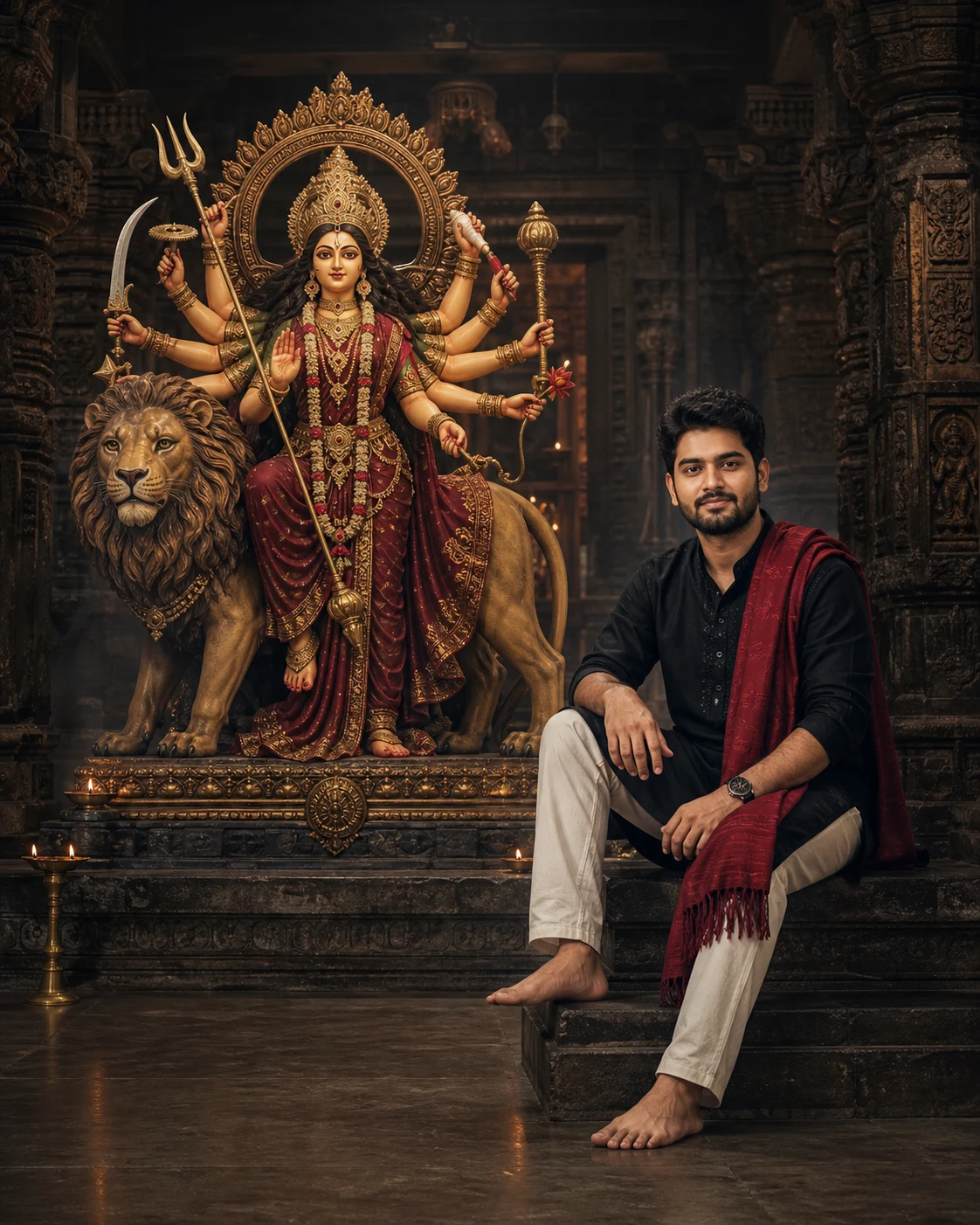
Black Kurta Maa Durga AI Photo Editing Prompt for Boys
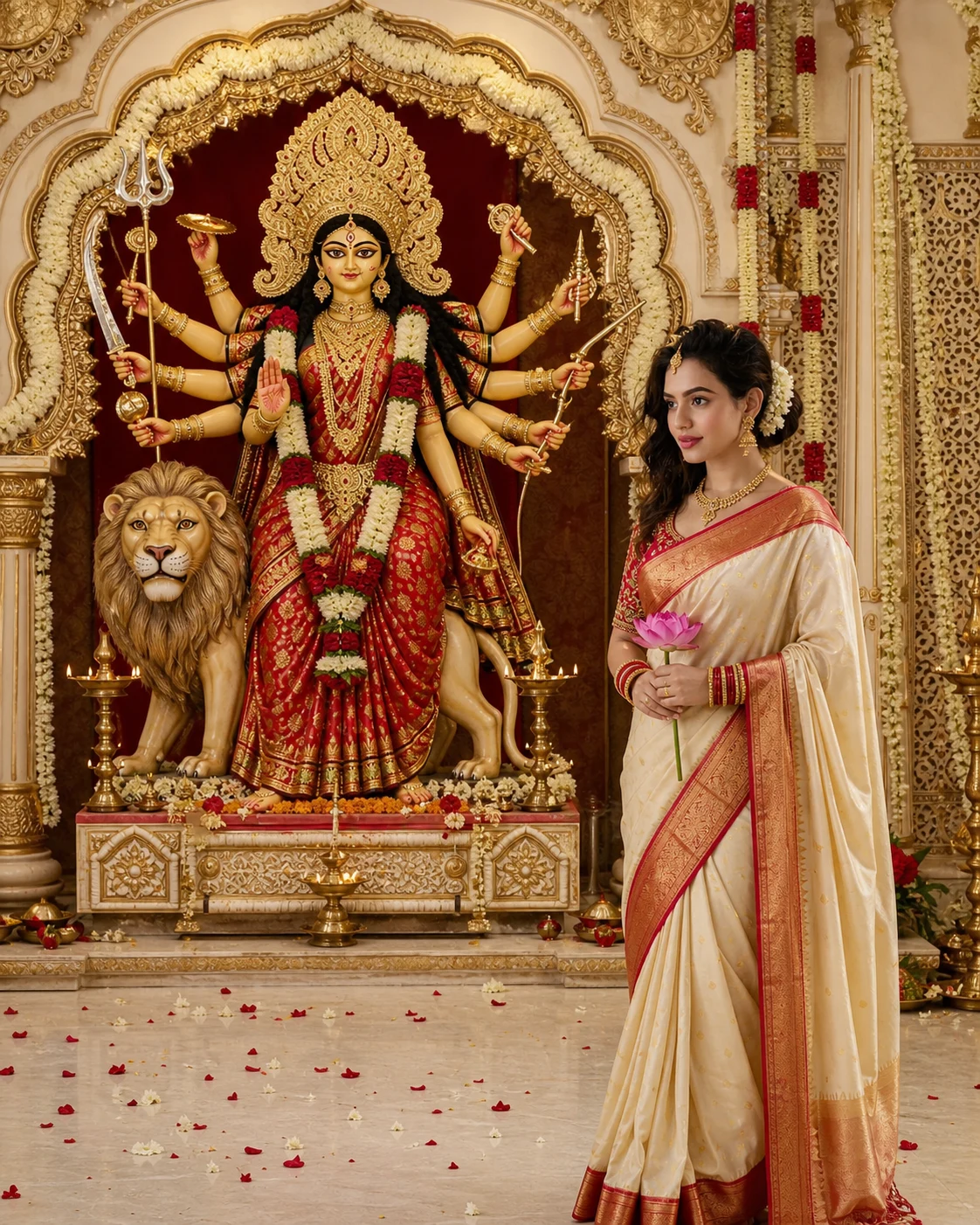
Navratri Lotus Portrait AI Prompt in Red and White Saree
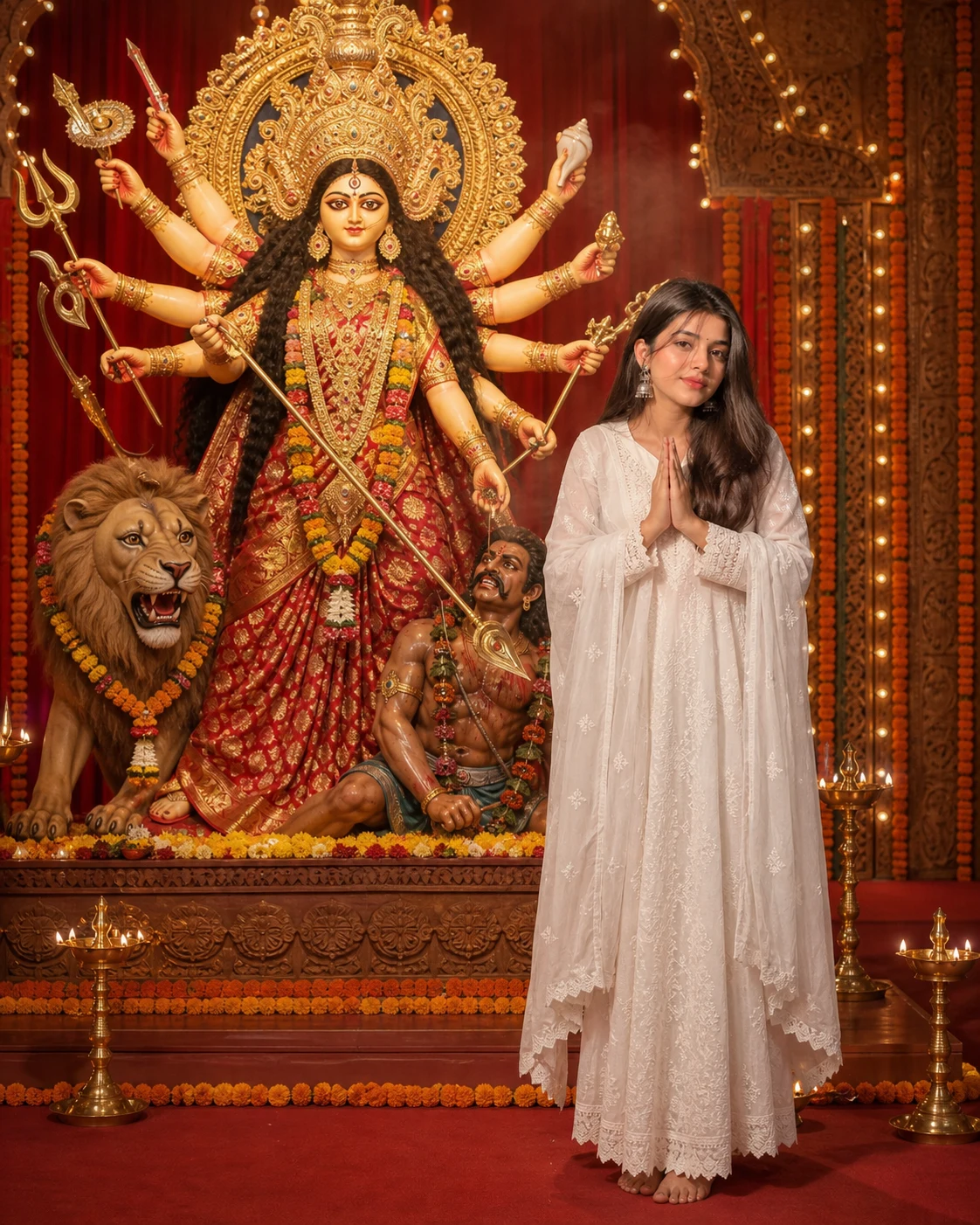
Maa Durga Pandal AI Photo Prompt with Your Own Photo
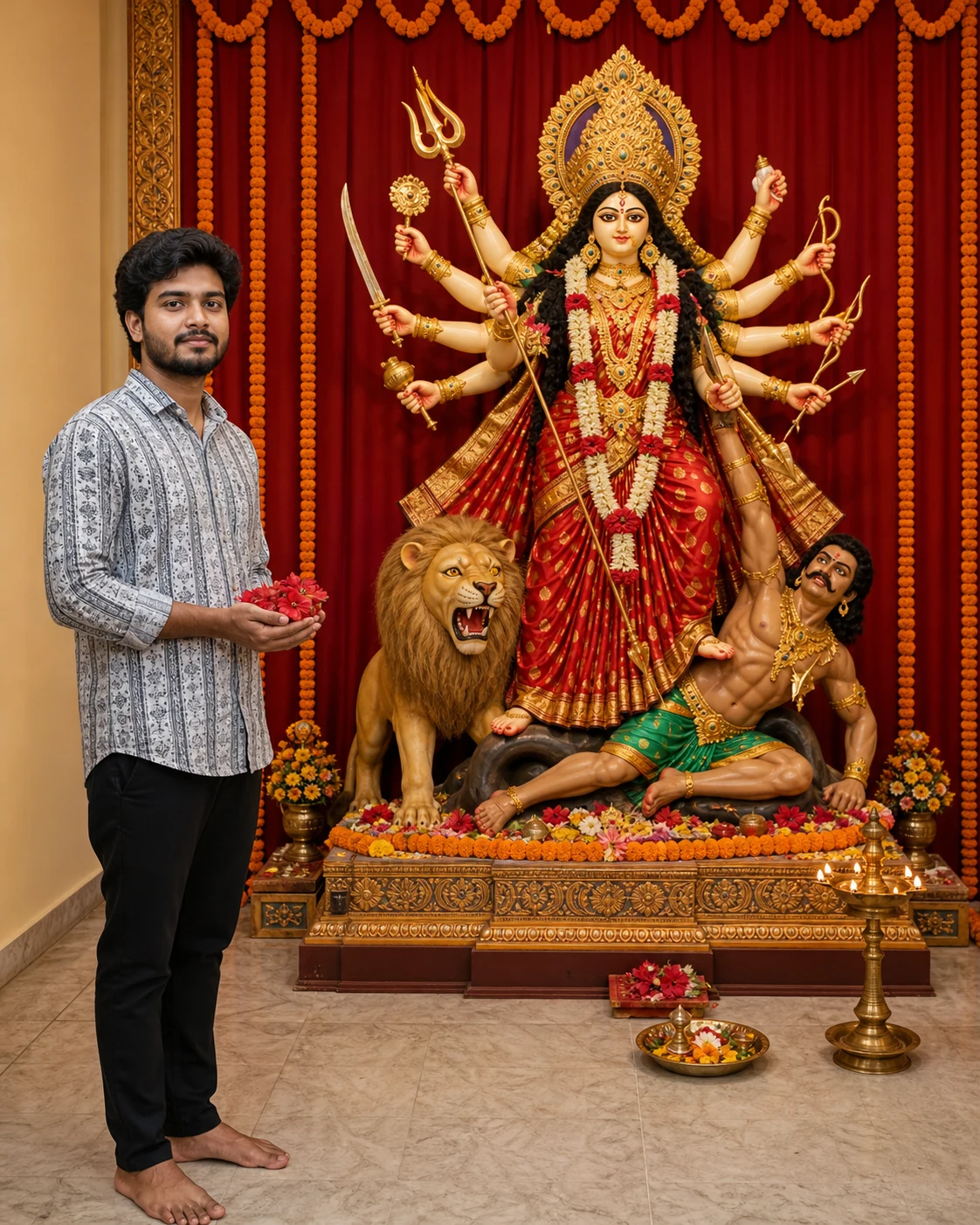
Maa Durga Flower Offering AI Photo Editing Prompt
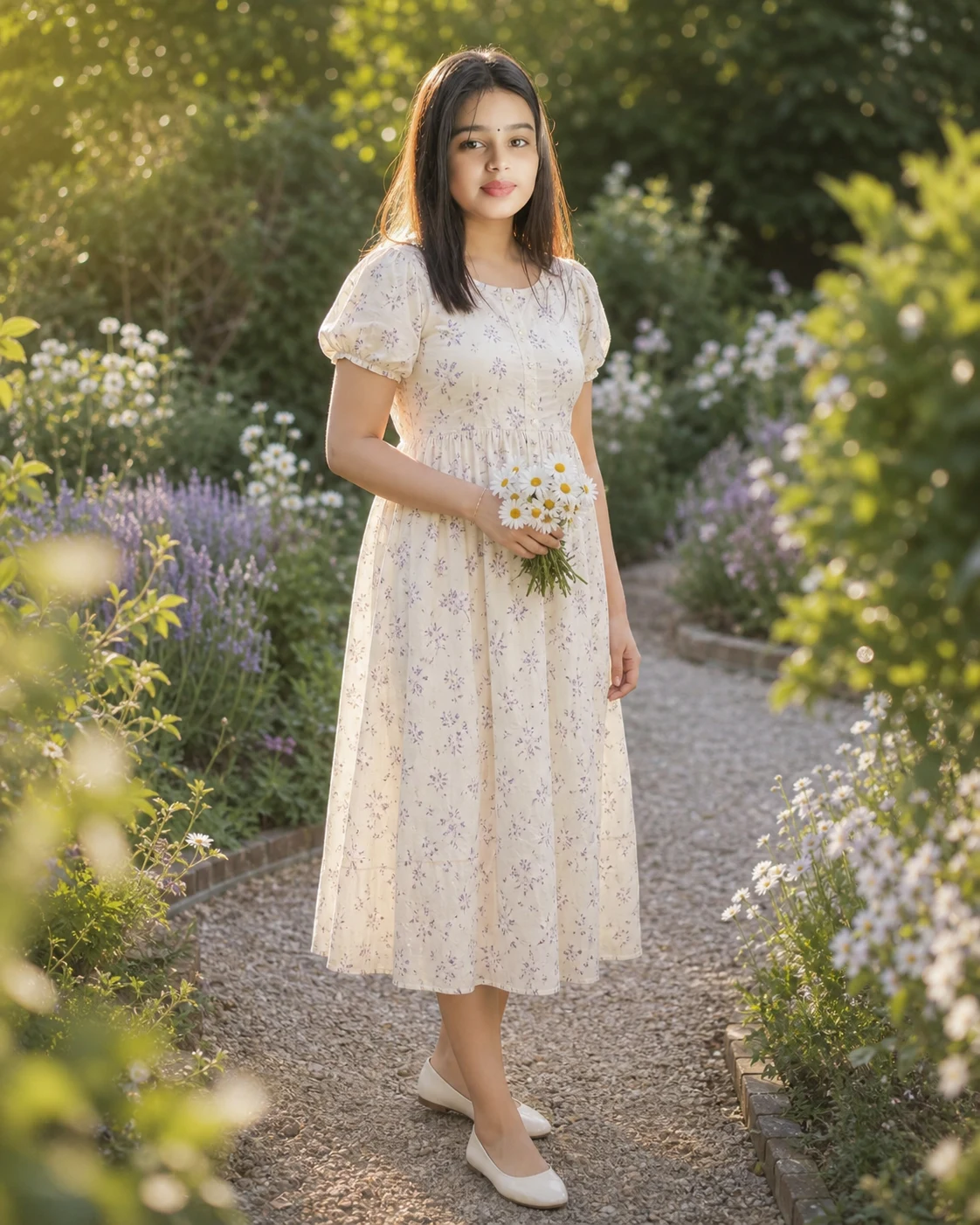
Floral Dress Garden Portrait AI Photo Prompt for Girls
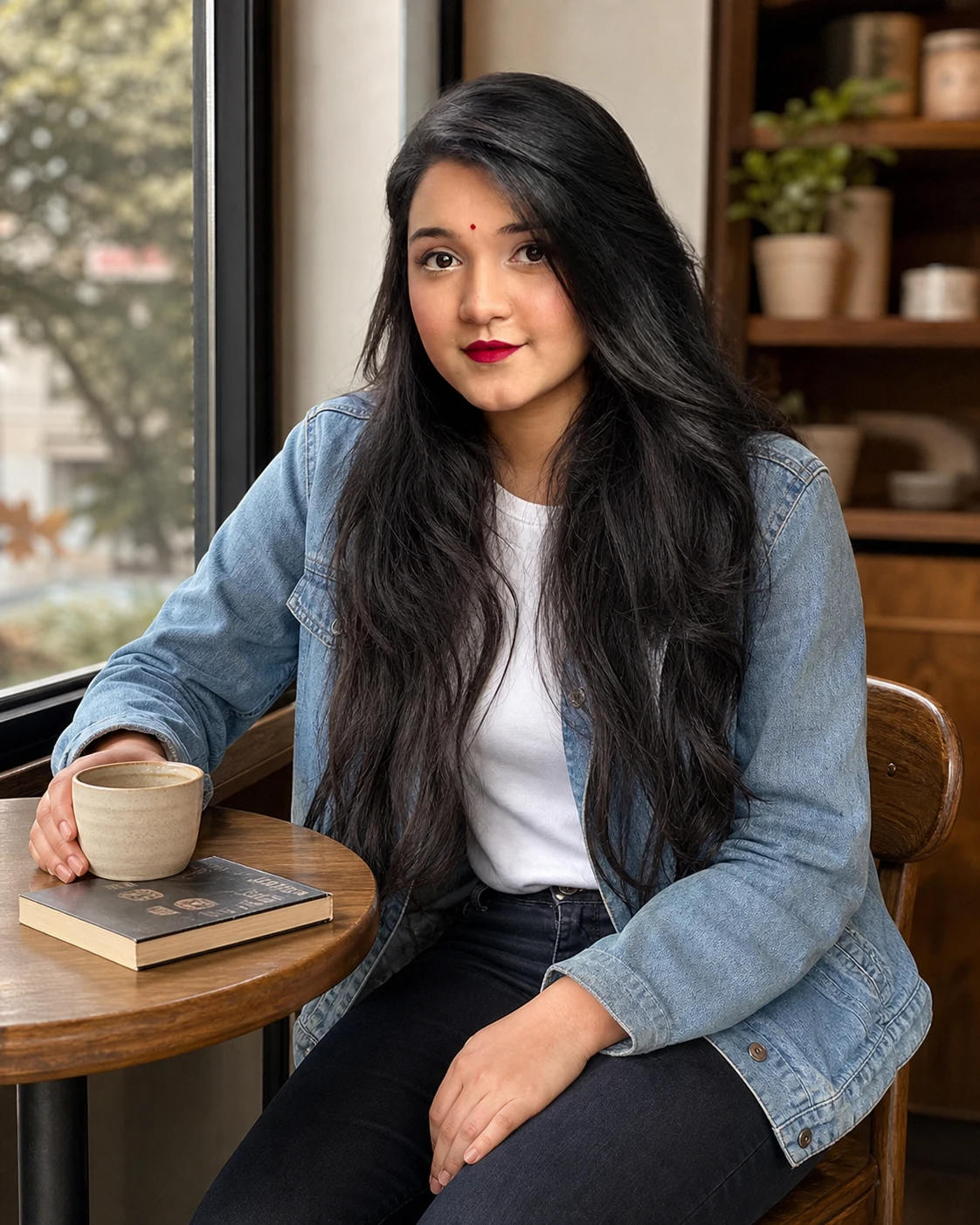
Casual cafe Portrait AI Photo Prompt for Girls
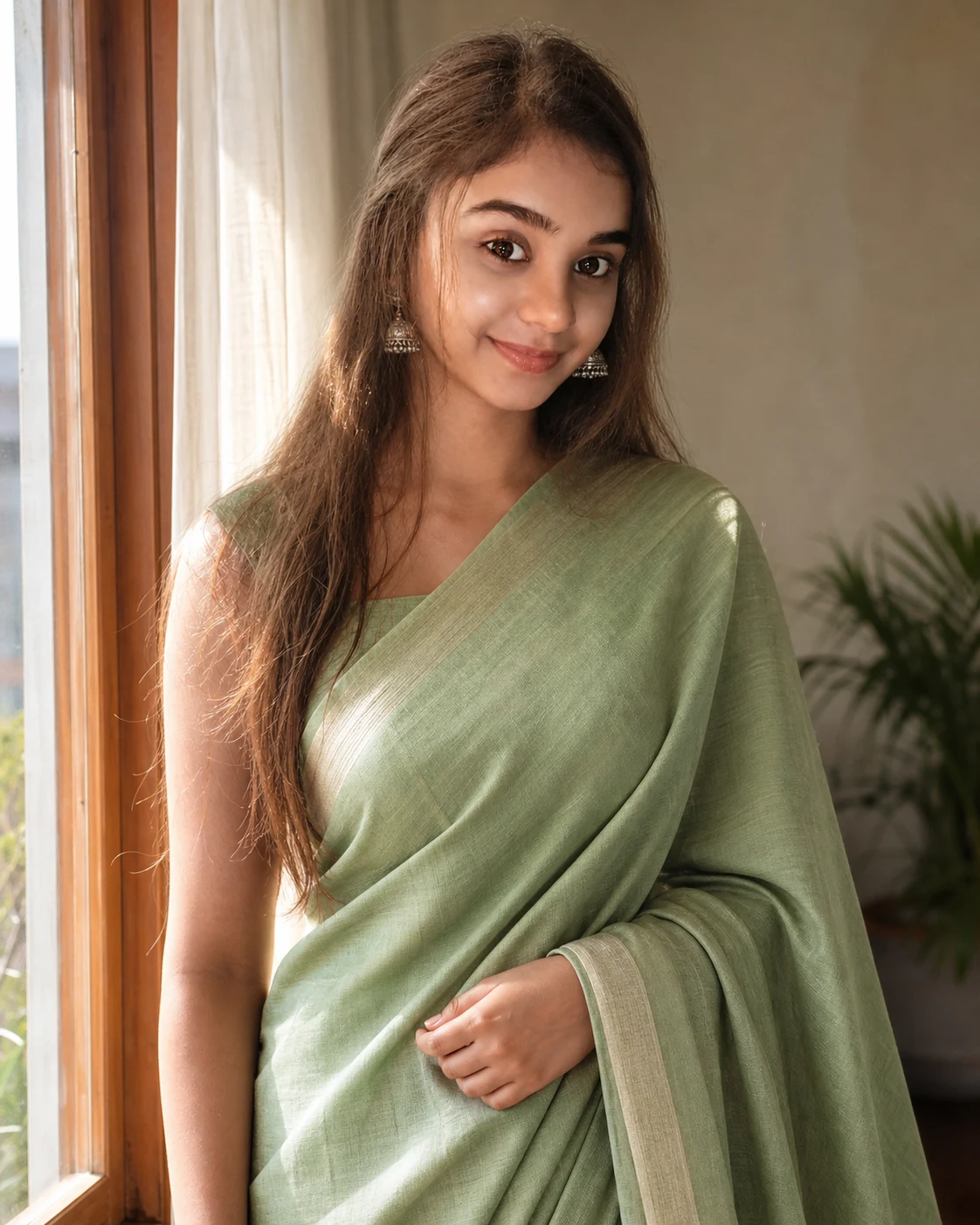
Soft Sunlight Saree Portrait AI Photo Prompt for Girls