Maa Durga Pandal AI Photo Prompt with Your Own Photo
FACE IDENTITY:
Preserve my recognizable facial identity as closely as possible to the uploaded photo. Keep my original face shape, eyes, eyebrows, nose, lips, jawline, skin tone, hairstyle, facial hair if present, and apparent age. Retain natural skin texture and facial asymmetry.
Keep my head angle and expression close to the reference. Do not reshape, slim, beautify, lighten, or replace my face.
MY APPEARANCE AND POSE:
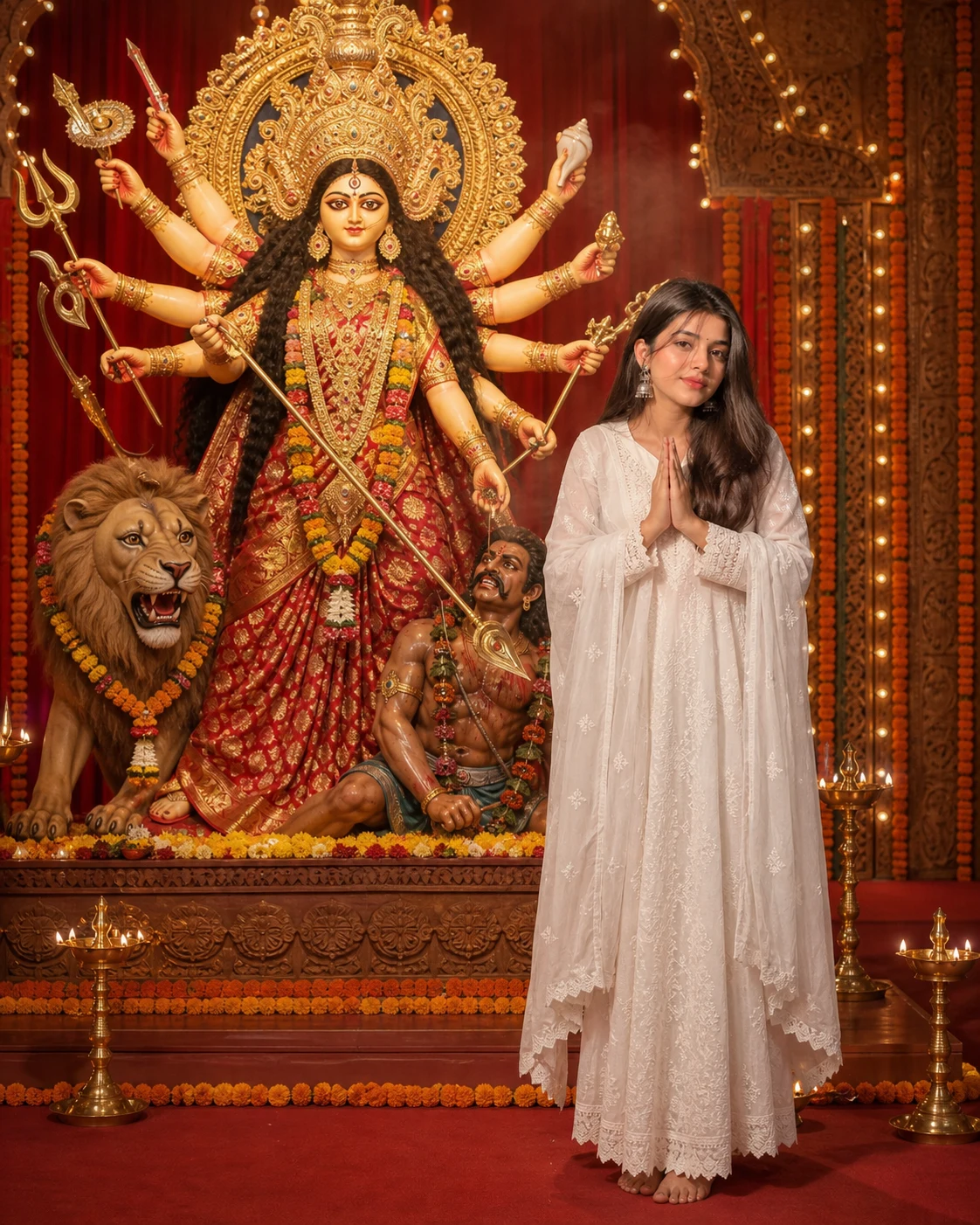
Show me as a human devotee visiting the pandal. Keep the same outfit as in my uploaded photo, preserving its visible colors, fabric, and accessories. Complete any unseen clothing naturally in a matching style.
Place me to the right of the shrine, standing with my hands joined in a respectful namaste at chest level. Keep my hands below my chin and my face unobstructed.
Turn my body slightly toward Maa Durga while keeping my face visible to the camera. Use relaxed shoulders, natural anatomy, and a peaceful expression. Show my complete standing figure.
Do not give me a crown, weapons, extra arms, or deity-like features.
MAA DURGA — COMPLETE AND CLEAR:
Place a traditional Maa Durga idol to my left. Depict her respectfully with a serene, beautifully painted face, a rich red-and-gold saree, golden crown, jewellery, floral garlands, and multiple arms coherently arranged with sacred attributes.
Include her complete lion figure and decorated pedestal. Preserve the appearance and material details of a crafted devotional idol.
Show the entire arrangement within the image: crown, all arms and hands, every weapon tip, clothing, feet, lion, and pedestal. Leave visible breathing room around its outermost details. Never crop the deity to enlarge my portrait.
COMPOSITION:
Use a spacious, eye-level environmental portrait. Place the shrine across approximately the left 60% of the composition and me within the right 30%, leaving room for separation and margins.
Stand me beside the shrine at a comparable distance from the camera, not much closer to the lens. Keep a clear visual gap between my silhouette and the idol's arms, lion, and pedestal.
Move the camera far enough back to fit both my complete figure and the complete shrine comfortably. Use natural perspective without wide-angle stretching.
PANDAL DECOR:
Create a believable festive setting with deep red drapes, marigold garlands, carved decorative panels, and warm strings of lights.
Place a few brass diyas near the outer sides of the pedestal without hiding its base. Add only a faint trace of incense haze behind the shrine. Keep the immediate area uncluttered, with no people blocking either subject.
LIGHTING AND DETAIL:
Use soft, neutral illumination on my face to preserve my natural skin tone. Add warm golden ambient light around the shrine, controlled jewellery highlights, and realistic shadows.
Keep both my face and the complete Maa Durga idol clearly focused. Use sufficient depth of field and blur only the distant decorations gently. Preserve detailed fabric, natural skin, and sculptural textures.
Create a carefully photographed festival portrait with balanced exposure and restrained cinematic color.
FORMAT:
Vertical 4:5 composition, intended for a 1080 × 1350 Instagram post. Keep approximately 8% breathing room around the outermost shrine details and comfortable space beneath my feet.
No text, greeting, name, border, logo, or watermark.
Avoid changed facial identity, plastic skin, distorted hands, extra human limbs, merged bodies, arms appearing to emerge from me, cropped crowns, clipped weapons, hidden lion, cut-off feet, blurred deity details, excessive glow, and floating decorations.
If Gemini doesn't auto-fill, just press Ctrl + V to paste the prompt.
How to Customize this Prompt?
• सबसे पहले अपनी साफ, बिना filter वाली photo upload करें। चेहरा स्पष्ट दिखना चाहिए; full-body photo हो तो कपड़ों का reference भी बेहतर मिलेगा।
• अपने कपड़े रखने के लिए outfit वाला हिस्सा जैसा है वैसा रहने दें। Traditional look चाहिए तो “Keep the same outfit as in my uploaded photo” की जगह अपनी पसंद लिखें, जैसे “Dress me in an ivory kurta-pajama with a maroon stole” या “Dress me in a red saree with a gold border”.
• Namaste pose की जगह फूल हाथ में रखना चाहें तो pose वाले निर्देश को “Hold a small bunch of red flowers naturally with both hands at waist level” से बदलें।
• Deep red drapes की जगह maroon या cream drapes लिखकर पंडाल के रंग बदल सकते हैं।
• Instagram post के लिए 4:5 रखें। Story के लिए 9:16 करने पर माँ दुर्गा की पूरी प्रतिमा दिखाने और camera पीछे रखने वाले निर्देश जरूर बनाए रखें।
• Prompt को reference photo support करने वाले AI image tool में paste करें। यदि size चुनने का option मिले तो 4:5 select करें।
• Result में अपना चेहरा, हाथ और माँ दुर्गा का पूरा मुकुट, शस्त्र, सिंह व आधार जाँचें। कहीं cropping हो तो camera और पीछे करके पूरी प्रतिमा frame में लाने को कहें।
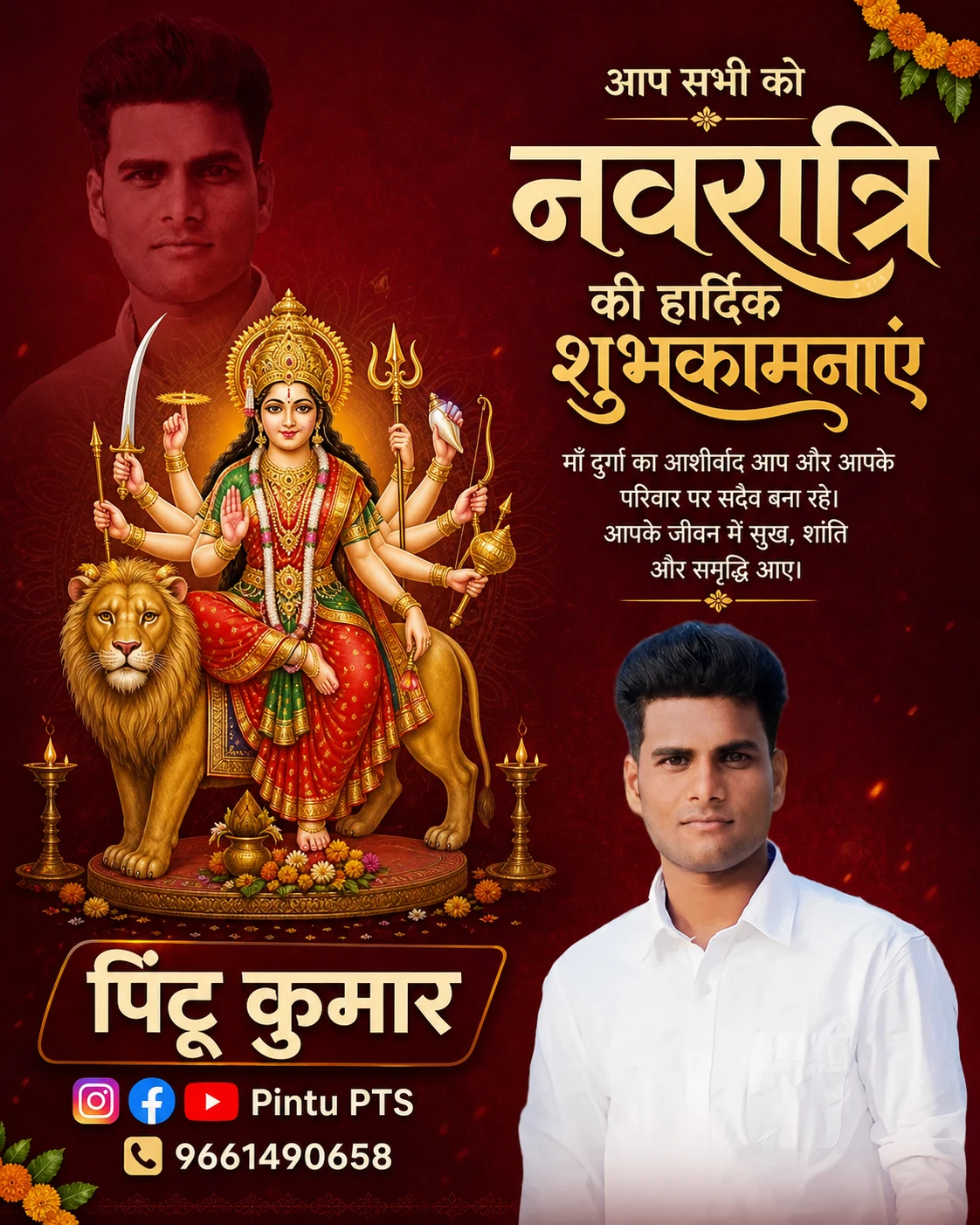
Navratri Hindi Poster AI Prompt with Photo, Name & Username
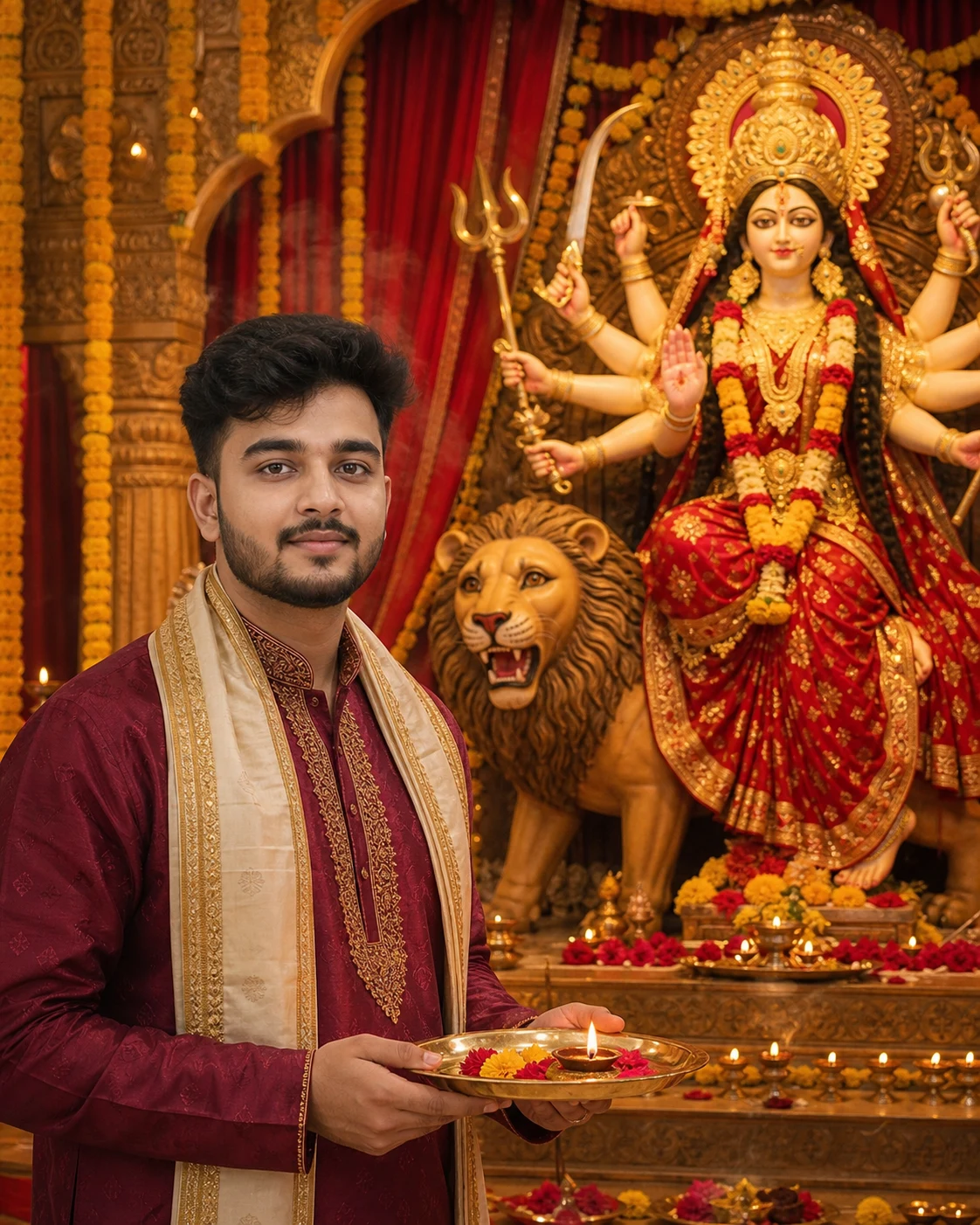
Navratri Aarti AI Photo Editing Prompt – माँ दुर्गा के साथ अपनी फोटो banaye
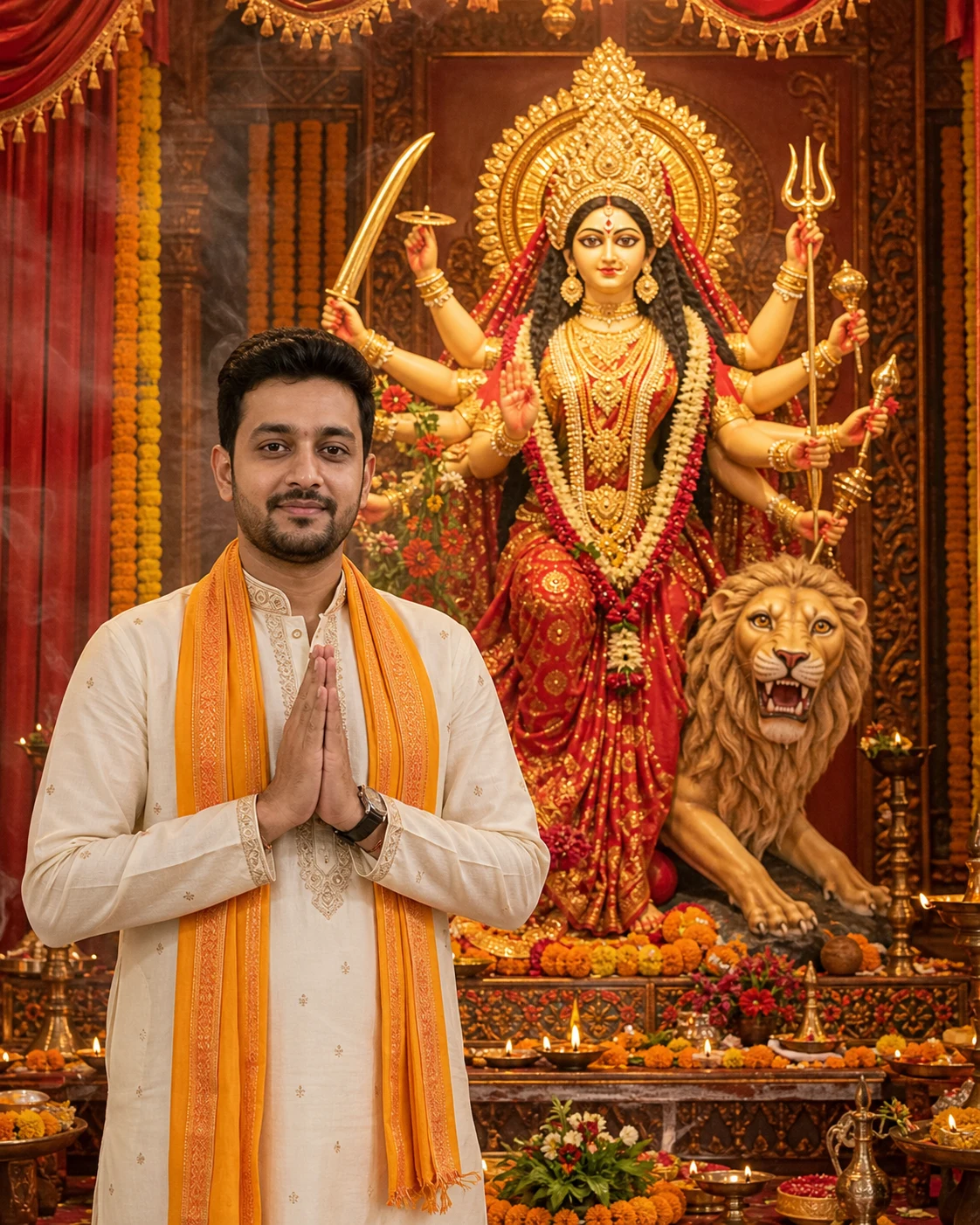
Maa Durga AI Photo Editing Prompt – नवरात्रि पर अपनी फोटो बनाएँ
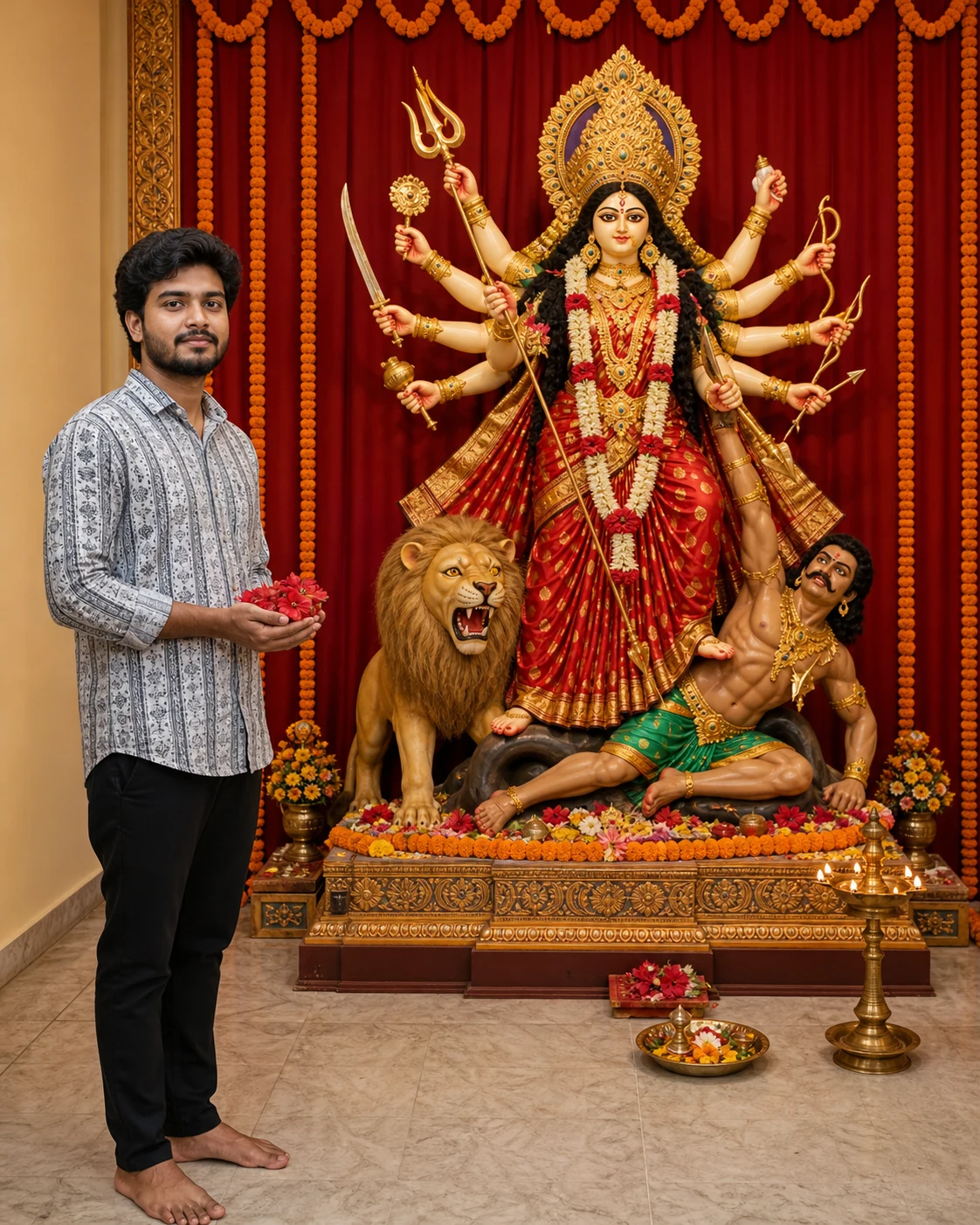
Maa Durga Flower Offering AI Photo Editing Prompt
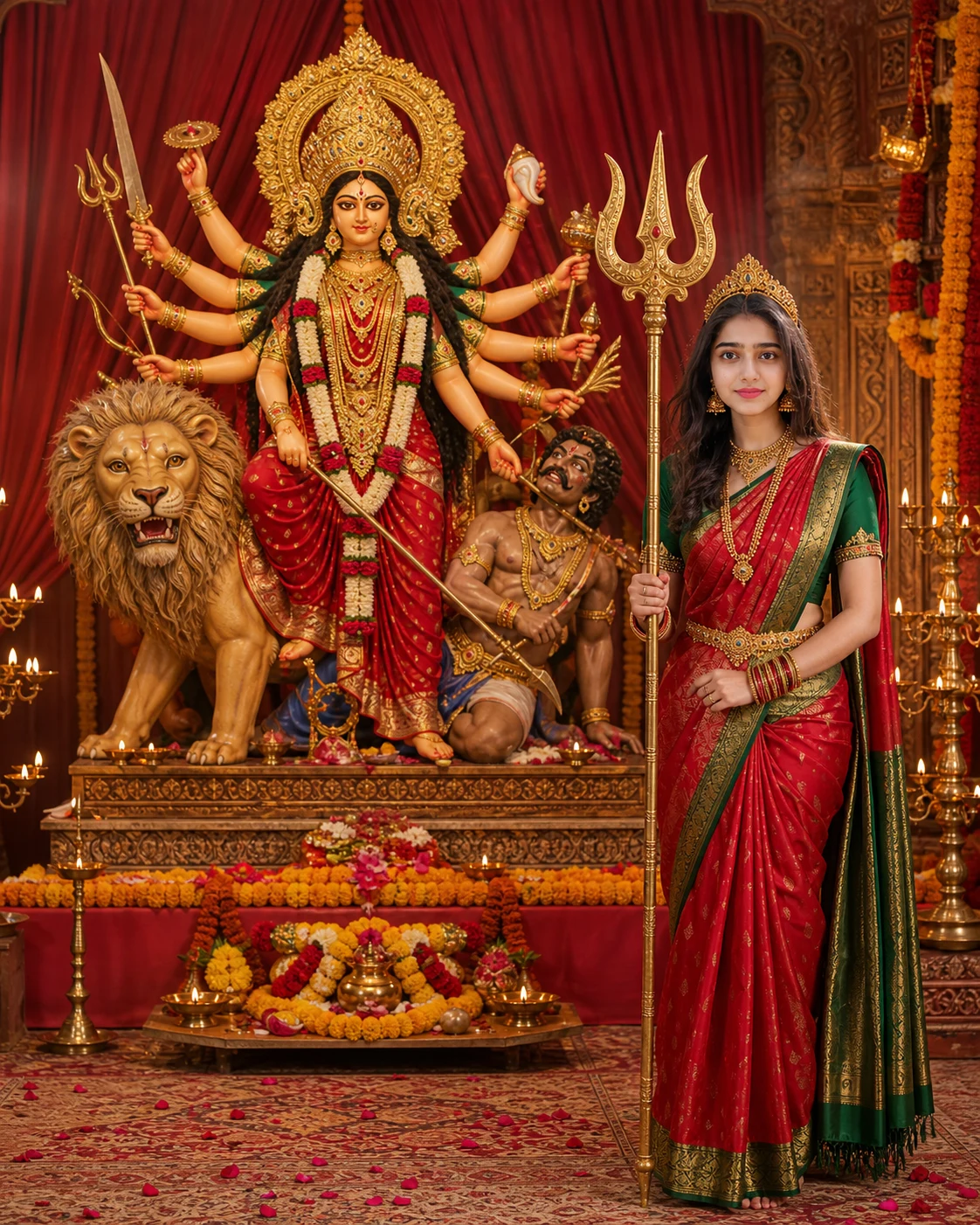
Navratri Durga Look AI Photo Prompt with Trishul
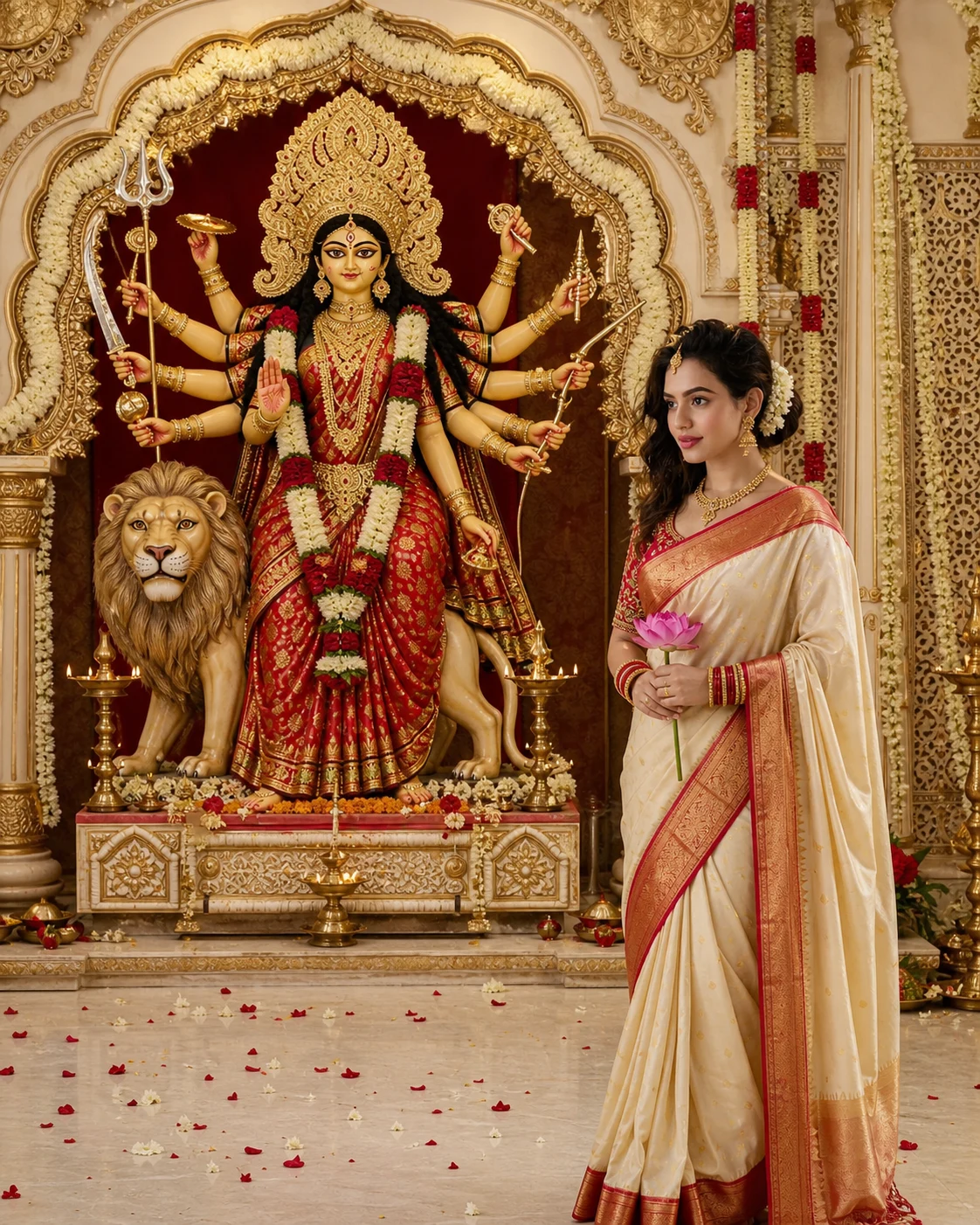
Navratri Lotus Portrait AI Prompt in Red and White Saree
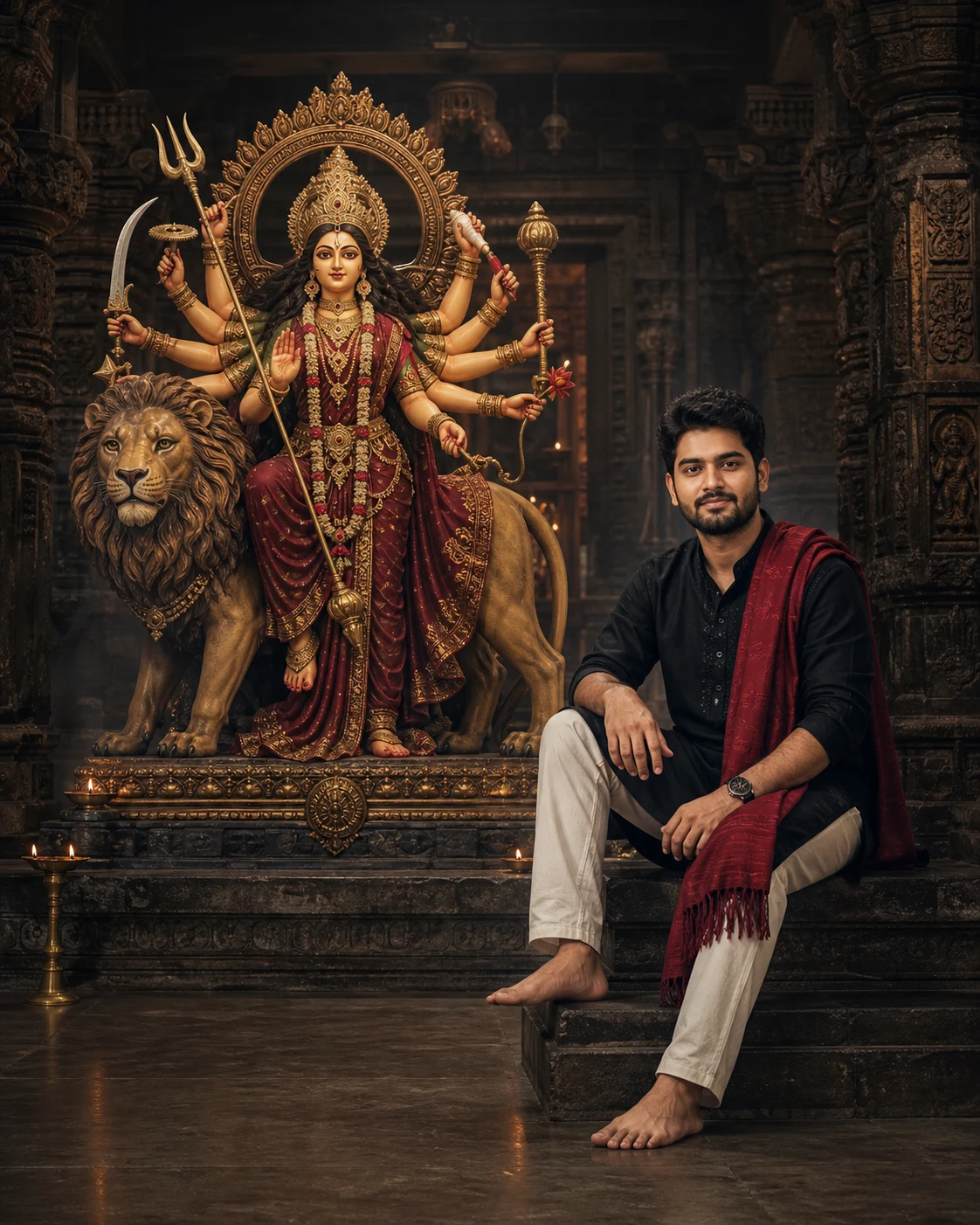
Black Kurta Maa Durga AI Photo Editing Prompt for Boys